Python for Young Coders
Introduction to Python
Welcome to Coding
Have you ever wanted to tell a computer exactly what to do? That's what coding is! It's like writing a set of instructions for a very obedient but very literal robot. The language we use to write these instructions is called a programming language.
We're going to learn a language called Python. Python is awesome for beginners because its instructions look a lot like regular English. People use it to build websites, create games, and even help robots explore other planets!
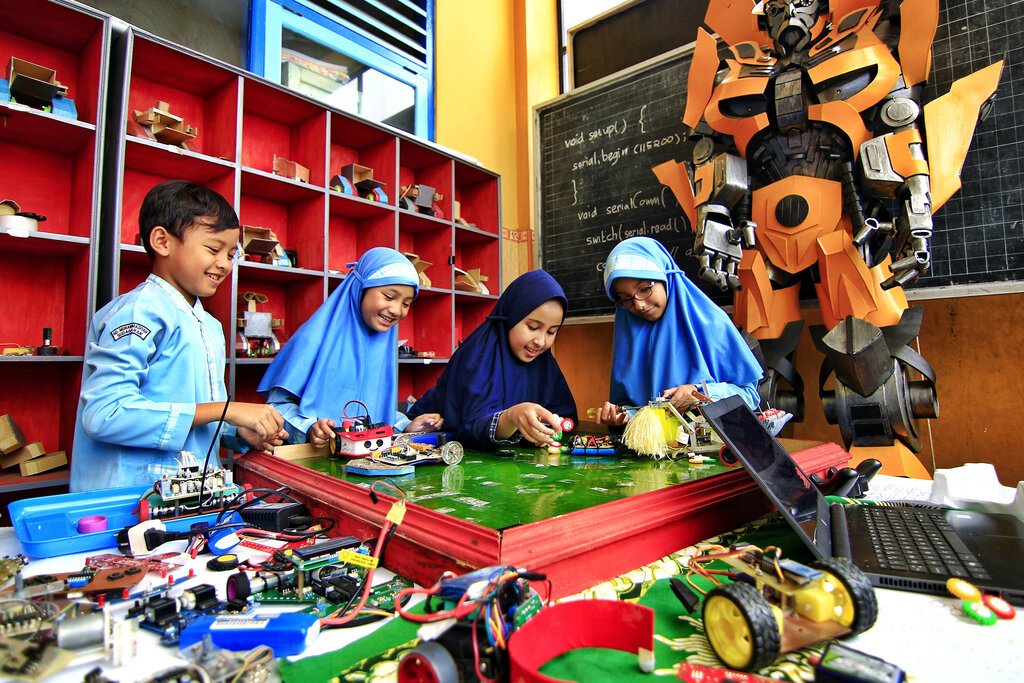
Getting Your Tools
To start coding in Python, you need a couple of things. First, you need Python itself installed on your computer. Second, you need a special place to write your code. Think of it like a workshop for your coding projects. This workshop is called an Integrated Development Environment, or IDE for short.
We'll use an IDE called Thonny. It's designed just for learners, so it's super simple and friendly. It has a text editor to write your instructions and a special window to see what your code does. You can download Python and Thonny together in one easy package from the Thonny website. You might want to ask a grown-up to help you with the installation.

Your First Program
Let's write our very first program. It's a tradition for a first program to just say "Hello, world!". In the main window of Thonny, type this single line of code:
print("Hello, world!")
Let's break that down. print is a command, or function, that tells Python to display something on the screen. The parentheses () hold what you want to display. Since we want to display text, we put it inside quotation marks "".
Now, click the green "Run" button at the top of Thonny. You'll be asked to save your file. Call it hello.py. The .py part is important—it tells the computer this is a Python file.
After you save, look at the bottom part of the Thonny window, called the Shell. You should see this:
Hello, world!
Congratulations, you just wrote and ran your first computer program!
Try changing the text inside the quotes. Make it print your name or a silly message. Run the program again to see what happens.
Python the Calculator
Besides printing text, Python is also an amazing calculator. You can give it math problems, and it will solve them instantly. You can do this right in the Shell at the bottom of Thonny. Try typing these in one by one and pressing Enter.
2 + 2
10 - 5
3 * 4
20 / 5
Python uses + for addition, - for subtraction, * for multiplication, and / for division. As soon as you press Enter, Python gives you the answer.
You can also use the print() function to do calculations in your script file. The only difference is that you don't use quotation marks around numbers.
print(50 + 50)
If you run that line of code, Python won't print "50 + 50". It's smart enough to do the math first and will print the answer: 100.
Now you know the basics of writing commands for the computer. Let's see what you've learned.
What is the primary role of an Integrated Development Environment (IDE) like Thonny?
What would be the output in the Shell after running the following line of Python code? print(10 * 5)
Great job taking your first steps into the world of programming! You've learned how to set up your tools and give the computer simple commands to print messages and do math.