Python for Petrophysics
Python Basics
Setting Up Your Workspace
Before you can analyze data, you need to set up your Python environment. Think of this as preparing your workshop. The easiest way to get started is by installing the Anaconda Distribution. It's a free, popular toolkit that bundles Python with the most important data science libraries, saving you the hassle of installing them one by one.
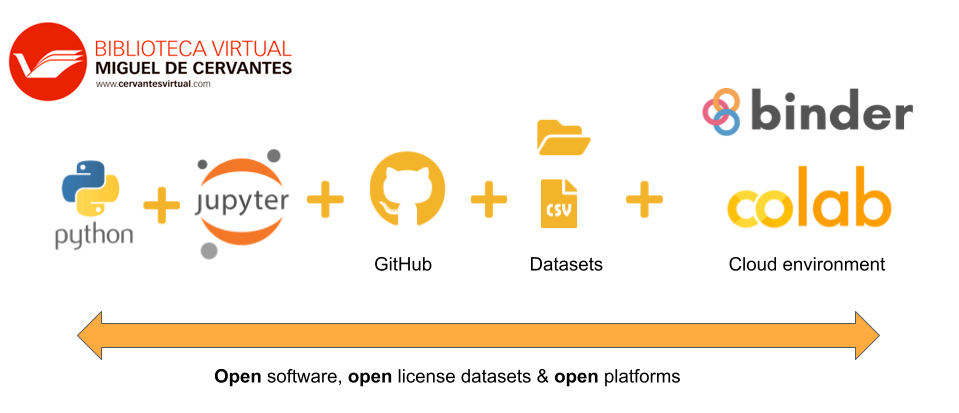
Once installed, you'll have access to Jupyter Notebook, an interactive environment where you can write and run code, see the output, and write notes all in one place. It's perfect for exploratory work, which is common in data analysis. To start, just open the Anaconda Navigator and launch Jupyter Notebook. It will open in your web browser, and you're ready to create your first script.
The Language of Python
Python's syntax is known for being clean and readable. You don't need to be a computer scientist to understand the basics. Let's look at a few core concepts.
A variable is like a labeled box where you store a piece of information. You can put numbers, text, or more complex data inside. Creating one is simple:
# Store the number 150.5 in a variable called 'porosity'
porosity = 150.5

# Store text in a variable called 'formation_name'
formation_name = "Sandstone"

# Print the contents of a variable to see what's inside
print(porosity)
print(formation_name)
Python also has data types, which are just different kinds of information. The most common are integers (whole numbers), floats (numbers with decimals), and strings (text). Python usually figures out the type for you.
Comments are notes in your code that the computer ignores. They're for humans to read. In Python, anything after a # symbol is a comment. Use them to explain what your code does. It helps you remember your thought process later and makes your work easier for others to understand.
Clear code is good, but commented code is better. Always explain the 'why' behind your work.
Tools for Data Handling
While base Python is powerful, its real strength for data analysis comes from specialized libraries. Two of the most essential are NumPy and Pandas.
NumPy stands for Numerical Python. It's the go-to library for working with arrays, which are efficient, grid-like structures for holding numerical data. In petrophysics, you might use a NumPy array to store a series of gamma-ray measurements from a well log. NumPy makes mathematical operations on these arrays incredibly fast.
# First, you need to import the library
import numpy as np

# Create a simple NumPy array of porosity values
porosity_log = np.array([0.12, 0.15, 0.14, 0.18, 0.20])

# Calculate the average porosity with a built-in function
average_porosity = np.mean(porosity_log)

print(average_porosity)
Pandas is built on top of NumPy and is the ultimate tool for working with structured, tabular data—think spreadsheets or database tables. The core of Pandas is the DataFrame, a two-dimensional table with labeled rows and columns. This is perfect for handling complex datasets like a LAS file containing multiple well logs.
With Pandas, you can easily load data, clean it, handle missing values, and perform powerful analysis. For instance, you could load an entire well log file into a DataFrame and then quickly calculate statistics for each log curve.
# Import the pandas library
import pandas as pd

# Create a dictionary of well log data
data = {
    'Depth': [1000, 1001, 1002, 1003],
    'GammaRay': [45, 48, 55, 52],
    'Porosity': [0.12, 0.11, 0.15, 0.14]
}

# Create a DataFrame from the dictionary
well_df = pd.DataFrame(data)

# Display the first few rows of the DataFrame
print(well_df.head())

# Get summary statistics for the numerical columns
print(well_df.describe())
NumPy gives you the raw power for numerical computation, while Pandas provides the sophisticated tools for organizing and analyzing your data. Together, they form the foundation of almost all data analysis in Python.
Let's check your understanding of these fundamental concepts.
What is the primary advantage of using the Anaconda Distribution for data science?
Which tool, launched from Anaconda Navigator, provides an interactive web-based environment for writing code, viewing output, and taking notes in one place?