Python for Game Developers in a Week
Python Basics
The Rules of the Language
Every language has rules, and programming languages are no different. In Python, these rules are called syntax. The good news is that Python's syntax is designed to be clean and readable. One of its most important rules involves indentation—the spaces at the beginning of a line. Unlike other languages that use brackets or keywords, Python uses indentation to group statements together. This makes the code look organized and is not just for style; it's a requirement.
Think of indentation as creating paragraphs for your code. It tells Python which lines of code belong together.
Let's start with the classic first program. This single line of code tells the computer to display the text "Hello, player!" on the screen.
print("Hello, player!")
Here, print() is a built-in Python command. The text inside the parentheses is what we want to show. Simple as that.
Storing Your Information
In a game, you need to keep track of a lot of things: the player's score, their health, their name, or whether a door is locked. We store this information in variables. A variable is like a labeled box where you can put a piece of data.
variable
noun
A named storage location in a computer's memory that holds a value. The value can be changed during program execution.
The type of data you store determines what you can do with it. Python is smart and usually figures out the data type on its own. The most common types are:
| Data Type | What it is | Game Example |
|---|---|---|
| Integer | Whole numbers | player_lives = 3 |
| Float | Numbers with decimals | player_speed = 1.5 |
| String | Text | player_name = "Alex" |
| Boolean | True or False | is_game_over = False |
Integers (int) are perfect for counting things like lives or inventory items. Floats (float) are used for more precise measurements, like a character's exact position on a map. Strings (str) hold any text, like dialogue or item names. Booleans (bool) are simple on/off switches, perfect for tracking states like whether a puzzle has been solved.
Making Decisions and Repeating Actions
A game wouldn't be very fun if it did the same thing every time. Your code needs to react to what's happening. This is where control structures come in. They control the flow of the program, allowing it to make decisions and repeat actions.
Control structures are the brains of your program. They turn a simple script into something that can think and react.
The most common way to make a decision is with an if statement. It checks if a condition is true and runs a block of code only if it is. You can add elif (else if) to check other conditions, and else to run code if none of the conditions are met.
player_health = 10

if player_health <= 0:
    print("Game Over!")
elif player_health < 25:
    print("Warning: Low health!")
else:
    print("Health is stable.")
Repetition is just as important. Instead of writing the same code over and over, you can use a loop. A for loop is great when you know exactly how many times you want to do something.
# This will run the code inside it 3 times
for i in range(3):
    print("Spawning an enemy...")
Another type, the while loop, repeats as long as a certain condition is true. It's useful when you don't know when the loop should end, like waiting for a player to press a key.
Packaging Code with Functions
As your programs get bigger, you'll find yourself writing the same bits of code again and again. A function lets you package a block of code, give it a name, and then run it whenever you want just by calling its name. This keeps your code organized and easy to manage.
Think of a function as a recipe. You define the steps once, and then you can 'cook' it anytime by calling its name.
Here’s a simple function that simulates a player taking damage. The function takes one piece of information, the amount of damage, and uses it inside its code block.
def take_damage(amount):
    # We'll pretend the player's health is stored somewhere
    print(f"Player takes {amount} points of damage!")

# Now we can use our function
take_damage(10)
take_damage(25)
Using functions makes your main program much cleaner. Instead of a long list of commands, you'll have a series of meaningful function calls that are easier to read and understand.
Handling the Unexpected
No one writes perfect code on the first try. Errors, or exceptions, are a normal part of programming. A program might crash if it tries to divide a number by zero or can't find a file it needs. Python has a way to handle these errors gracefully so they don't stop your entire game.
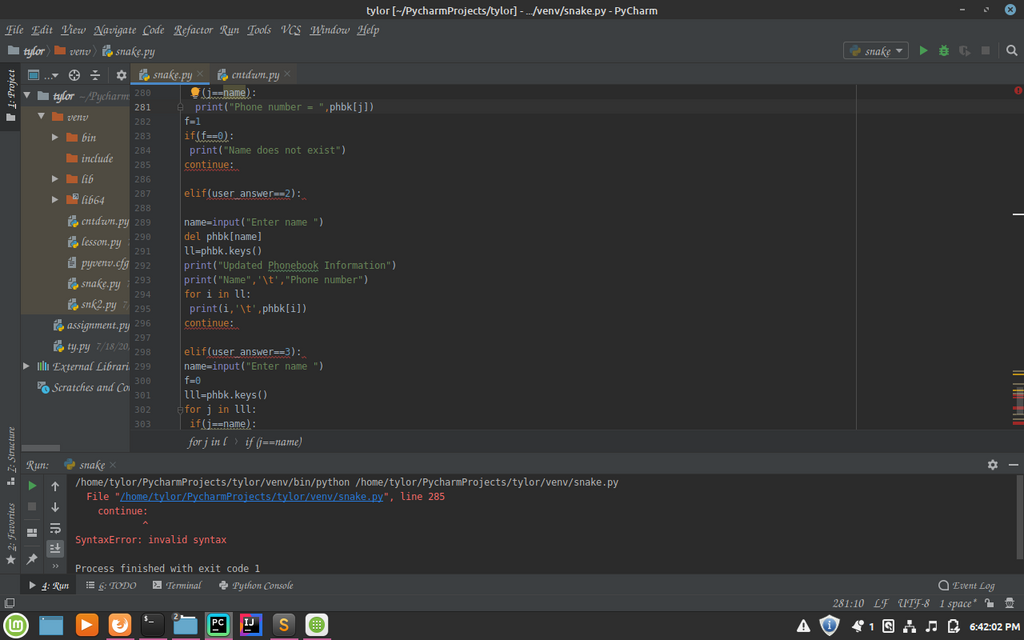
We can use a try...except block to anticipate and manage potential errors. You put the code that might fail in the try block. If an error occurs, the code in the except block is run, and the program can continue.
try:
    # This line will cause a ZeroDivisionError
    result = 10 / 0
    print(result)
except ZeroDivisionError:
    print("Oops! You can't divide by zero.")

print("The program didn't crash!")
This is much better than letting the program crash. In a game, you could use this to handle things like a faulty save file without kicking the player out of the game entirely.
What is the primary role of indentation in Python?
If you are tracking a player's score, which is a whole number like 150, which data type is most appropriate?
These are the fundamental pieces of Python. With variables, control structures, and functions, you have the tools to start building the logic for any game you can imagine.