Pybricks Programming for Spike Prime 3
Introduction to Pybricks
Beyond Blocks: Coding with Pybricks
You've likely used block-based coding to bring your LEGO® creations to life. It's a fantastic way to start, but what if you want more control and power? That's where Pybricks comes in.
Pybricks is a version of the Python programming language designed specifically for LEGO® smart hubs, like the one in your Spike Prime kit. Instead of dragging and dropping visual blocks, you'll write text-based code. This unlocks more advanced possibilities and is a great step toward learning a programming language used by professionals worldwide.
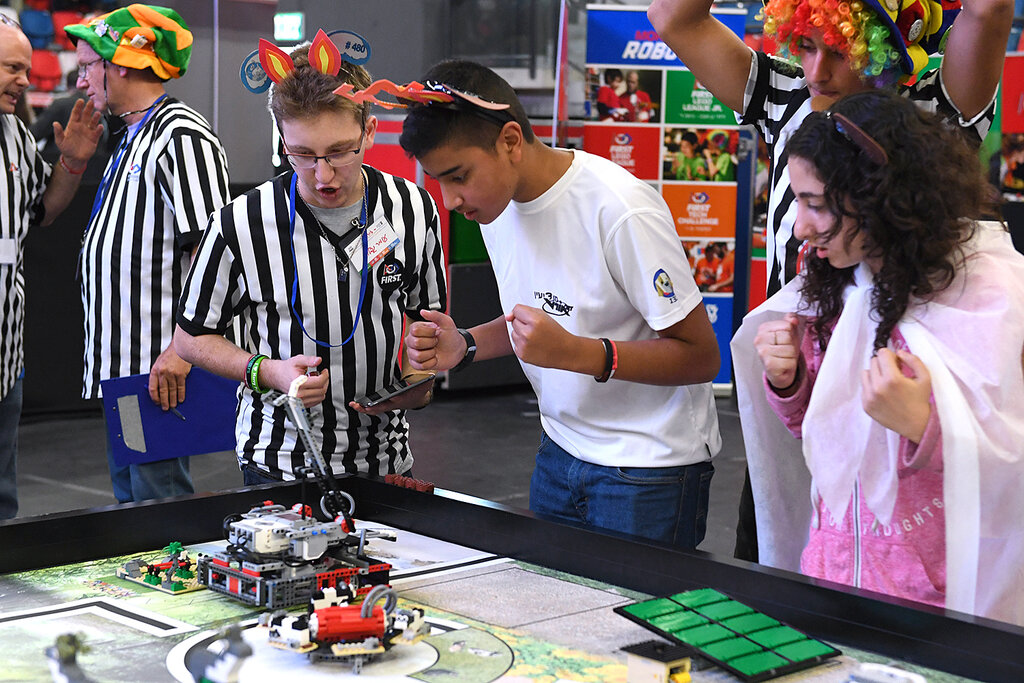
Think of it as the difference between building with DUPLO® bricks and standard LEGO® bricks. Both are great, but the smaller, more versatile bricks allow for much more detailed and complex creations. Pybricks gives you that same level of fine-grained control over your robot's behavior.
Installing New Firmware
Before you can write any Python code, you need to update the software that runs on your Spike Prime hub. This core software is called firmware. The standard firmware is built for block-based coding, so you'll need to install the special Pybricks firmware to enable it to understand Python.
The process is straightforward and handled through your web browser. You'll connect your hub to your computer and use the official Pybricks tool to install the new firmware.
First, make sure your Spike Prime hub is charged. Then, navigate to code.pybricks.com to begin.
Once you're on the website, you'll see a button to connect your hub. Click it, and a pop-up will ask you to select the LEGO Hub from a list of connected USB devices. After connecting, the tool will guide you through the firmware installation. It only takes a minute or two.
Your First Program
With the firmware installed, you're ready to write your first program. The Pybricks website you used for the installation is also your development environment. It includes a text editor for writing code and controls to run it on your hub.
Let's start with something simple. This program will make your hub's center light turn blue and then make the speaker beep.
# First, we need to import the tools we'll use
from pybricks.hubs import PrimeHub
from pybricks.parameters import Color

# Initialize the hub so we can control it
hub = PrimeHub()

# Turn the hub's light on and set it to blue
hub.light.on(Color.BLUE)

# Make the hub's speaker play a short beep
hub.speaker.beep()
Let's break that down:
from pybricks.hubs import PrimeHub: This line imports the specific commands needed to control the Spike Prime hub.from pybricks.parameters import Color: This imports the list of available colors you can use for the lights.hub = PrimeHub(): We create a variable namedhubthat represents our physical Spike Prime hub.hub.light.on(Color.BLUE): This tells thehubto access itslightand turn itonwith the colorBLUE.hub.speaker.beep(): This command tells the hub to use its speaker to make a sound.
To run the code, simply press the "play" button in the Pybricks interface. The code will be downloaded to your connected hub and run instantly.
What is the primary advantage of using Pybricks over block-based coding for LEGO® hubs, according to the text?
Before you can write and run your first Pybricks program, what crucial step must be performed on your Spike Prime hub?
That's your first step into programming LEGO robots with Python. You've prepared your hub and run a simple script to control its lights and sound.