Proxmox Virtual Environment Essentials
Introduction to Virtualization
The One Becomes Many
A modern computer server is incredibly powerful. It has more processing power, memory, and storage than most single tasks could ever use. For a long time, this meant a lot of that power went to waste. One server ran one operating system for one main purpose, and much of its capacity sat idle.
Virtualization changed all of that. It’s a technique that allows a single physical machine to act like several separate computers. Think of it like an apartment building. Instead of one family living in a giant mansion, a developer builds a structure that can house many families in their own private apartments. The building provides the foundation, plumbing, and electricity, but each apartment is its own isolated home.
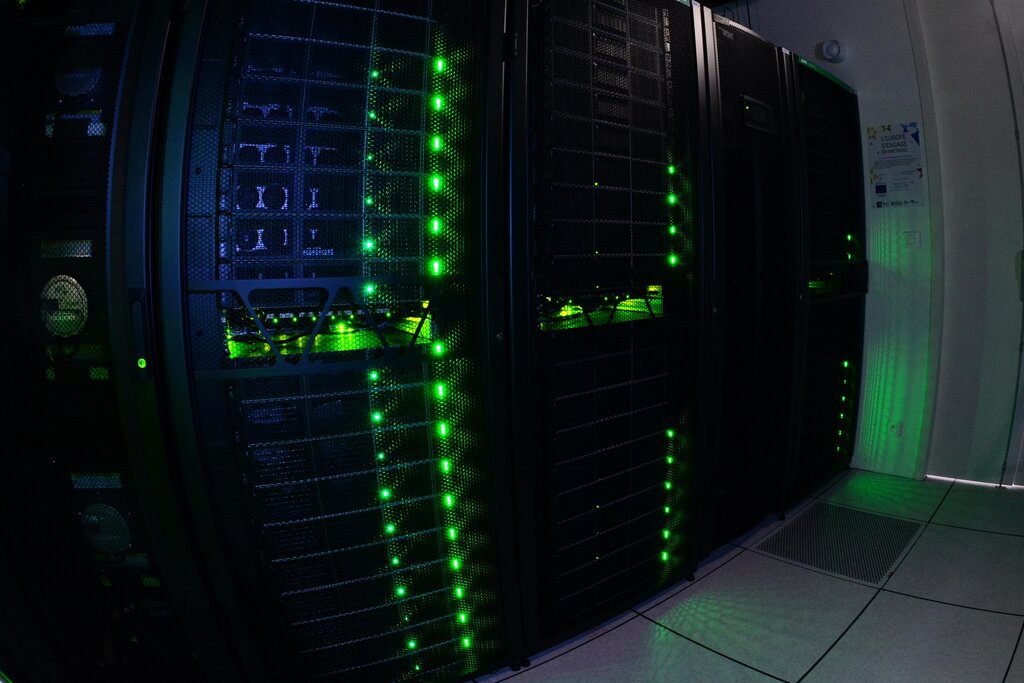
In the world of computing, the physical server is the apartment building. Special software carves up the server's resources—its processor cores, memory (RAM), and storage—and allocates them to multiple independent virtual machines, or VMs. Each VM is a self-contained digital environment that runs its own operating system and applications, completely unaware of the other VMs sharing the same hardware.
Virtualization enables multiple virtual machines to share the resources of a single physical server.
This approach brings some major benefits.
Resource Optimization: Instead of ten different servers all running at 10% capacity, one server can run ten virtual workloads at a combined 90% capacity. This saves money on hardware, electricity, and physical space.
Scalability: Need a new server for a project? Instead of ordering and installing new hardware, you can create a new VM in minutes. It's fast and flexible.
Isolation: Each VM is a walled garden. If one virtual machine crashes or gets a virus, it doesn’t affect the others running on the same physical host. This is great for security and stability.
Two Ways to Virtualize
Not all virtualization is the same. The magic behind it is a piece of software called a hypervisor, which creates and runs the virtual machines. How this is done leads to two main approaches: full virtualization and container-based virtualization.
hypervisor
noun
Software, firmware, or hardware that creates and runs virtual machines (VMs). A hypervisor allows one host computer to support multiple guest VMs by virtually sharing its resources, such as memory and processing.
Full virtualization is the apartment analogy we've been using. Each VM gets a full, simulated set of hardware resources and runs a complete guest operating system (OS), like Windows or Linux. It’s robust and provides strong isolation, but all those duplicate operating systems use up a lot of resources. It's like every apartment having its own separate power generator and water tank—a bit inefficient.
Container-based virtualization takes a different approach. Instead of simulating hardware, it virtualizes the operating system itself. All the containers share the host server's OS kernel. Think of this as a dormitory. Everyone lives in the same building and shares the main infrastructure (the kernel), but each person has their own private, locked room (the container) with their own applications inside. Because they aren't running a full OS, containers are much lighter and faster to create than VMs.
| Feature | Full Virtualization (VMs) | Containerization |
|---|---|---|
| Isolation | High (Hardware level) | Medium (OS level) |
| Overhead | High (Full guest OS) | Low (Shared host kernel) |
| Startup Time | Slow (Minutes) | Fast (Seconds) |
| Size | Large (Gigabytes) | Small (Megabytes) |
| Best For | Running different OSs | Packaging single applications |
Both methods are powerful tools. The choice between them depends on the specific need. Do you need to run a Windows application on a Linux server? A VM is your only choice. Do you need to deploy hundreds of copies of a web application? Containers are far more efficient.
Understanding these core ideas is the first step into a much larger world of efficient, scalable, and flexible computing.
Ready to check your understanding?
What was the primary problem with early computer servers that led to the development of virtualization?
In the apartment building analogy, what does the entire building represent?
Now that you have a solid grasp of what virtualization is and why it's so important, you're ready to explore specific platforms that make it all happen.