Proxmox Virtual Environment Essentials
Introduction to Proxmox VE
What Is Proxmox VE?
Proxmox Virtual Environment, or Proxmox VE, is a powerful, open-source platform for running virtual machines and containers. Think of it as a specialized operating system for your server that lets you run many other operating systems all at once, neatly separated from each other.
At its core, Proxmox VE is built on Debian, a rock-solid and popular distribution of Linux. This stable foundation means you get a reliable, secure system right out of the box. The real magic, however, lies in how Proxmox manages virtualization. It gives you the tools to create and control entire virtual datacenters from a single machine.
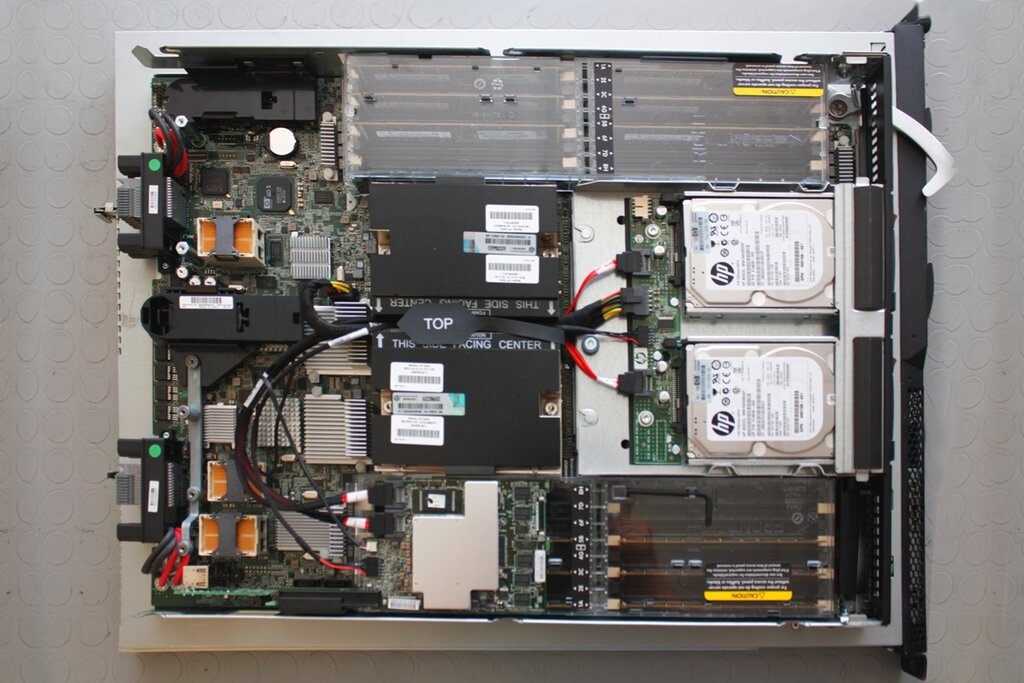
Instead of dedicating one physical server to one task, you can use Proxmox to slice up that server's resources. One slice might run a Windows server, another a Linux web server, and a third a lightweight file-sharing application. Proxmox supports two main ways to do this: full virtualization with KVM and containerization with LXC.
Two Flavors of Virtualization
Proxmox doesn't lock you into one type of virtualization. It offers two distinct approaches, each with its own strengths.
KVM (Kernel-based Virtual Machine): This is full virtualization. A KVM is like a complete, self-contained computer, but made of software. It has its own virtual CPU, RAM, storage, and network card. Because it emulates real hardware, you can install almost any operating system on it, from Windows Server to various flavors of Linux or BSD.
Think of a KVM as a separate house built on your property. It has its own foundation, walls, and roof. It’s fully isolated and independent from the main house.
LXC (Linux Containers): This is a lighter, more efficient form of virtualization. Instead of creating an entire virtual computer, a container shares the underlying operating system kernel of the Proxmox host. It packages an application and all its dependencies into an isolated space.
An LXC container is more like adding a new apartment inside your existing house. It shares the main foundation and roof (the host kernel) but has its own rooms and a separate front door. This makes containers much faster to start and stop, and they use fewer resources than a full VM.
Use KVMs for full isolation or when you need to run a non-Linux OS. Use LXC for Linux applications when you want better performance and density.
Key Features and Requirements
Several features make Proxmox VE a popular choice for both home labs and enterprise environments.
First, everything is managed through a clean web-based interface. You don't need to be a command-line expert to create a VM, configure networking, or check system status. You can do it all from a web browser on another computer.
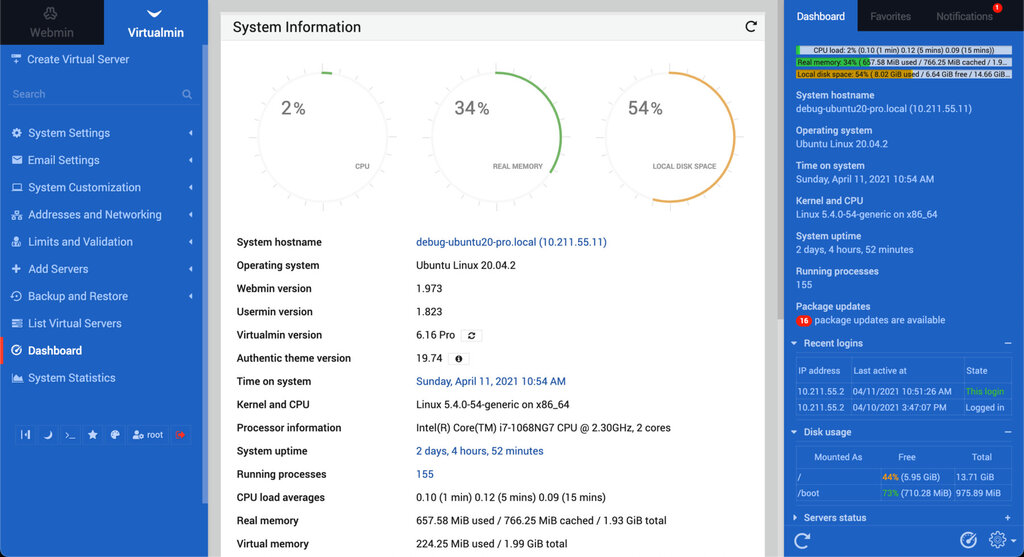
Proxmox also excels at clustering. You can link multiple Proxmox servers (called nodes) together to create a single, unified cluster. This allows you to easily move virtual machines between physical servers without downtime and manage your entire infrastructure from one place.
Finally, it has flexible storage integration. Proxmox can work with local disks or connect to shared storage systems like network-attached storage (NAS) or storage area networks (SANs). This includes support for advanced file systems like ZFS, which offers powerful features like data protection against corruption and efficient snapshots.
Hardware Needs
To run Proxmox VE, you need a computer with a 64-bit CPU that supports virtualization technology. For Intel CPUs, this is called Intel VT-x; for AMD CPUs, it's AMD-V. Nearly all modern processors include this feature, but it's essential to check and ensure it's enabled in the computer's BIOS or UEFI settings.
As for RAM, the more the better. The Proxmox host itself uses about 2 GB of RAM, but you need to account for all the virtual machines and containers you plan to run. A system with 16 GB of RAM is a good starting point for a small lab, but 32 GB or more is recommended for running several VMs.
Ready to check your understanding?
What is the primary purpose of Proxmox VE?
In the context of Proxmox VE, which statement best describes the difference between KVM and LXC?
That's a quick look at what Proxmox VE is and what it can do. It's a versatile platform that combines the power of KVMs and the efficiency of LXC containers under a single, easy-to-use interface.