Programming Number Systems Explained
Introduction to Number Systems
Counting Beyond Ten Fingers
We learn to count on our fingers. Most of us have ten, so our number system is built around the number ten. This system, called decimal or base-10, uses ten unique symbols (0, 1, 2, 3, 4, 5, 6, 7, 8, 9) to represent any number we can think of.
A number system is simply a way to write numbers. While we are comfortable with base-10, it's not the only way to count. In the world of computers, other systems are far more common.
The "base" of a number system tells you how many unique symbols are used to represent numbers. In base-10, we use ten symbols.
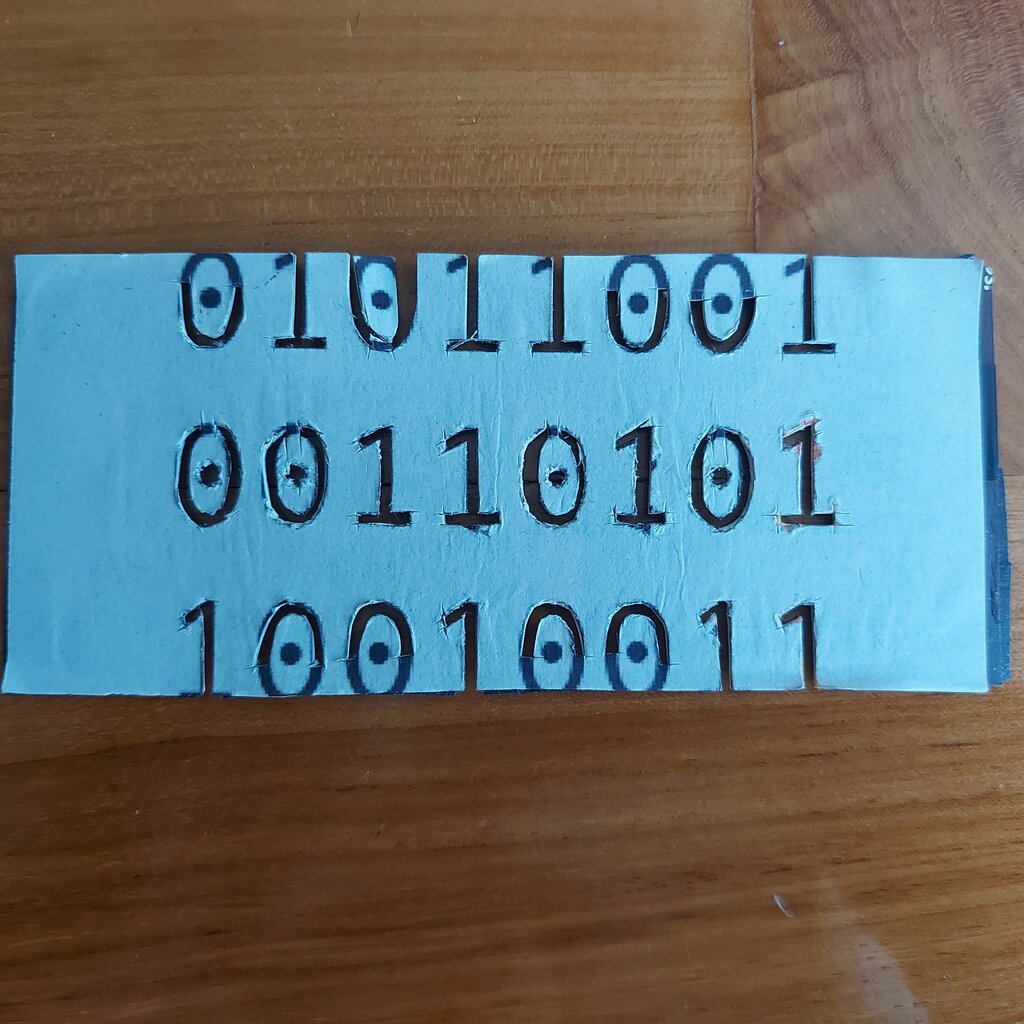
Computers don't have fingers. Instead, they have billions of tiny electronic switches that can be in one of two states: on or off. This two-state reality makes a base-2 system the natural language for computers. This system is called binary.
The Systems of Computing
While computers operate in binary, programmers often use other systems as a convenient shorthand. Four systems are fundamental in computer science.
Decimal (Base-10): The system we use daily. It uses ten digits (0-9).
Binary (Base-2): The native language of computers. It uses two digits (0 and 1) to represent the on and off states of electronic switches.
Octal (Base-8): An older system that uses eight digits (0-7). It groups binary digits into sets of three, making long binary strings easier to read.
Hexadecimal (Base-16): A more common shorthand today. It uses sixteen symbols: ten digits (0-9) and six letters (A-F). Hexadecimal groups binary digits into sets of four. This is why you often see it used for things like color codes on the web (e.g., #FF5733) or to represent memory addresses.
Seeing these systems side-by-side helps clarify how they relate. Each system can represent the exact same quantity, just with different symbols.
| Decimal (Base-10) | Binary (Base-2) | Octal (Base-8) | Hexadecimal (Base-16) |
|---|---|---|---|
| 0 | 0 | 0 | 0 |
| 1 | 1 | 1 | 1 |
| 2 | 10 | 2 | 2 |
| 3 | 11 | 3 | 3 |
| 4 | 100 | 4 | 4 |
| 5 | 101 | 5 | 5 |
| 6 | 110 | 6 | 6 |
| 7 | 111 | 7 | 7 |
| 8 | 1000 | 10 | 8 |
| 9 | 1001 | 11 | 9 |
| 10 | 1010 | 12 | A |
| 11 | 1011 | 13 | B |
| 12 | 1100 | 14 | C |
| 13 | 1101 | 15 | D |
| 14 | 1110 | 16 | E |
| 15 | 1111 | 17 | F |
| 16 | 10000 | 20 | 10 |
Why Bother with Other Bases?
Everything a computer does, from running a game to displaying this text, boils down to manipulating ones and zeros. But writing or reading a string like 1111101011001110 is difficult for humans. It's too long and error-prone.
This is where octal and hexadecimal come in. They are compact ways to represent binary numbers. A programmer can use FACE in hexadecimal instead of that long binary string, which is much easier to work with. The computer still sees ones and zeros, but we get a more human-friendly representation.
Understanding these different number systems is the first step toward understanding how computers handle data. You don't need to be an expert in converting between them just yet. For now, the key is to recognize them and know why they exist.
The number system we use in everyday life is called the decimal system. What base is it built around?
Why is the binary system considered the natural language for computers?