Professional Video Editing Masterclass
Professional Project Organisation
The Blueprint of Your Edit
The difference between a smooth edit and a chaotic one often comes down to what you do before you even import a single clip. A professional workflow starts with a disciplined approach to file management. It's not the most glamorous part of the job, but it's the foundation for everything else. Without it, you risk lost files, slow performance, and endless frustration.
Before creating a new project in your editing software, create a dedicated parent folder for it on your hard drive. Inside this parent folder, build a consistent directory structure. This separates your assets logically, making it easy to find exactly what you need, even months later. It also simplifies archiving and handing the project off to another editor.
| Folder Name | Purpose |
|---|---|
| 01_ProjectFiles | Your NLE project files (Premiere, Final Cut, DaVinci Resolve) |
| 02_Media | All raw camera footage |
| 03_Audio | Dialogue, sound effects, music |
| 04_Graphics | Logos, lower thirds, titles |
| 05_Exports | All your final rendered videos |
| 06_Proxies | Low-resolution stand-in files (more on this later) |
| 07_Stills | Photographs, reference images |
Use a consistent naming convention for everything. A file named
A001_C005_0101AB.mxfis cryptic. Renaming it toInterview_Jane_CU_CamA_01.mxfprovides immediate context.
Setting Up for Speed
Your editing software is constantly reading and writing temporary files, like render previews and waveform data. These are stored in a cache. By default, this cache often lives on your main system drive, competing with your operating system and software for resources. This is a recipe for slowdowns.
To improve performance, you need to manage your scratch disks effectively. A scratch disk is simply the location you designate for these temporary files. For optimal speed, your scratch disks should be on a separate, fast drive—ideally an SSD or NVMe drive—that is different from your system drive and your media storage drive. This creates separate lanes for data traffic, preventing bottlenecks.
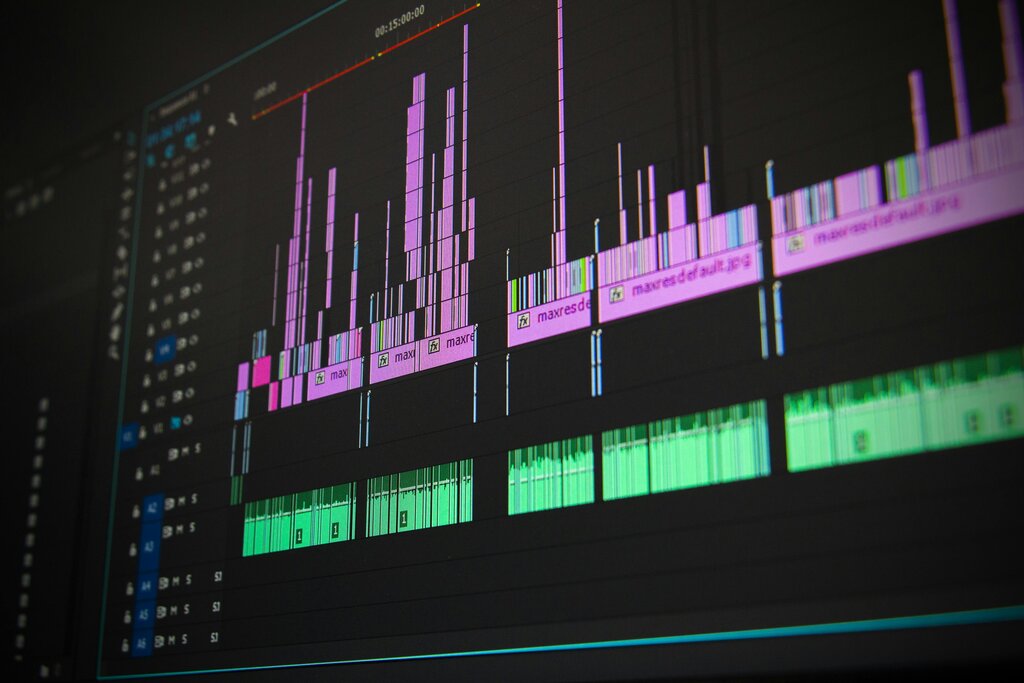
Handling high-resolution footage like 4K or 8K can bring even powerful computers to a crawl. This is where a proxy workflow becomes essential. are low-resolution, lightweight copies of your original high-resolution media. You edit using these nimble proxies, which allows for smooth, real-time playback without taxing your system. When you're ready to export, the editing software automatically links back to the original high-quality files for the final render, ensuring no loss in quality.
Ingesting with Intent
In a professional context, you don't just 'import' media; you 'ingest' it. Ingestion is a deliberate process of bringing media into your project in a controlled way. Modern NLEs (Non-Linear Editors) have sophisticated Media Browser panels that allow you to do much more than just drag and drop.
This is your opportunity to apply metadata. You can tag clips with keywords, ratings, or scene numbers before they even hit your timeline. Organising clips into descriptive bins (folders within your project) is crucial. Instead of a single bin with 500 clips, create bins like 'Interviews', 'B-Roll - Cityscape', or 'Drone Shots'. This mirrors your hard drive's folder structure and makes finding the right shot effortless.
During ingest, you can also perform or create proxies automatically. Transcoding is the process of converting a file from one codec to another. While most cameras record in highly compressed formats like H.264 to save space, these formats are difficult for computers to decode during editing. Transcoding your media to an editing-friendly intermediate codec, like Apple ProRes or Avid DNxHD, results in larger files but requires far less processing power to play back, leading to a much smoother editing experience.
By implementing effective organization and file management practices, you cansave time and minimize confusion, allowing you to focus more on the creativeaspects of video editing.
Now, let's test your understanding of how to set up a project for success.
What is the primary reason for creating a structured folder system on your hard drive before starting a new video editing project?
For optimal editing performance, where should you set your application's scratch disks?
Mastering these organisational steps transforms video editing from a simple hobby into a professional discipline. It's the framework that supports creativity and ensures your projects are efficient, stable, and scalable.