Production App Development with Claude
Introduction to Claude API
Meet the Claude API
Think of an API, or Application Programming Interface, as a waiter in a restaurant. You don't need to know how the kitchen works to order food. You just give your request to the waiter, who brings it to the kitchen and returns with your meal. The Claude API works in a similar way. It lets developers build applications that can talk to Claude's powerful AI models without needing to understand the complex technology behind them.
With the API, a developer can integrate Claude's intelligence into almost anything, from a customer service chatbot on a website to an app that summarizes long documents or helps write code. It's a bridge that connects an application's needs with Claude's brain.
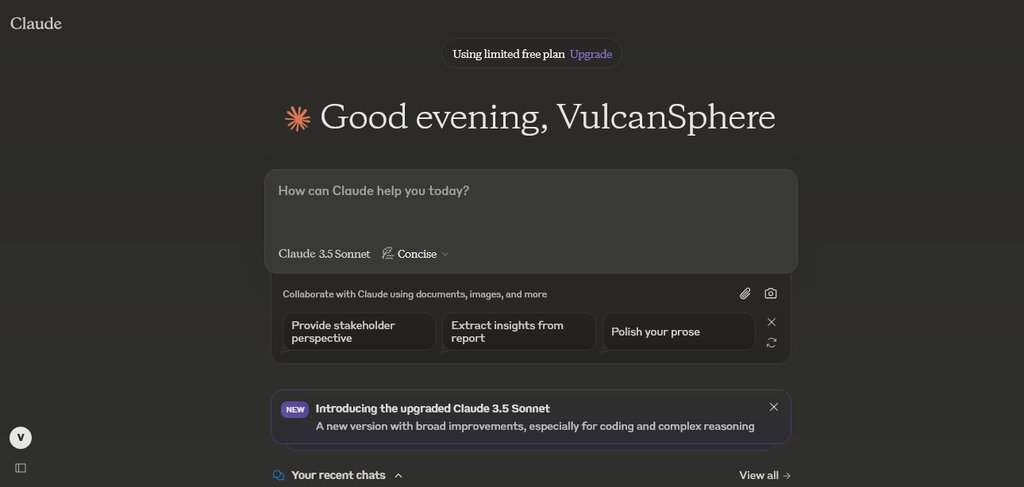
Anthropic, the company behind Claude, knows that not every task requires the same level of brainpower. A quick, simple question doesn't need the same deep thought as a complex, multi-step reasoning problem. That's why the API offers a family of models, each tailored for different needs.
Haiku, Sonnet, and Opus
The three main models are Haiku, Sonnet, and Opus. They represent a spectrum of speed, intelligence, and cost. Choosing the right one is about balancing these factors for a specific task. Haiku is the fastest and most compact, Sonnet offers a balance of skills and speed, and Opus is the most powerful model for highly complex tasks.
| Model | Best For | Key Feature |
|---|---|---|
| Haiku | Quick, simple tasks like customer support | Blazing speed |
| Sonnet | Balanced tasks like content generation | Strong all-rounder |
| Opus | Complex analysis and multi-step reasoning | Peak intelligence |
A developer might use Haiku for a live chat feature where instant responses are critical. For writing marketing copy or generating code snippets, the balanced performance of Sonnet would be a great fit. And for a research application that needs to analyze scientific papers and draw novel conclusions, Opus would be the clear choice.
Getting Your API Key
To start using the Claude API, you first need to create an account and get an API key. An API key is a unique string of characters that acts like a secret password for your application. When your app makes a request to Claude, it sends along this key to prove it has permission to use the service.
Here’s how to get your key:
- Go to the Anthropic Console website.
- Sign up for a new account using your email.
- Once logged in, navigate to the API Keys section in your account settings.
- Click to create a new key and give it a memorable name (like "My First App").
- Copy the key immediately and store it somewhere secure. You won't be able to see it again after you close the window.
It's extremely important to keep your API key private. Never share it publicly or commit it to a public code repository like GitHub. If someone else gets your key, they can make requests on your behalf, which could use up your credits and incur costs.
The provided text uses the analogy of a waiter in a restaurant to explain the function of an API. What does this analogy primarily illustrate?
A developer needs to build an application to analyze complex scientific research papers and generate novel hypotheses. Which Claude model is the best choice for this task?
With an API key in hand, you have everything you need to start building with Claude.