Pre-Repair Data Backup Essentials
Understanding Data Backup
Your Digital Safety Net
Before you hand your computer over for a repair, there's one critical step you should always take: backing up your data. A data backup is simply a copy of your files stored in a separate, safe location. Think of it like a spare key to your house. You hope you'll never need it, but if you get locked out, you'll be glad you have it.
Computer repairs can be unpredictable. Sometimes, the fix is simple. Other times, the process might involve wiping your hard drive completely, which erases everything on it. A hard drive could also fail unexpectedly during a diagnostic test. Even the most skilled technician can't prevent every accident. A backup ensures that if the worst happens, your personal files are not lost forever.
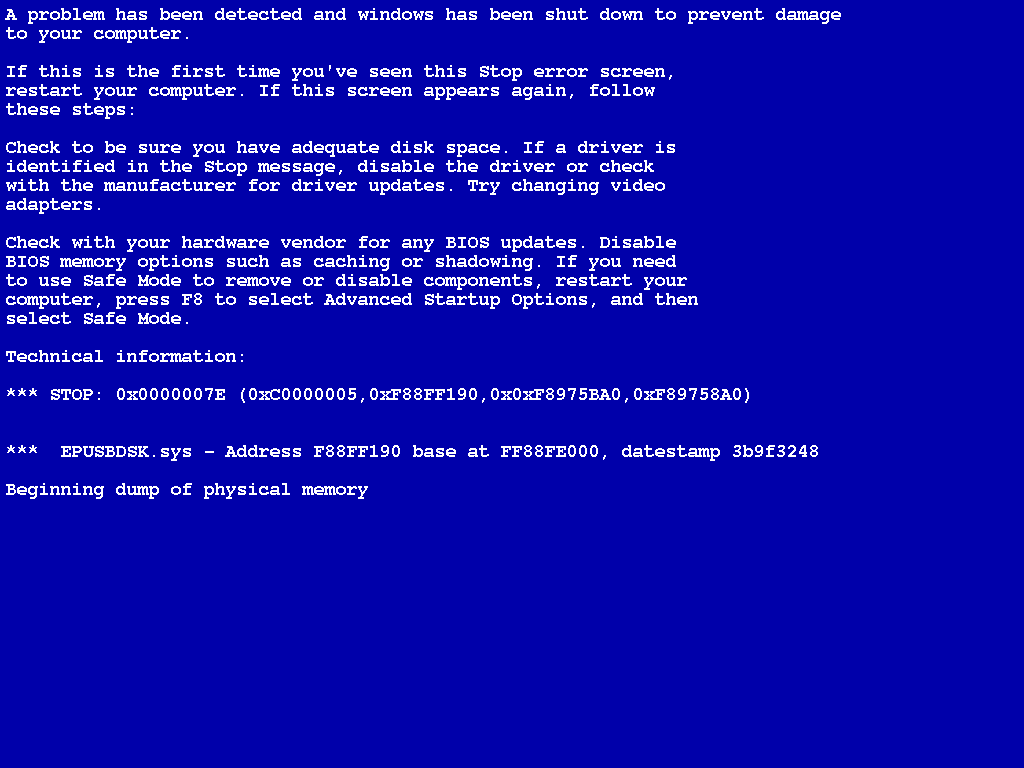
A backup acts as your safety net. It protects you from the risk of losing irreplaceable information. Hardware is replaceable, but your personal data often isn't.
What to Back Up
Deciding what to save can feel overwhelming, but you can usually focus on a few key categories. Your goal is to protect the files that are unique to you and would be difficult or impossible to replace.
| Data Type | Examples | Why It's Important |
|---|---|---|
| Personal Documents | Resumes, school essays, tax forms, financial spreadsheets | These files often contain critical personal and professional information. |
| Photos & Videos | Family vacations, birthdays, personal projects | These are memories. Once they're gone, they can't be recreated. |
| Application Settings | Browser bookmarks, saved passwords, game progress | These settings represent time and effort personalizing your computer experience. |
You generally don't need to back up the applications themselves, like your web browser or word processor. Those can usually be reinstalled easily. The focus is on the personal files you created and the settings you configured.
Regular backups protect against data loss from failures, disasters, or malicious attacks, providing a fallback mechanism that enables data restoration to a specific point.
Now, let's check your understanding of these core concepts.
What is the primary reason to back up your data before a computer repair?
When deciding what to back up, which of these is generally considered unnecessary to save?
Taking the time to back up your data provides peace of mind, ensuring your digital life is safe no matter what happens during a repair.