Pixel Art Mastery for 2D Games
Introduction to Pixel Art
The Art of the Pixel
Pixel art is a form of digital art where images are built pixel by pixel. Think of it like creating a mosaic with tiny, colored squares. Each square is a single pixel, the smallest controllable element of a picture on a screen. Because you're placing every dot with intention, it's a medium that demands precision and a clear vision.
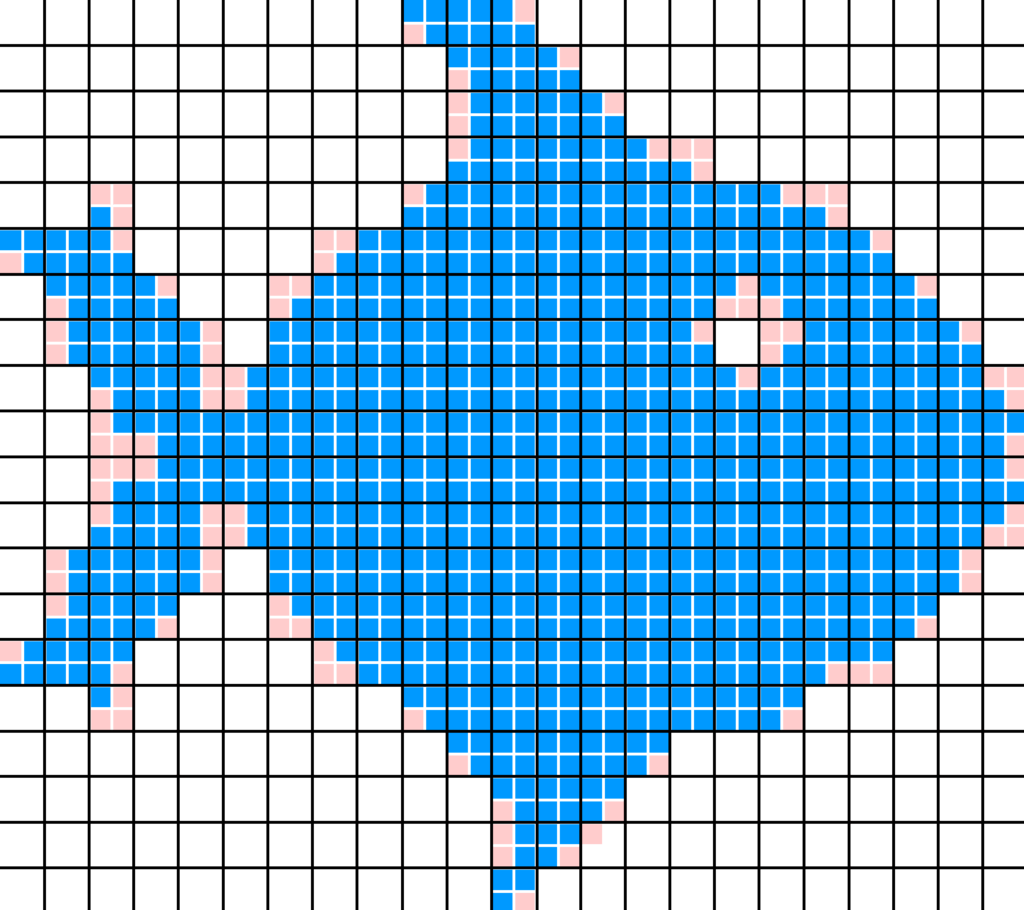
This art form has its roots in the early days of computing and video games. Back then, screens had very low resolutions and could only display a limited number of colors. Artists and game developers didn't have the luxury of high-definition graphics. They had to make every pixel count.
A Brief History
The 1970s and 1980s were the golden age of pixel art, driven by the limitations of arcade machines and early home consoles like the Atari 2600 and Nintendo Entertainment System. The hardware simply couldn't handle more complex graphics. This constraint, however, led to an explosion of creativity.
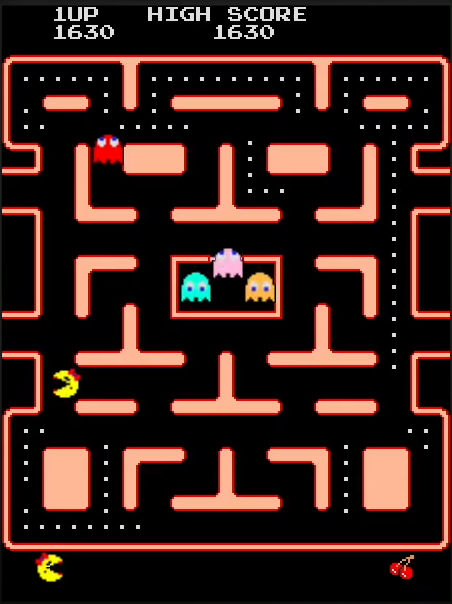
Artists had to suggest detail rather than show it explicitly. A few yellow pixels became a character, and a handful of green and brown blocks became a forest. This minimalist approach produced some of the most iconic characters and worlds in gaming history. Today, artists choose pixel art not because of technical limits, but for its unique aesthetic and nostalgic charm.
In pixel art, constraints aren't a roadblock; they are a guide to creativity.
Pixel Art in Modern Games
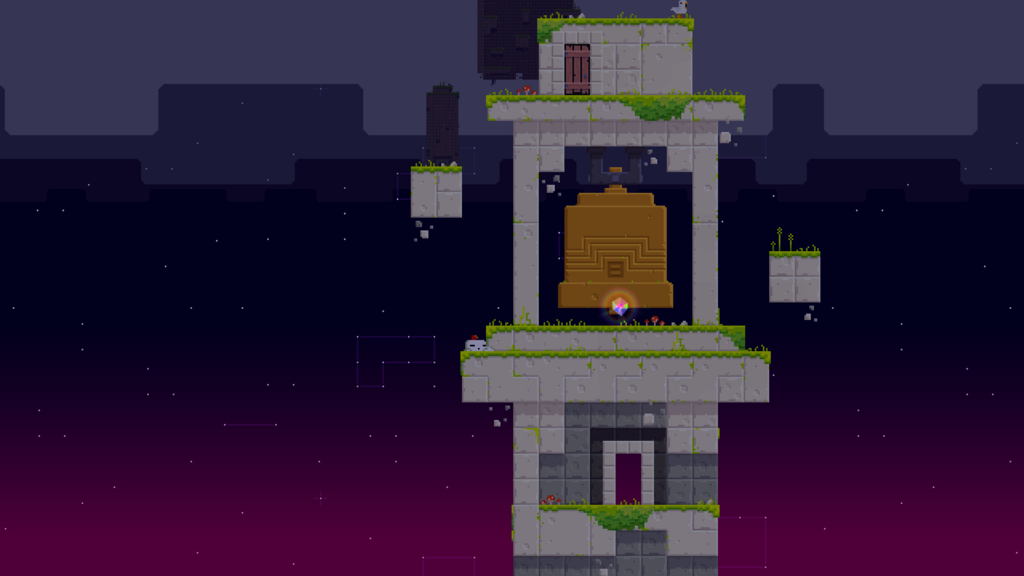
Even with photorealistic 3D graphics at our fingertips, pixel art remains incredibly popular, especially in the indie game scene. Why? It's readable, stylish, and efficient. A well-designed pixel art character can convey personality and emotion with just a few dozen squares. These characters, backgrounds, and items are often called "sprites."
For solo developers or small teams, pixel art offers a way to create a beautiful, cohesive game world without the massive resources required for high-end 3D graphics. The style has a timeless quality that connects with players who grew up in the 8-bit and 16-bit eras, while also attracting new fans with its clean and deliberate look.
Tools of the Trade
Getting started with pixel art doesn't require expensive equipment. You can use general-purpose image editors or dedicated pixel art software. The key is to use a simple tool, like a 1-pixel pencil, and avoid brushes that create soft, anti-aliased edges. You want crisp, clean pixels.
Because pixel art requires precision in mark making, guides like the 2D Grid or the Isometric Guide will be your best friend.
Many programs are built specifically for this art form. They include helpful features like color palette management, tiling previews for creating repeating backgrounds, and animation timelines.
| Software | Type | Key Feature |
|---|---|---|
| Aseprite | Specialized | Industry standard for professional work |
| Photoshop / GIMP | General Purpose | Powerful but requires setup for pixel art |
| Piskel | Web-Based | Free and accessible for beginners |
Now that you understand the basics, you're ready to explore how these simple squares come together to create compelling game assets.