Physical Tools for Network Testing
Introduction to Network Testing Tools
The Network Technician's Toolkit
A computer network is like a city's road system. When everything flows smoothly, you barely notice it. But a single broken traffic light or a pothole can cause major backups. Network testing tools are the equipment that technicians use to find and fix these problems, ensuring data gets where it needs to go without delay.
Think of these tools as a doctor's stethoscope or a mechanic's wrench. They help diagnose issues that aren't visible to the naked eye, from a faulty cable to a data traffic jam.
Without regular check-ups and the right tools for troubleshooting, a network's performance can degrade over time, leading to slow speeds, dropped connections, and frustrated users. Using these tools is key to maintaining a healthy, reliable network.
Checking Physical Connections
Before diving into complex data analysis, the first step in troubleshooting is always to check the physical foundation of the network: the cables and connections. A surprising number of network problems come down to a bad cable or a loose plug. That's where basic hardware testers come in.
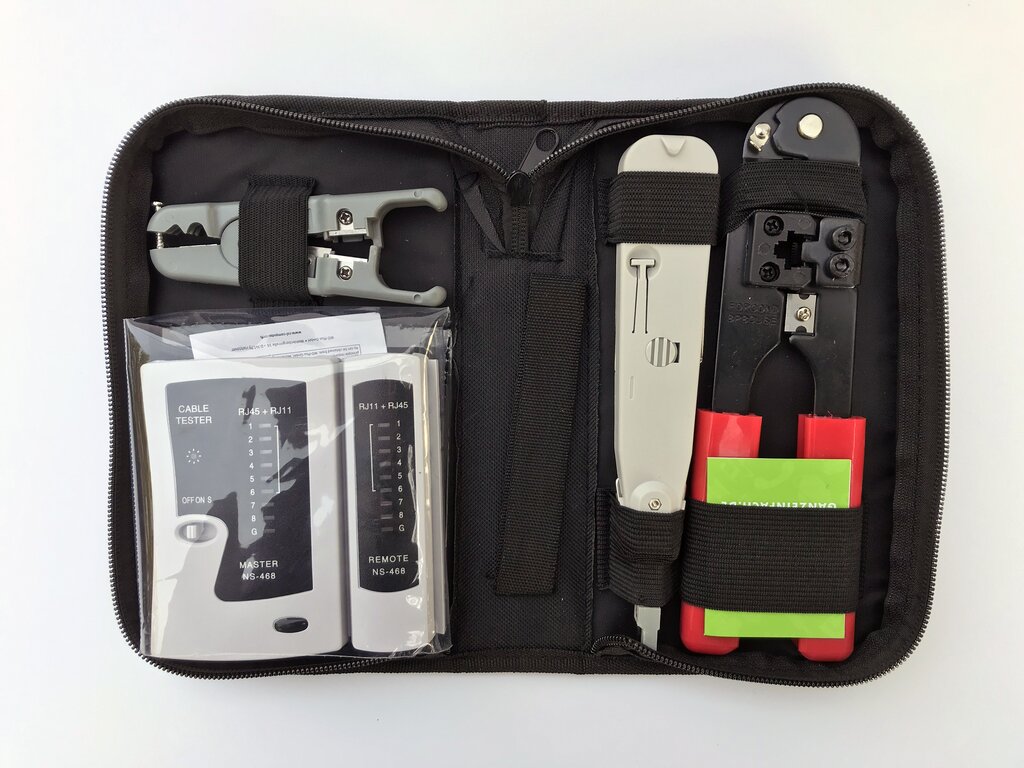
A cable tester is a device used to verify the electrical connections in a data cable. You plug each end of the cable into the tester, and it sends a signal through the wires. LEDs light up to show if the connection is good, if wires are crossed, or if there's a break somewhere in the line. It's a quick and simple way to rule out the most common culprit in network failures.
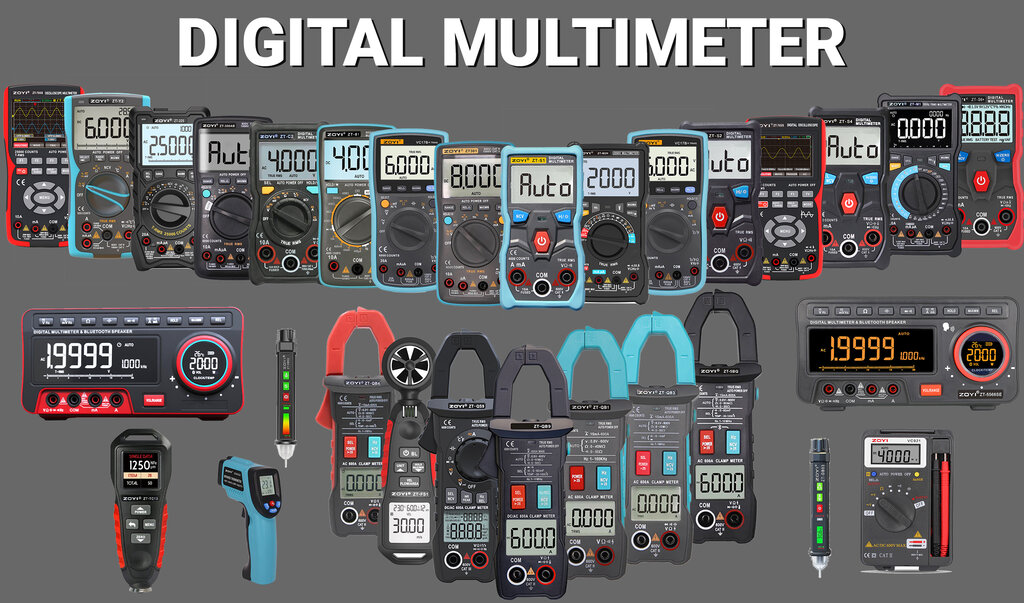
A multimeter is a more general-purpose electrical testing tool, but it's invaluable for network technicians. It can measure voltage, current, and resistance. This helps diagnose power issues with network devices or check for shorts and continuity in wiring that a basic cable tester might miss. For example, it can confirm if a PoE (Power over Ethernet) port is delivering the correct voltage.
Effective troubleshooting should start from the physical layer and verify connectivity to the application layer.
Analyzing Data Traffic
Once you've confirmed the physical connections are solid, the next step is to look at the data itself. If the roads are clear but there's still a traffic jam, you need to see what the cars are doing. This is the job of a protocol analyzer.
Protocol Analyzer
noun
A tool that can intercept and log traffic passing over a digital network or part of a network.
Often called a "packet sniffer," a protocol analyzer captures the individual packets of data traveling across the network. It then decodes this information and presents it in a human-readable format. This allows a technician to see exactly what kind of data is flowing, where it's coming from, where it's going, and if any errors are occurring during transmission.
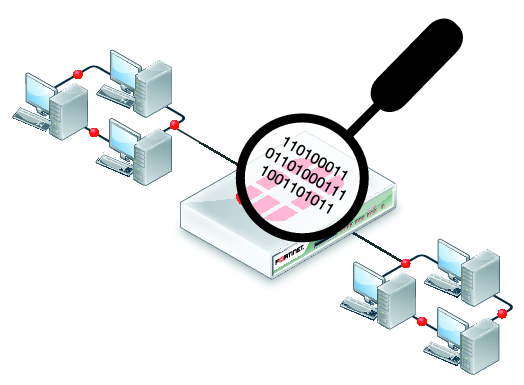
By analyzing this traffic, a network administrator can diagnose a wide range of issues, such as identifying a device that's flooding the network with unnecessary data, spotting security vulnerabilities, or figuring out why a specific application is performing poorly. While cable testers and multimeters check the network's physical health, protocol analyzers check its operational health.
Ready to check your understanding? Let's see what you've learned about these fundamental tools.
When troubleshooting a network connection, what is generally the first step you should take?
Which tool is specifically designed to check if wires in a network cable are connected in the correct order and have no breaks?
Mastering these basic tools is the first step toward becoming a skilled network troubleshooter. By starting with the physical layer and moving up to the data, you can solve problems methodically and efficiently.