Photorealistic 3D Renders
Introduction to Photorealistic Rendering
Making Pixels Look Real
Have you ever seen a movie with a breathtaking alien world or a video game with incredibly lifelike characters and wondered how they were made? The magic behind these visuals is often photorealistic rendering. In simple terms, it's the process of using computers to create images that are indistinguishable from photographs of the real world.
The goal is to simulate how light, materials, and cameras work together. Instead of an artist painting a scene, a computer calculates it. It figures out how light from a virtual sun would bounce off a virtual glass of water and into a virtual camera lens. This allows creators to build entire worlds, design products that don't exist yet, or visualize buildings before a single brick is laid.
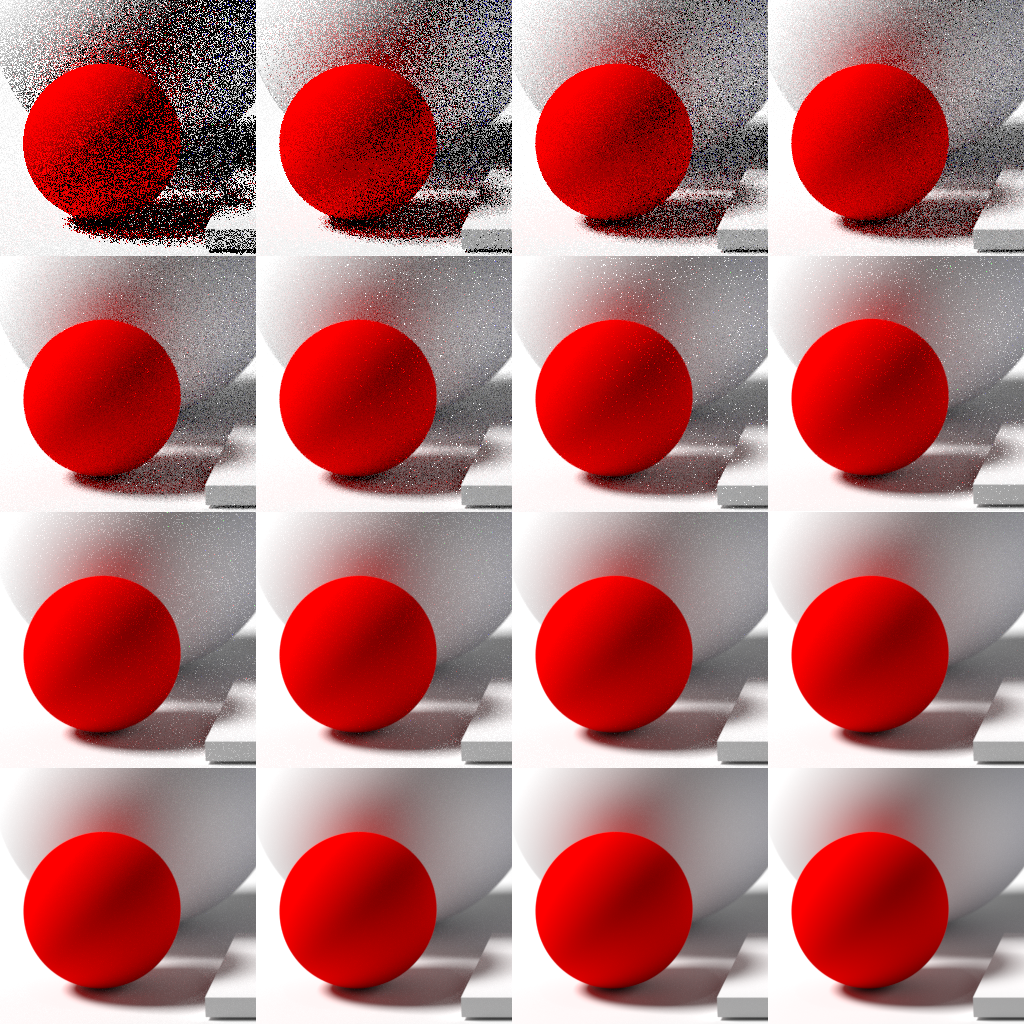
Getting this right is all about understanding and replicating the physics of our world in a digital space. It’s a blend of art and science that turns mathematical models into stunning, believable images.
The Rendering Pipeline
Creating a photorealistic image doesn't happen all at once. It follows a series of steps known as the rendering pipeline, which acts like a digital assembly line. Each stage builds upon the last, adding another layer of detail until the final image is complete.
First, artists create the 3D models, which are the digital skeletons of every object in the scene. Next, they apply materials to these models to define what they're made of. Is that table made of polished cherry wood or rough, unfinished pine? Is that window pane clean or smudged? These details are crucial.
After that comes lighting. Just like a photographer sets up lights for a photoshoot, a 3D artist places virtual lights to illuminate the scene. Finally, the rendering process begins. The computer takes everything—the models, materials, and lights—and performs complex calculations to produce the final 2D image.
The Three Pillars of Realism
To achieve photorealism, three key components must be simulated accurately: light, materials, and the camera.
Light is the single most important element. Without it, there is no image. How light bounces, reflects, refracts, and casts shadows determines how we perceive a scene.
Materials dictate how surfaces interact with that light. A rubber ball and a mirror ball placed side-by-side will look completely different under the same light. One absorbs most of the light, showing its color, while the other reflects its surroundings. A rendering engine must simulate these different properties, from the soft diffusion of light on a cotton shirt to the sharp, clear reflections on a chrome faucet.
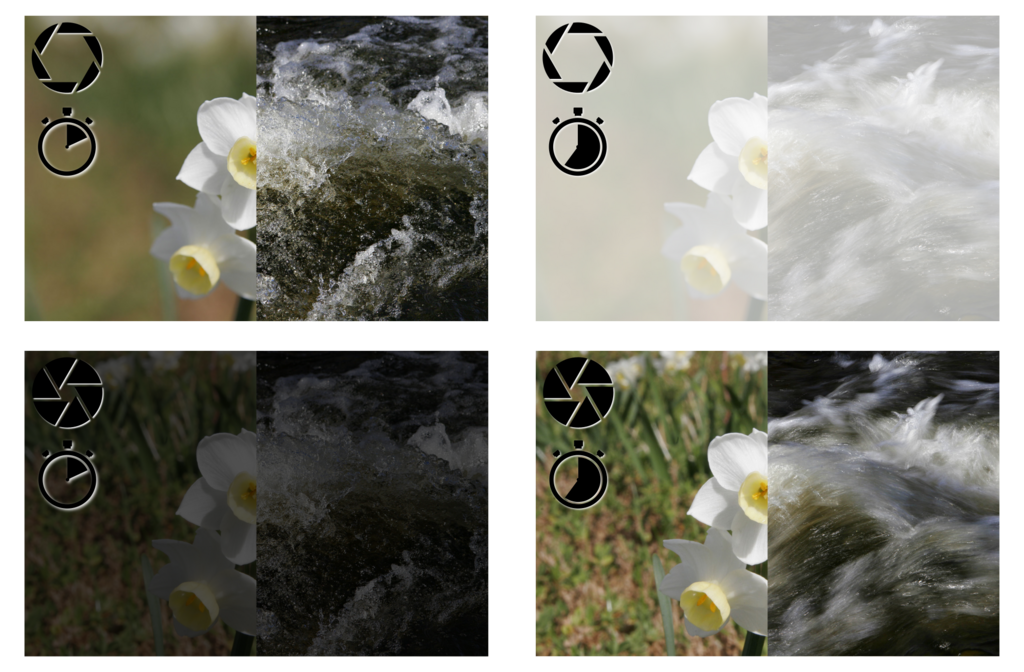
Finally, camera effects add the last layer of believability. Real-world cameras have imperfections and characteristics that we subconsciously recognize as authentic. Effects like depth of field, where objects in the background are blurry, or lens flare, the glare seen when pointing a camera at a bright light, can make a digital image feel more like a real photograph.
Rendering Engines
The software that performs the final, complex calculation step is called a rendering engine. It's the 'brain' of the operation, responsible for simulating the physics of light. There are many different rendering engines, each with its own strengths. Some are built for speed, making them great for video games and interactive experiences where images need to be generated in real-time. Others are designed for accuracy, taking hours or even days to render a single image with stunning, lifelike detail, which is perfect for movies and architectural visualization.
These engines are often used as plugins within larger 3D modeling and animation software like Blender, 3ds Max, or Maya. Learning how to use these tools together is the key to transforming a simple 3D model into a work of photorealistic art.
This introduction to 3D Photography will cover the concepts that go into making a compelling shot, judging the balance of light and shadow for your shot, improving a shot with reflectors, choosing the right camera lens and setting up a shot using some basic composition tips.
As you continue, you'll learn how to control these elements to craft images that are not just realistic, but also compelling and artistic.
Ready to check your understanding?
What is the primary goal of photorealistic rendering?
In the rendering pipeline, what is the correct sequence for these three initial stages?
By mastering these foundational concepts, you are on your way to creating stunning visuals that trick the eye and captivate the imagination.