PDF to Word Conversion Mastery
Understanding PDF and Word Formats
The Universal Snapshot
PDF stands for Portable Document Format. The name gives away its main purpose: to be a file that anyone can open and view, no matter what device or operating system they're using. Think of a PDF as a digital snapshot or a high-quality scan of a document. Everything from the text and images to the fonts and layout is locked in place.
This fixed nature is the PDF's greatest strength. When you send a resume, a legal contract, or an instruction manual as a PDF, you can be confident that the recipient will see it exactly as you intended. The paragraphs won't reflow, the images won't jump to another page, and the special fonts you used will appear correctly even if the other person doesn't have them installed.
The PDF format keeps the document consistent across different devices and apps.
The main limitation is that PDFs are not meant to be edited. While some tools allow for minor changes, altering the core text and layout can be difficult and messy. It’s a format designed for final-draft viewing and printing, not for collaborative writing.
The Living Document
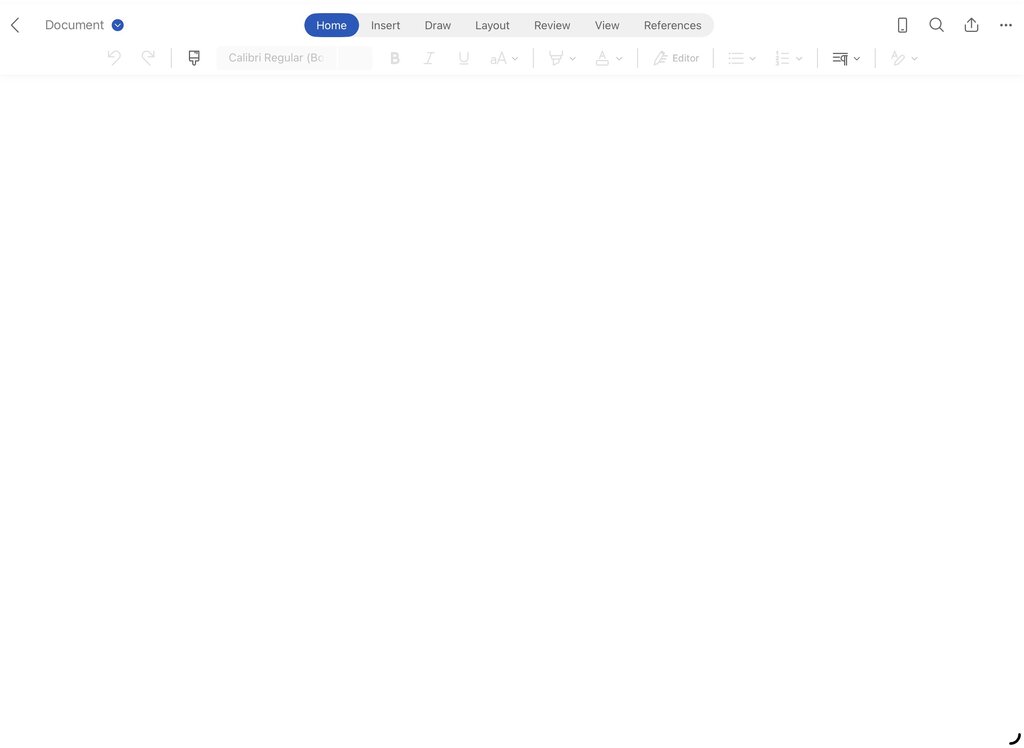
Microsoft Word documents, with extensions like .doc or .docx, are built for a different purpose: creation and editing. A Word file is a dynamic, flowing workspace. When you add a paragraph or resize an image, the rest of the content automatically adjusts to make room. This is called "reflowing text."
This flexibility is perfect for writing reports, drafting articles, or collaborating on a project with features like tracked changes and comments. The document isn't a static image; it's a collection of elements—headings, paragraphs, lists, images—that understand their relationship to one another.
The downside of this flexibility is a lack of universal consistency. If you send a Word document to someone who opens it with different software or who doesn't have the same fonts, the layout can break. What looked perfect on your screen might be a jumble on theirs.
Why Conversion is Tricky
The fundamental difference between PDF and Word is how they store information. A PDF is a set of drawing instructions. It says, "Place the letter 'A' at coordinate (100, 150), then place the letter 'p' at coordinate (105, 150)," and so on. It doesn't necessarily know that those letters form the word "Apple" or that the word is part of a sentence.
A Word document, however, stores the structural meaning. It says, "This is a paragraph that contains the sentence 'This is an apple.'" It understands the hierarchy of headings, paragraphs, and pages.
PDF files primarily store the visual layout of text, not its underlying structure.
Converting a PDF to Word is therefore a process of reverse-engineering. The conversion software must look at the visual layout—all those scattered letters and lines—and try to piece together the original structure. It has to guess which letters form words, which words form paragraphs, and which groups of lines form tables.
| Challenge | Why It Happens in PDF to Word Conversion |
|---|---|
| Text in Text Boxes | Software might interpret each line of a paragraph as a separate, unrelated text box, making editing difficult. |
| Incorrect Spacing | The visual space between words in a PDF might be converted into multiple space characters or tabs, disrupting the flow. |
| Broken Tables | A table in a PDF is just a collection of lines and text. The converter must intelligently reconstruct the rows and columns. |
| Image Placement | Images that are part of the page background can be lost, while others may not flow correctly with the new, editable text. |
Because the PDF format prioritizes a consistent visual appearance over structural content, converting it back into a flexible format like Word will always be an imperfect translation. Understanding this helps set realistic expectations for the process.
What is the primary strength of the PDF format?
A key feature of a Microsoft Word document is its dynamic, flowing workspace where content automatically adjusts. This is called ______ text.