PDF Content Processing
Understanding PDFs
What's in a PDF?
You’ve probably handled dozens of PDFs this week without a second thought. They're the go-to format for everything from resumes to user manuals. But what exactly is a PDF?
PDF stands for Portable Document Format. The name hints at its main superpower: portability. It was designed to solve a common problem from the early days of computing, where a document created on one computer would look completely different on another.
The Portable Document Format (PDF) is a universal file format that preserves the content and layout of a document, no matter what device or operating system it's viewed on.
Created by Adobe in the 1990s, the format ensures that your file looks the same everywhere. The fonts, images, and layout are all locked in place, providing a reliable, consistent experience for everyone.
The Anatomy of a PDF
A PDF isn't just one monolithic block of data like a simple image file. It’s more like a sophisticated digital container, carefully organized to hold different types of content.
Everything inside a PDF is stored as an object. An object could be a block of text, a font, an image, or even instructions on how a page should be assembled. These objects are the fundamental building blocks of the document.
This structure is organized into a few key sections:
- Header: The very first line of the file, which simply identifies it as a PDF and states the version used.
- Body: The main part of the file. It contains all the objects that make up the document's content, like text and images.
- Cross-Reference Table (Xref): This is like the PDF's table of contents. It lists every object in the body and its exact location within the file, allowing software to quickly find and render content without reading the whole file.
- Trailer: The end of the file. It tells a PDF reader where to find the cross-reference table, so the process of reading the file can begin.
Think of it like a book: the body is the chapters, the cross-reference table is the table of contents, and the trailer is the note on the back cover telling you where to find the table of contents.
Metadata The Data Inside
Beyond the visible content, PDFs also carry metadata. This is information about the document itself, rather than the content within it. Metadata provides context and makes documents easier to find, organize, and understand.
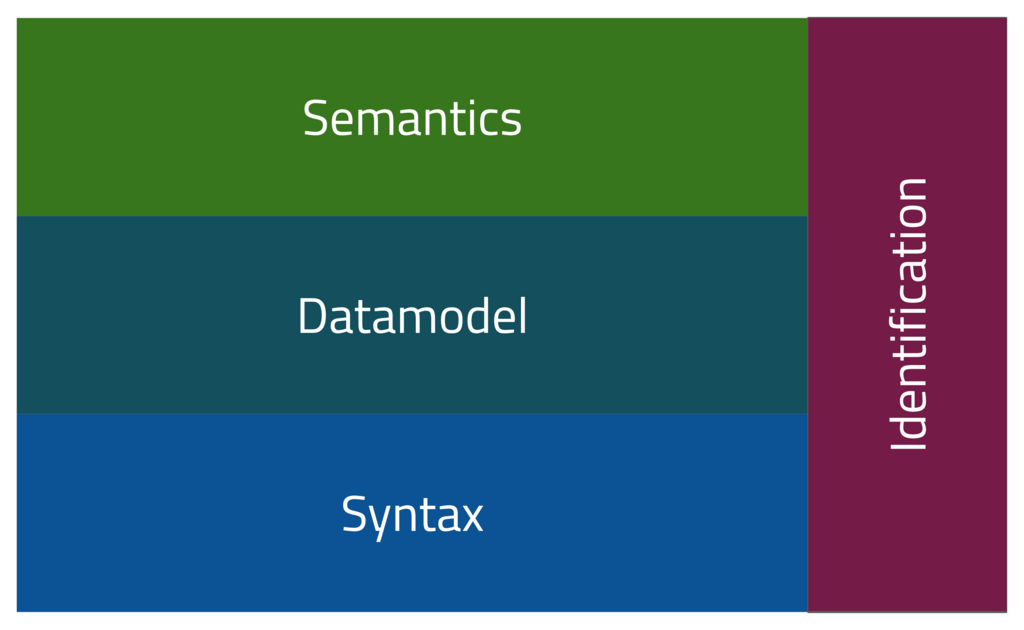
Common pieces of metadata stored in a PDF include:
- Author: The name of the person or program that created the document.
- Title: The official title of the document.
- Subject and Keywords: A brief description and keywords that help with search and categorization.
- Creation and Modification Dates: Timestamps for when the file was created and last updated.
This hidden information is crucial for document management systems, search engines, and accessibility tools. It helps software—and people—make sense of a file without having to read it from start to finish.
Ready to test your knowledge?
What problem was the Portable Document Format (PDF) originally designed to solve?
Which section of a PDF file acts like a table of contents, providing the exact location of all the objects within the file?
Understanding the structure of a PDF gives you a new appreciation for this everyday file format. It's a well-designed system for sharing information reliably.