PCIe Link Training Explained
PCIe Basics
What is PCIe?
Peripheral Component Interconnect Express, or PCIe, is the standard way high-speed components talk to each other inside a computer. Think of it as the superhighway system that connects your processor to critical parts like graphics cards, storage drives, and network cards. It's designed for one thing: moving massive amounts of data, fast.
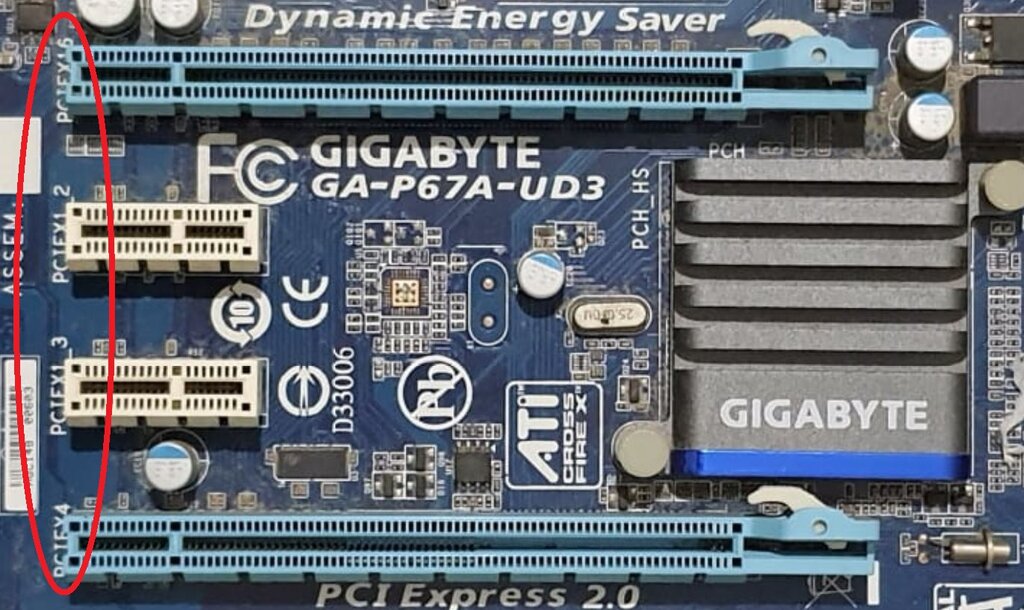
Unlike older technologies that used a shared party line where devices had to wait their turn to speak, PCIe uses a point-to-point topology. Each connection is a direct, private link between two devices, like a dedicated express lane on a highway. This avoids traffic jams and ensures that a graphics card doesn't have to compete for bandwidth with a network card.
This direct connection means less waiting and faster communication between components.
PCIe sends data using serial communication. Instead of sending multiple bits of data at once across wide, parallel pathways, it sends them one bit at a time, but at incredibly high speeds. This might sound slower, but it avoids the complex timing problems that plague parallel connections at high frequencies, ultimately allowing for much faster and more reliable data transfer.
The Three Layers
To manage the complex task of moving data, the PCIe standard is broken down into three logical layers. Each layer has a specific job, and they work together to ensure data gets from point A to point B quickly and correctly. It's like an efficient assembly line for information.
1. Transaction Layer This is the top layer. Its main job is to create and receive Transaction Layer Packets (TLPs). These packets are the fundamental units of data in PCIe. They contain the actual information being sent, like a memory read request or a block of data to be written to a drive, along with addressing information telling the system where the data needs to go.
2. Data Link Layer Sitting in the middle, this layer acts as the quality control manager. It takes the packets from the Transaction Layer and adds a sequence number and a special error-detecting code called a CRC (Cyclic Redundancy Check). When data is received, this layer checks the CRC to make sure no bits were corrupted during transit. If an error is found, it automatically requests a retransmission. This ensures the link is reliable.
3. Physical Layer This is the bottom layer, where the digital data becomes electrical signals. It’s responsible for the actual transmission and reception of bits across the physical PCIe link. This includes all the analog circuitry, encoding the data to ensure signal integrity, and managing the lanes that make up the connection.
Lanes and Speed
The scalability of PCIe is one of its greatest strengths. It achieves this through two main factors: link width and generation speed.
lane
noun
A single PCIe lane consists of two pairs of differential signal wires: one pair for transmitting data and one for receiving. This allows for full-duplex, or two-way, communication simultaneously.
A PCIe link can be composed of multiple lanes. Links are designated by their lane count, such as x1, x2, x4, x8, x16, and x32. The more lanes in a link, the higher its total bandwidth, just as a 16-lane highway can carry more traffic than a single-lane road. This allows device manufacturers to choose the right link width for the performance needs of their hardware.
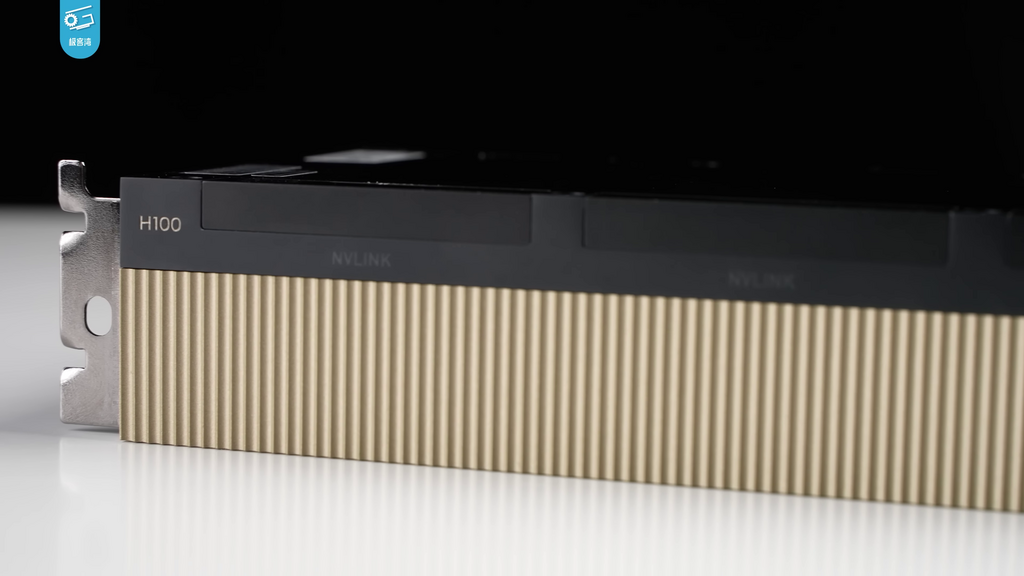
In addition to a scalable number of lanes, PCIe also gets faster with each new generation. PCIe 2.0 doubled the speed per lane of PCIe 1.0. PCIe 3.0 nearly doubled it again, and this trend has continued with versions 4.0, 5.0, and beyond. A newer generation device can provide the same bandwidth with fewer lanes, or it can use the same number of lanes to achieve much higher performance. This continuous evolution ensures PCIe keeps up with the ever-increasing demands of modern computing.
More lanes and newer generations both lead to higher data transfer speeds. Together, they make PCIe a highly flexible and powerful standard.
Now that you understand the basic building blocks, you're ready to see how a connection is actually established.