Password Manager Mastery
Understanding Password Security
Your First Line of Defense
Your password is the front door to your digital life. From email to banking, it's often the only thing standing between your personal information and someone with bad intentions. That's why having a strong password is so critical. But what makes a password strong?
It isn't just about complexity, like adding symbols or numbers. The most important rule is that every single online account you have should have its own, unique password. Using the same password everywhere is like using the same key for your house, your car, and your office. If a thief gets one key, they have access to everything.
The single biggest mistake people make is reusing passwords. One data breach at a minor website can put your most important accounts, like your email or bank, at risk.
Of course, this creates a problem. The average person has dozens of online accounts. It's impossible to create and remember a unique, complex password like j8!fP$zK9@vB for each one. Our brains just aren't built for that.
This limitation leads people into bad habits. We use simple, memorable passwords based on our pet's name, our birthday, or common phrases. Or, more often, we just reuse the same password over and over again. Hackers know this, and they have automated tools to exploit these predictable behaviors.
How Your Passwords Get Stolen
When you hear about a major company having a "data breach," it means that hackers have broken into their servers and stolen user data. This data often includes a list of usernames, email addresses, and passwords.
Once hackers have these lists, they perform what's called credential stuffing. They use automated software to take the stolen username and password combinations and try them on hundreds of other popular websites, like social media, online stores, and banks. They're betting that you've reused that same password elsewhere. When they find a match, they gain access to your account.
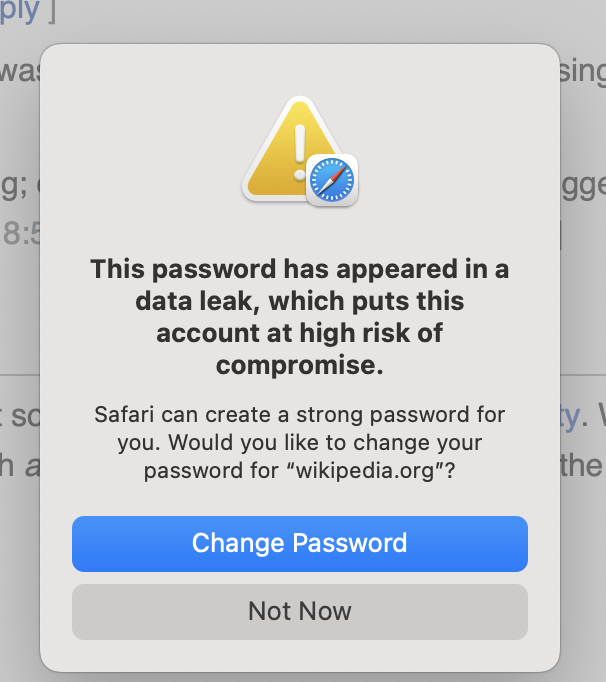
This is why even a breach at a small, unimportant website you signed up for years ago can be so dangerous. If that password is the same one you use for your email, an attacker could take over your entire digital identity.
A Better Way to Manage Passwords
Since we can't possibly remember dozens of unique, complex passwords, the solution is to use a tool that can do it for us. This is where a password manager comes in.
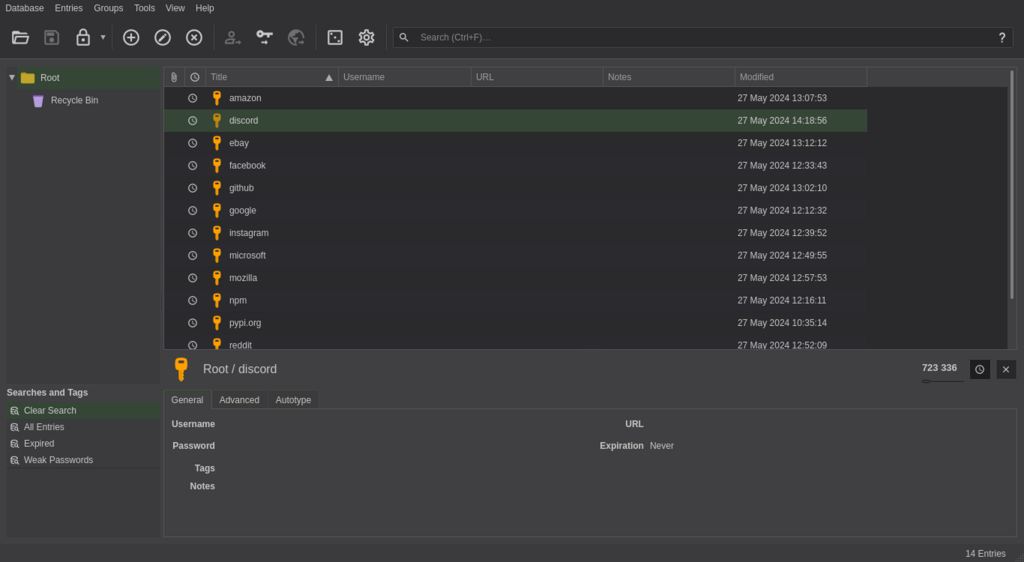
A password manager is a secure application that acts like a digital vault for your passwords. Here's how it solves the problem:
- It creates strong, unique passwords. It can generate long, random strings of characters for every new account you create.
- It stores them securely. All your passwords are kept in an encrypted vault, protected from unauthorized access.
- It remembers them for you. You only need to remember one strong master password to unlock your vault. The manager then automatically fills in your login information on websites and apps.
A password manager makes logging in easier since you don't need to remember your password, and more secure, as you're able to use long, random, and unique passwords across all your accounts.
Using a password manager allows you to follow the most important rules of password security without relying on your own memory. It's the single most effective step you can take to protect your online accounts from common threats.
Now that you understand the risks and the solution, let's test your knowledge.
According to security experts, what is the single most important rule for password security?
Imagine a small online forum you signed up for years ago gets hacked. Why could this be a serious security risk for you, even if you don't care about the forum account itself?