Osquery Deep Dive
Introduction to osquery
What is osquery?
Imagine you could ask your computer detailed questions about its current state and get answers back in a structured, easy-to-read format. What processes are running? Which users are logged in? What USB devices are connected? Normally, finding this information requires different commands and tools for each operating system.
This is where osquery comes in. Developed by Facebook and released as an open-source project, osquery is a tool that transforms your operating system into a high-performance relational database. Instead of memorizing various system commands, you can use a language many developers and analysts already know: SQL.
Osquery presents system information, like running processes or network connections, as simple database tables that you can query.
Speaking SQL to Your OS
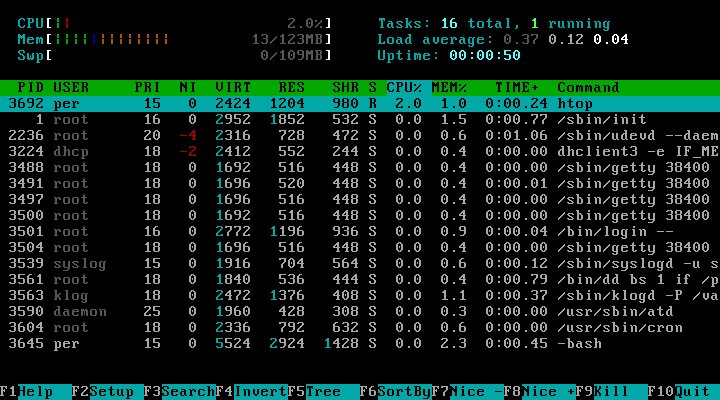
The core idea behind osquery is its use of SQL to explore system data. This approach simplifies system monitoring and security analysis. If you want to see all the processes currently running on your machine, you don't need to use ps on Linux or Task Manager on Windows. You can just write a simple query.
SELECT pid, name, path FROM processes;
This command asks osquery to show the process ID (pid), name, and file path for every running process. The result is a clean, table-formatted list, much like what you'd get from a traditional database. This consistency makes it much easier to manage and secure computers.
Osquery exposes the operating system as a high-performance relational database that can be queried using SQL-based queries.
One Tool, Many Systems
One of osquery's biggest strengths is its cross-platform compatibility. It runs on macOS, Linux, and Windows. This is a huge benefit for anyone managing a mix of different operating systems. Instead of learning and maintaining separate sets of tools for each platform, you can use the same osquery queries everywhere.
A query to find listening network ports or installed applications works the same way whether you're on a developer's MacBook, a Windows server, or a Linux virtual machine. This unified approach streamlines everything from security audits to routine IT check-ups.
Making osquery Your Own
While osquery comes with a rich set of tables out of the box, it's also highly extensible. If you need to monitor something specific that isn't covered by the default tables, you can create your own.
Through custom tables and plugins, you can teach osquery to gather information from proprietary applications, unique hardware, or any other data source on the system. This allows you to build a monitoring solution that's perfectly tailored to your environment's needs, all while sticking to the same simple, SQL-based interface.
Now, let's test your understanding of these core concepts.
What is the primary paradigm that osquery uses to make operating system data accessible?
Which language would you use to find all running processes with the name 'chrome' using osquery?
With its ability to turn an entire operating system into a queryable database, osquery provides a powerful and flexible way to monitor and secure infrastructure.