OSI Model Network Troubleshooting
Layer 1 Physical
The Physical Foundation
All communication, whether it's a chat message or a streaming movie, eventually becomes a physical signal. The Physical Layer, or Layer 1 of the OSI model, is where this happens. It’s all about the tangible stuff: the cables, the connectors, and the invisible waves that carry our data. Think of it as the road system for information. Before you can send a package, you need a road to drive on. This layer builds that road.
At its core, all digital data is just a series of ones and zeros, called bits. The Physical Layer's main job is to take these bits and convert them into a signal that can travel across a specific medium. It doesn't know what the bits mean, it just knows how to send them.
Layer 1 turns abstract binary code into concrete physical signals—electricity, light, or radio waves.
The Pathways of Data
Data can take several different physical paths. The most common ones you'll encounter are copper cables, fiber optics, and wireless.
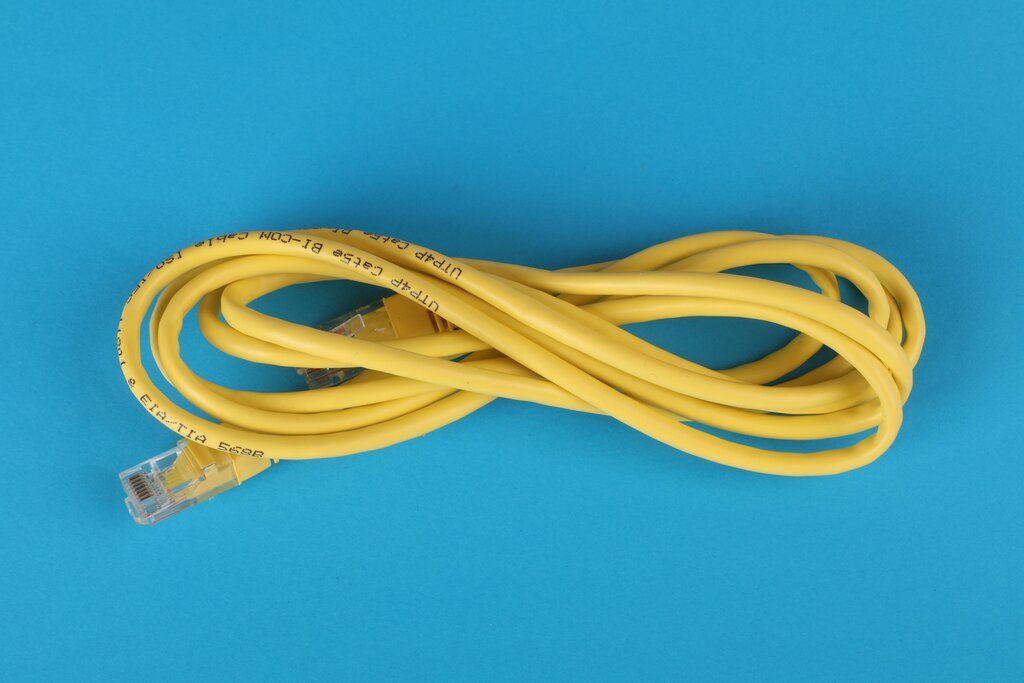
Copper Cabling: This is the most familiar type, often seen in homes and offices. Cables like use twisted pairs of copper wires to transmit data as electrical pulses. A positive voltage might represent a '1', and zero voltage might represent a '0'. These cables plug into a port using a connector that looks like a slightly larger phone jack. This is the ubiquitous RJ-45 connector.
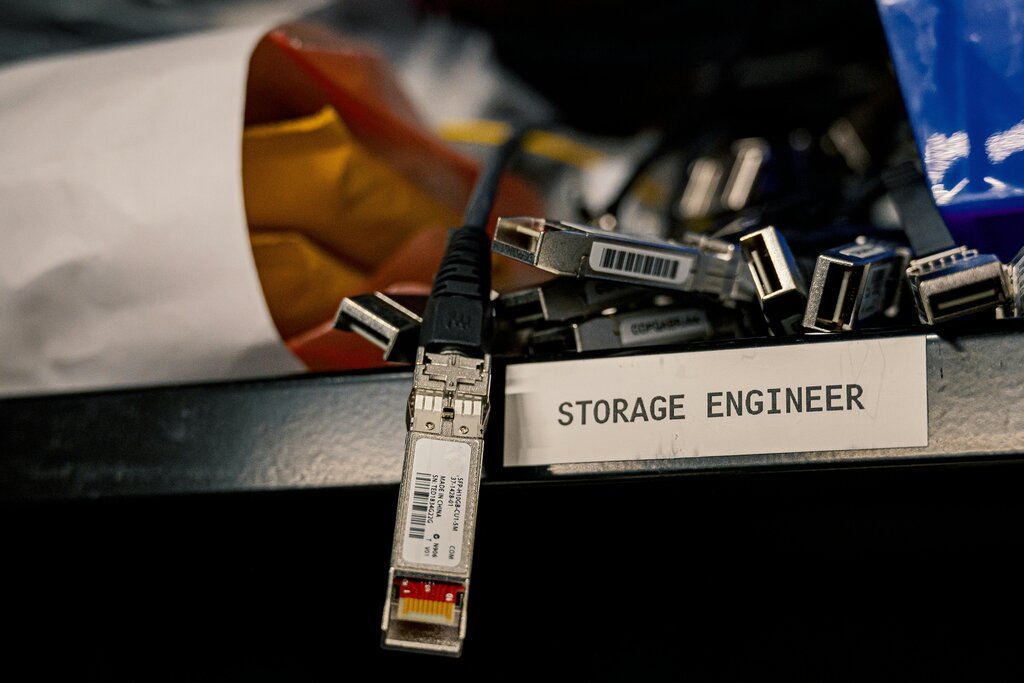
Fiber Optic Cabling: Instead of electricity, fiber optic cables use pulses of light sent through tiny strands of glass or plastic. Think of it like sending Morse code with a flashlight. Because light travels incredibly fast and is immune to electrical interference, fiber is used for high-speed, long-distance connections, like the internet's backbone. Devices connect to fiber using modules, often an (Small Form-factor Pluggable) transceiver, which converts electrical signals from the device into light pulses for the cable.
Wireless: With Wi-Fi and Bluetooth, the physical medium is the air itself. Data is converted into radio waves and broadcasted. The receiving device's antenna picks up these waves and converts them back into binary data. There are no physical cables, but it still relies on the physical properties of radio frequencies to transmit information.
Troubleshooting the Physical
When your internet goes out, the first question is always a Layer 1 question: "Is it plugged in?" Physical Layer problems are the most common cause of network failure. They are always related to a physical issue with the hardware or the medium.
Common symptoms include:
- No Connection: The most obvious one. If a cable is unplugged, damaged, or plugged into the wrong port, no data can flow.
- Intermittent Connection: The connection drops and reconnects randomly. This can be caused by a loose cable or a faulty port, a condition sometimes called s.
- Slow Speeds: While slowness can have many causes, a damaged cable or one that's too long can lead to —where the signal gets weaker and less clear as it travels, causing errors.
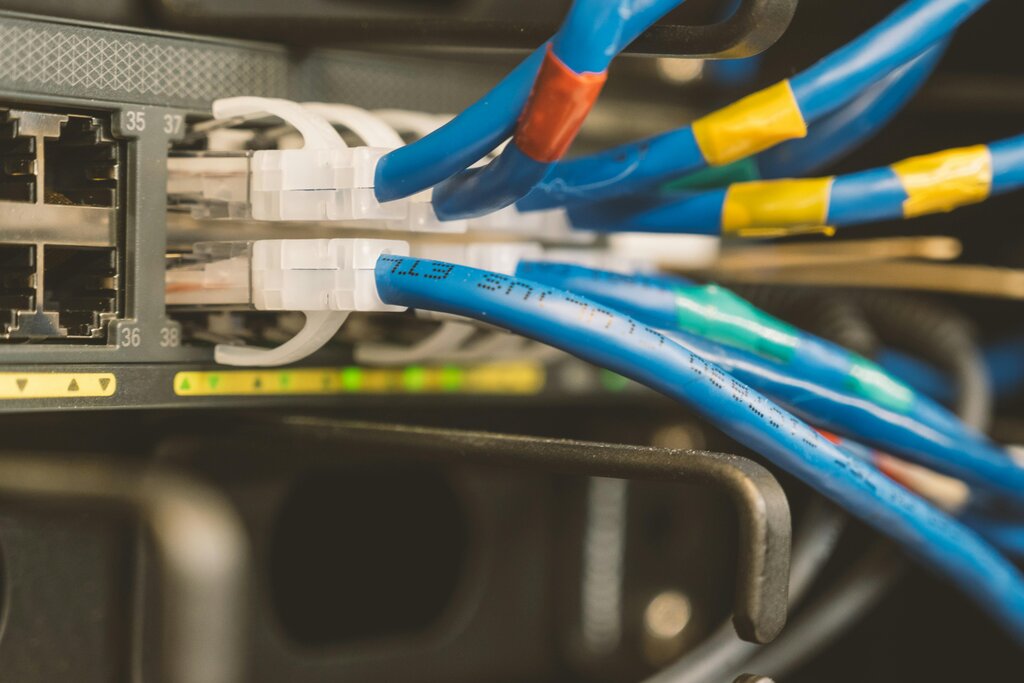
The first step in diagnosing these issues is a simple visual check. Look at the link lights on your router, switch, or computer's network port. A solid green or amber light usually means you have a good physical connection. No light means there's a problem.
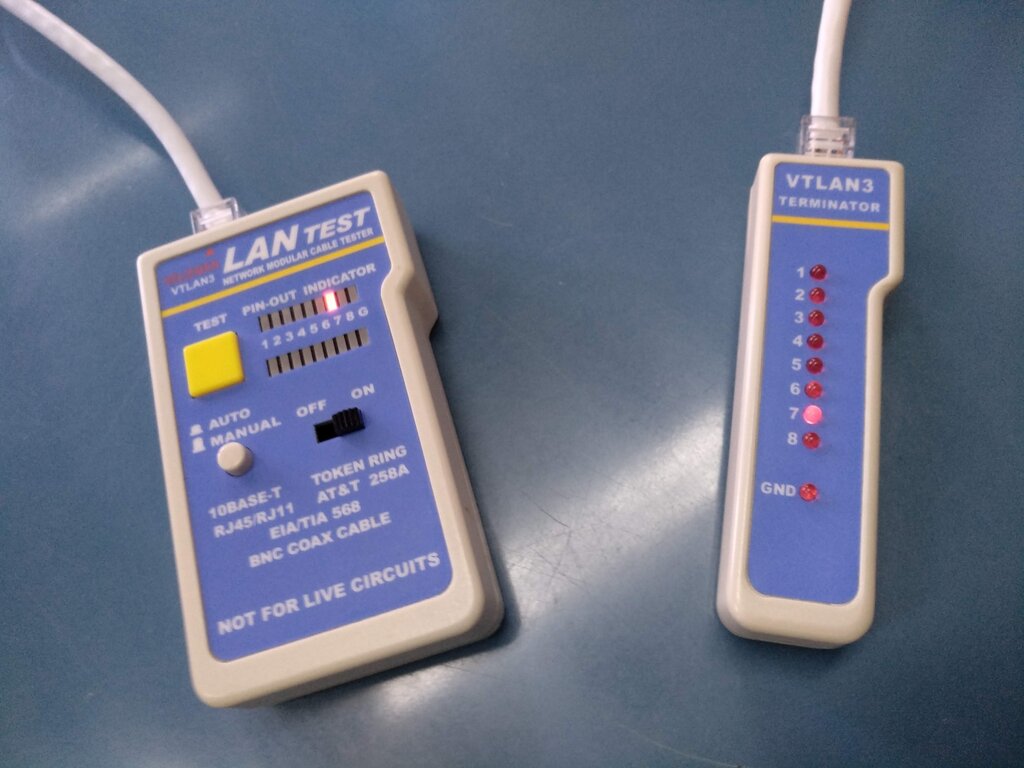
For a more thorough check, network technicians use tools like a cable tester. You plug each end of the cable into the tester, and it tells you if all the wires inside are connected properly. It's a quick way to rule out a bad cable.
By confirming the physical path is solid, you can confidently move up the OSI model to investigate other potential problems. Without a good foundation at Layer 1, nothing else can work.