Optimising Zoom for Professional Online Educators
Paid Subscription Strategy
Choosing the Right Plan
You've mastered the basics of running a Zoom session. Now, it's time to move beyond the limitations of a free account. The free 'Basic' plan is a great starting point, but its 40-minute cap on group meetings is a significant hurdle for any structured educational setting. When a single lesson can easily run for an hour, interrupting the flow to restart a meeting isn't practical.
Upgrading to a paid plan removes this time limit, extending meeting durations to 30 hours. This simple change is transformative, allowing for uninterrupted lectures, detailed discussions, and collaborative group work. But the benefits don't stop there. Paid plans offer a suite of tools designed specifically for managing educational environments, from larger class sizes to streamlined administration.
Comparing the Tiers
Zoom's subscription tiers – Pro, Business, and Education – each cater to different needs. The best choice depends on the scale of your operation, whether you're a single tutor or part of a large institution.
| Feature | Pro | Business / Business Plus | Education |
|---|---|---|---|
| Best For | Individuals & Small Teams | Small to Medium Institutions | Schools & Universities |
| Participant Limit | Up to 100 | Up to 300 | Up to 300 (500+ available) |
| Meeting Duration | 30 hours | 30 hours | 30 hours |
| Cloud Recording | 5 GB per licence | 10 GB per licence | 500 MB per licence (pooled) |
| Admin Tools | Basic user management | Advanced dashboard, SSO | Advanced dashboard, LTI Pro |
| Branding | No | Custom branding | Custom branding |
The Pro plan is ideal for individual educators or small groups. It removes the 40-minute time limit and increases the participant capacity to 100, which is ample for most seminars and tutorials.
The Business plan is a significant step up. It's designed for institutions that need more robust administrative control. You get a larger participant capacity, more cloud storage, and features like Single Sign-On (SSO), which allows users to log in with their institutional credentials. You can also add custom branding to your meeting pages, creating a more professional and familiar experience for students.
The Education plan is specifically tailored for academic institutions. It bundles key features at a discounted rate and includes integrations that are crucial for modern learning environments.
Administration and Integration
Managing dozens or hundreds of accounts for staff and students requires powerful administrative tools. This is where the Business and Education plans truly shine. They provide a centralised dashboard where an administrator can manage users, assign licences, and set security policies across the entire institution.
Imagine needing to ensure all classes are automatically recorded or that specific security settings are enforced for all users. With an admin dashboard, you can apply these rules globally instead of relying on each instructor to configure their own account correctly.
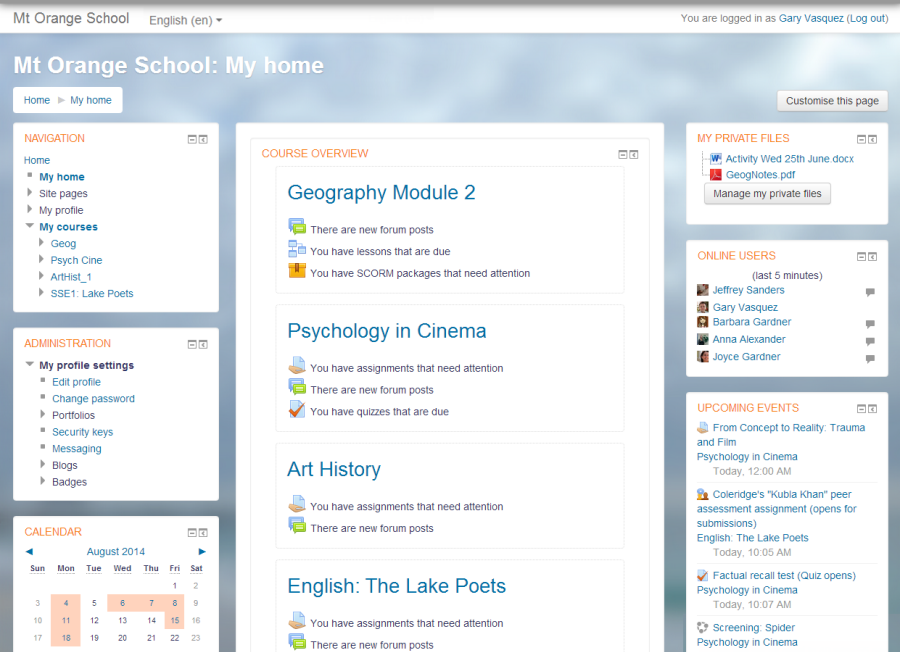
A key feature for the Education plan is its support for Learning Tools Interoperability (LTI). The LTI Pro integration allows you to seamlessly connect Zoom with your existing Learning Management System (LMS), such as Moodle, Canvas, or Blackboard.
This means you can schedule and manage meetings directly from your course page, and students can join with a single click. It also enables secure sharing of cloud recordings within the LMS, ensuring only enrolled students can access them. Centralised polling is another benefit; you can create a poll library that can be shared among all educators in your institution, saving time and ensuring consistency.
Storage and Large-Scale Needs
Cloud recording is a vital tool for creating a flexible learning environment. It allows students to review lectures, catch up on missed classes, and revise for exams. The different plans offer varying amounts of cloud storage.
While Pro and Business plans offer a fixed amount of storage per licence, the Education plan pools the storage. This means the total storage from all licences is shared across the institution, which is often more efficient. For a school with many instructors, this pooled storage can accommodate a vast library of recorded lectures.
For very large institutions, Zoom offers 'School and Campus Plus' bundles. These packages are designed for district-wide or university-wide deployments. They can increase participant capacity to 500 or even 1,000 per meeting, making them suitable for large-scale lectures or university-wide announcements. These enterprise-level plans also come with unlimited cloud storage, removing any concerns about archiving course content.
Take some time to review your needs. How large are your classes? Do you use an LMS? How important is centralised administration? Answering these questions will guide you to the Zoom plan that best supports your educational goals.
What is the primary time limitation for group meetings on Zoom's free 'Basic' plan?
An independent tutor hosts small classes of 15 students and needs to run sessions that are 90 minutes long. They do not use an LMS or require central admin tools. Which plan is the most suitable and cost-effective for their needs?