Operating Systems Fundamentals
Introduction to Operating Systems
The Computer's Conductor
An operating system (OS) is the master program that makes your computer work. Think of it as the conductor of an orchestra. The orchestra has many different instruments—the strings, woodwinds, percussion—just like a computer has hardware components like the processor (CPU), memory (RAM), and storage drives. Application software, like your web browser or a game, are the sheet music. The conductor's job is to make sure every instrument plays the right part at the right time to create a beautiful piece of music. The OS does the same for your computer, coordinating the hardware and software so they work together seamlessly.

Without an OS, you'd need to know the specific, complex language of each piece of hardware to get anything done. It provides a stable, consistent environment for applications to run, so a developer can create an app without worrying if it will run on a computer with a different brand of hard drive or graphics card. It manages who gets to use the CPU and when, how memory is allocated, and how files are saved and retrieved. It's the essential, invisible manager that turns a box of electronics into a useful tool.
From Punch Cards to Touchscreens
In the early days of computing, there were no operating systems. Programmers interacted directly with the massive, room-sized machines, feeding them instructions on punch cards. It was a slow, manual process. To run a program, an operator had to physically set up the machine for that specific job.
This led to the first major innovation: batch systems. Instead of running one job at a time, an operator would group similar jobs together in a "batch" and run them all at once. This was far more efficient but still lacked any interactivity. You'd drop off your punch cards and come back hours later for the printout.
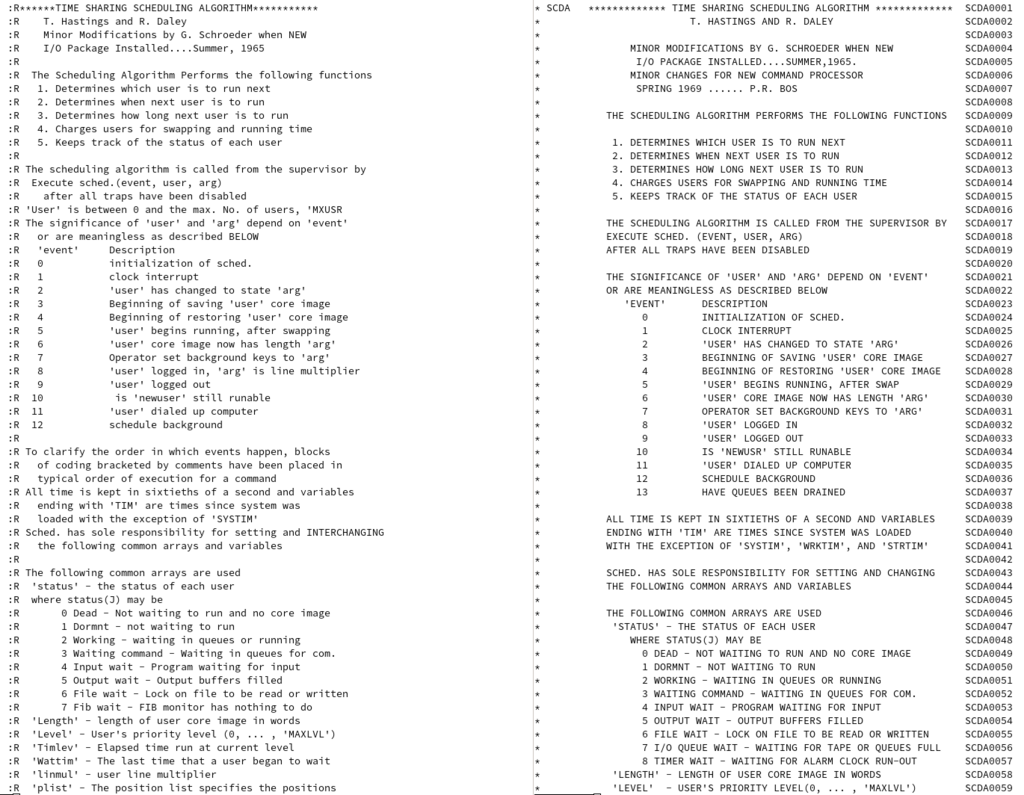
The next big leap was time-sharing. These systems were clever enough to divide the CPU's time into tiny slices and give one slice to each user in turn. The computer switched between tasks so quickly that it created the illusion that every user had the machine all to themselves. This was the birth of interactive computing, where you could type a command and get an immediate response.
This evolution continued with the advent of personal computers, which brought powerful operating systems like MS-DOS and eventually graphical user interfaces (GUIs) like Windows and macOS into homes and offices. Instead of typing commands, people could now click icons, making computers accessible to a much wider audience.
An OS for Every Occasion
Today, operating systems are specialized for different tasks. While they all share the core job of managing resources, their designs are optimized for specific environments. We've already covered two historical types, batch and time-sharing systems, which still have modern equivalents.
| Type | Key Characteristic | Common Use Case |
|---|---|---|
| Batch | Executes jobs in a sequence without user interaction. | Payroll processing, billing systems, large-scale data analysis. |
| Time-Sharing | Allows multiple users to interact with the system simultaneously. | Mainframe computers, servers accessed by many users. |
| Distributed | Manages a group of independent computers and makes them appear to be a single computer. | Cloud computing platforms, large scientific computing grids. |
| Real-Time | Must process data and events within a guaranteed, strict time constraint. | Car engine control systems, medical devices, industrial robots. |
Distributed systems are the backbone of the modern internet. When you use a service like Google Search, you're not using one single computer; you're interacting with a massive distributed system, managed by an OS that coordinates thousands of machines across the globe.
Real-time operating systems (RTOS) are all about deadlines. In a car's anti-lock braking system, the OS must react to a skidding tire within milliseconds. A delay could be catastrophic. These systems prioritize predictability and reliability over raw speed.
An operating system (OS) serves as the critical interface between computer hardware and the user, managing system resources and providing services to programs.
From the smartphone in your pocket to the servers that power the internet and the embedded systems in a modern car, operating systems are the unsung heroes of computing. They handle the complexity behind the scenes, allowing us to interact with technology in a simple and powerful way.
Using the analogy of an orchestra, what role does the operating system play in a computer?
What was the key innovation of time-sharing systems?