Operating System Fundamentals
Introduction to Operating Systems
The Computer's Conductor
A computer without an operating system is a collection of silent, inactive parts. The processor, memory, and storage drives are just hardware waiting for instructions. The operating system (OS) is the software that brings it all to life. It acts as the intermediary between you, your applications, and the physical hardware.
Think of the OS as the conductor of an orchestra. The musicians and their instruments are the hardware components. The conductor doesn't play an instrument but directs everyone to work together harmoniously to create music, which is what you, the user, want to hear.
The primary purpose of an OS is twofold: it provides a platform for software to run, and it manages the computer's resources. It handles everything from which program gets to use the processor to where your files are stored on the hard drive. Without it, every application developer would have to write code to directly control the screen, keyboard, and disk drives—a massively complex and repetitive task.
From Punch Cards to Touchscreens
In the early days of computing, there were no operating systems. Programmers fed instructions directly into massive machines using punch cards or switches. It was a slow, one-person-at-a-time process. If a program had an error, the whole machine would halt, and the process would start over.
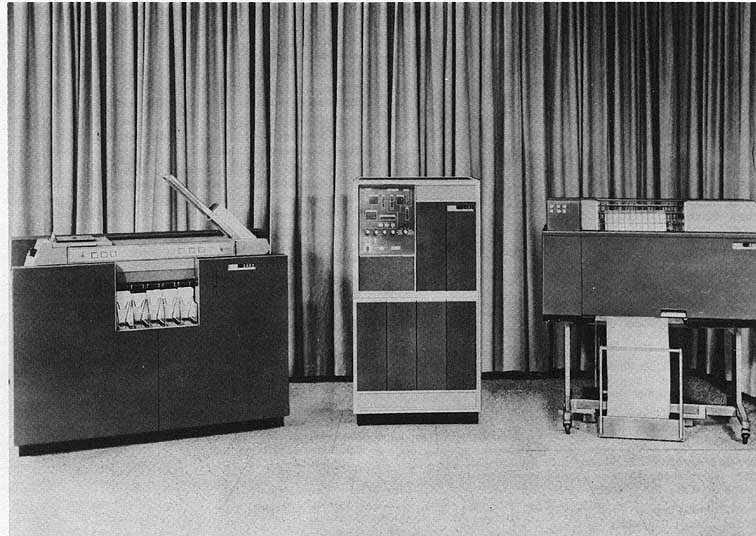
The first step toward automation was batch systems. Operators would collect programs with similar needs—usually on punch cards—and run them together in a batch. This was more efficient because it reduced setup time between jobs, but it was still a hands-off experience. You'd submit your job and come back hours later for the results.
Then came time-sharing systems, a revolutionary idea. The OS could divide the processor's time into tiny slices and give one slice to each user's program. By switching between programs very quickly, it created the illusion that everyone was using the computer at the same time. This was the birth of interactive computing and multi-tasking.
A third important type is the real-time operating system (RTOS). These are designed for situations where timing is absolutely critical. Think of the software in a car's airbag system, a medical device, or an airplane's autopilot. In these systems, a task must be completed within a strict deadline. A late response is as bad as a wrong one.
The Core Responsibilities
Modern operating systems are incredibly complex, but their duties can be broken down into four main areas.
Process
noun
A program in execution. When you double-click an application icon, the operating system creates a process to run that program's code.
Process Management: If you open a web browser, a word processor, and a music player, you have multiple processes running. The OS is responsible for starting, stopping, and managing all of them. It decides which process gets the CPU and for how long, a task known as scheduling. This ensures that even on a computer with a single CPU core, multiple applications can run smoothly without interfering with each other.
Memory Management: Every process needs memory (RAM) to store its instructions and data. The OS is the gatekeeper of memory. It allocates a specific portion of memory to each process and ensures that no process can access the memory of another. This is a crucial security feature. The OS also handles virtual memory, a technique that allows a computer to run programs that are larger than its physical RAM by temporarily using disk space as an extension of memory.
File System Management: Your documents, photos, and applications are all stored as files. The OS provides the file system, which is the hierarchical structure of directories (folders) and files you're familiar with. It keeps track of where every file is located on the storage drive, controls who can access them, and manages the free space on the drive.
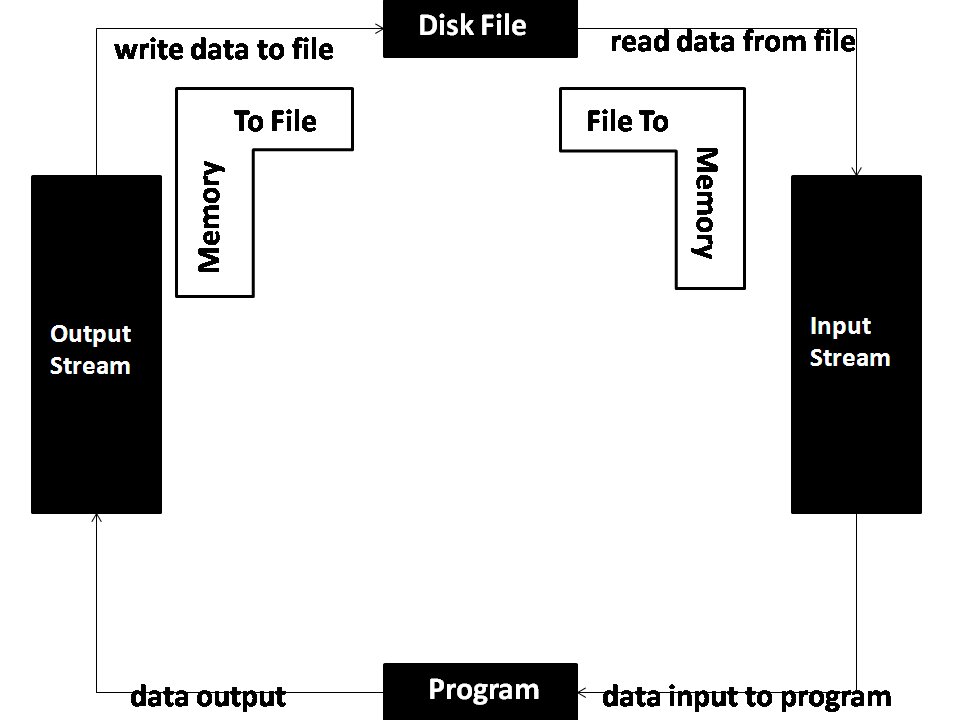
Device Management: Your computer has many devices attached to it: a keyboard, mouse, monitor, printer, network card, and more. The OS communicates with all these devices through special software called drivers. When you type on your keyboard, the OS receives the signal from the keyboard's driver and sends it to the active application. It manages access to these devices, so multiple programs can, for instance, send jobs to the printer without conflict.
What are the two primary purposes of an operating system?
Which type of operating system is essential for a system where a late response is considered a failure, such as in an airplane's autopilot?
Together, these functions form the foundation upon which all other software is built. Every click, every keystroke, and every pixel on your screen is managed by the silent, powerful work of the operating system.