Operating System Essentials
Introduction to Operating Systems
What Is an Operating System?
Think of an operating system (OS) as the general manager of a computer. It doesn't perform a specific task like a word processor or a web browser. Instead, its job is to manage all the computer's resources and make sure everything runs smoothly. It's the crucial software that brings the physical hardware to life and allows other programs, and you, to use it.
Operating System
noun
System software that manages computer hardware and software resources and provides common services for computer programs.
Without an OS, every application developer would have to write code to directly control the CPU, manage memory, and communicate with every piece of hardware like the keyboard or Wi-Fi card. It would be incredibly complex and inefficient. The OS provides a stable, consistent platform for applications to run on.
The operating system acts as an intermediary, translating requests from software into instructions that the hardware can understand.

The OS's Main Jobs
An operating system juggles several critical responsibilities at once. These core functions ensure the computer is usable, efficient, and stable.
- Process Management: It manages the execution of applications, a bit like a chef who expertly switches between chopping vegetables, watching a pot, and seasoning a sauce to get a whole meal ready on time.
- Memory Management: It allocates and de-allocates Random Access Memory (RAM) to different programs, ensuring each application has the space it needs without interfering with others.
- File System Management: It organizes and keeps track of files and directories on storage drives, so you can create, find, and delete data easily.
- Device Management: It handles communication with all connected hardware, from your mouse and keyboard to your printer and graphics card, using special software called drivers.
- User Interface (UI): It provides a way for you to interact with the computer, whether through a text-based command line or a graphical interface with icons and windows.
The user interface is the most visible part of the OS. Early computers used command-line interfaces (CLIs), where users had to type specific text commands. Today, most people use graphical user interfaces (GUIs), which rely on visual elements like icons, windows, and menus.

Types of Operating Systems
Operating systems are designed for different purposes and can be categorized in several ways. Some systems are built to handle one user at a time, while others can manage tasks for hundreds simultaneously. Some are general-purpose, while others are highly specialized.
| Category | Description | Examples |
|---|---|---|
| Single-user, Single-tasking | Manages a computer for one user performing one task at a time. | MS-DOS |
| Single-user, Multi-tasking | Allows a single user to run multiple programs concurrently. | Windows, macOS, Linux |
| Multi-user | Allows multiple users to access the computer's resources at the same time. | Unix, VMS, Mainframe OS |
| Real-Time (RTOS) | Processes data as it comes in, without buffer delays. Used in time-critical systems. | QNX, VxWorks |
| Embedded | Designed to operate on small devices with limited resources. | Embedded Linux, Windows CE |
A Brief History
The very first computers didn't have operating systems. Programmers interacted directly with the hardware using machine code, a tedious and slow process. Each new program required manual setup.
In the 1950s, the concept of batch processing emerged. A human operator would group similar jobs together and run them in batches to save time. This was a precursor to the OS, automating some of the operator's work.
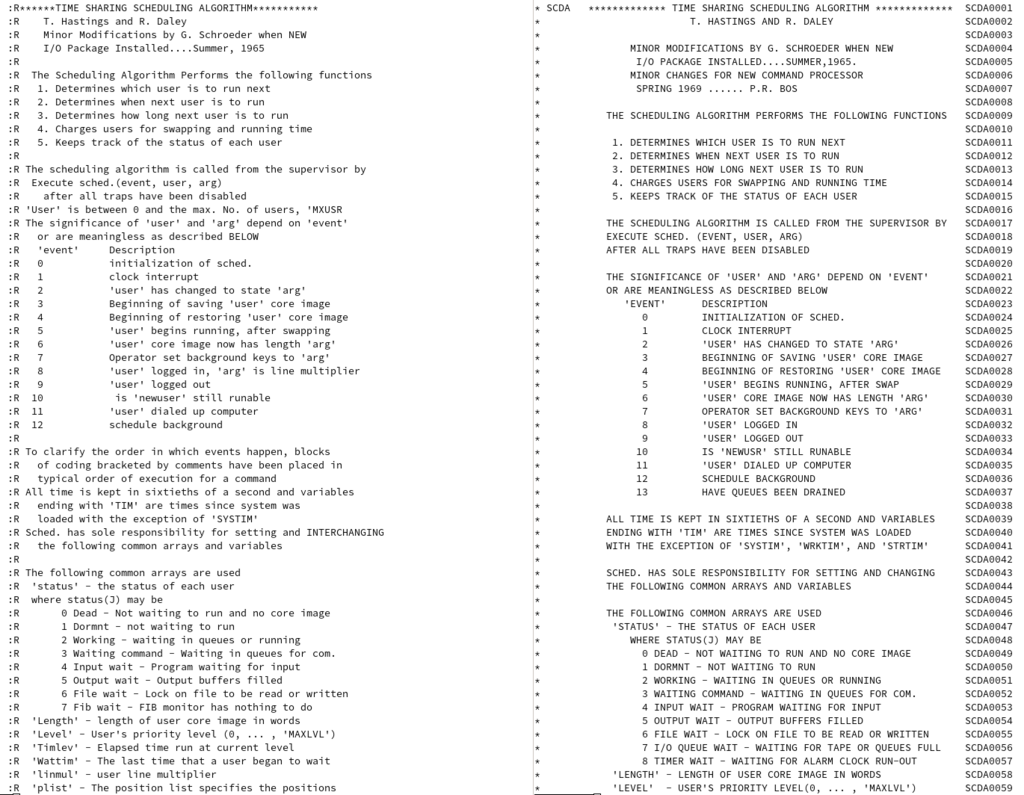
The 1960s brought time-sharing systems, like the Compatible Time-Sharing System (CTSS). These were the first operating systems that allowed multiple users to interact with a single computer simultaneously, a revolutionary concept that paved the way for modern multi-tasking.
The development of the microprocessor in the 1970s led to the personal computer revolution. This created a need for single-user operating systems like CP/M, MS-DOS, and later, systems with graphical interfaces like the Apple Macintosh OS and Microsoft Windows. Today, operating systems are everywhere, from our phones and cars to massive cloud servers.
Ready to test your knowledge?
What is the primary role of an operating system?
What was the key innovation of time-sharing systems, which emerged in the 1960s?
That's a quick look at the what, why, and how of operating systems. They are the unsung heroes of computing, working tirelessly behind the scenes to make our digital lives possible.