Operating System Essentials
Introduction to Operating Systems
The Computer's Conductor
An operating system, or OS, is the master program that runs your computer. Think of it as the conductor of an orchestra. The hardware—the processor, memory, and keyboard—are the musicians and their instruments. The software applications you use, like a web browser or a game, are the sheet music. The OS is the conductor that directs all these parts, making sure they work together harmoniously to perform a beautiful symphony, or in this case, to let you browse the internet.
Without an operating system, your computer would just be a box of inert electronics. The OS breathes life into the hardware. It manages all the computer's resources, from the CPU's processing time to the memory where data is stored. It also provides a stable, consistent platform for other software to run on, so a developer doesn't need to know the specific details of every single piece of hardware.
The operating system acts as the intermediary between you, your applications, and the physical hardware of the computer.

A Quick Trip Through Time
Early computers didn't have operating systems. Programmers had to manually load their programs using punch cards or toggle switches, a tedious and slow process. As computers grew more powerful, this manual approach became a bottleneck. The need for a manager led to the first operating systems.
First came batch systems. Instead of running one job at a time, an operator would collect a "batch" of similar jobs and feed them to the computer all at once. It was efficient because the computer was never idle, but users had to wait hours or even days to get their results back. It was like a commercial laundry service: you drop off your clothes and come back much later to find them clean.
| System Type | Key Idea | User Experience |
|---|---|---|
| Batch | Group similar jobs to run sequentially | Indirect, long wait times |
| Time-Sharing | Switch between multiple user tasks rapidly | Interactive, near-instant response |
| Real-Time | Process data with strict time constraints | Critical for time-sensitive tasks |
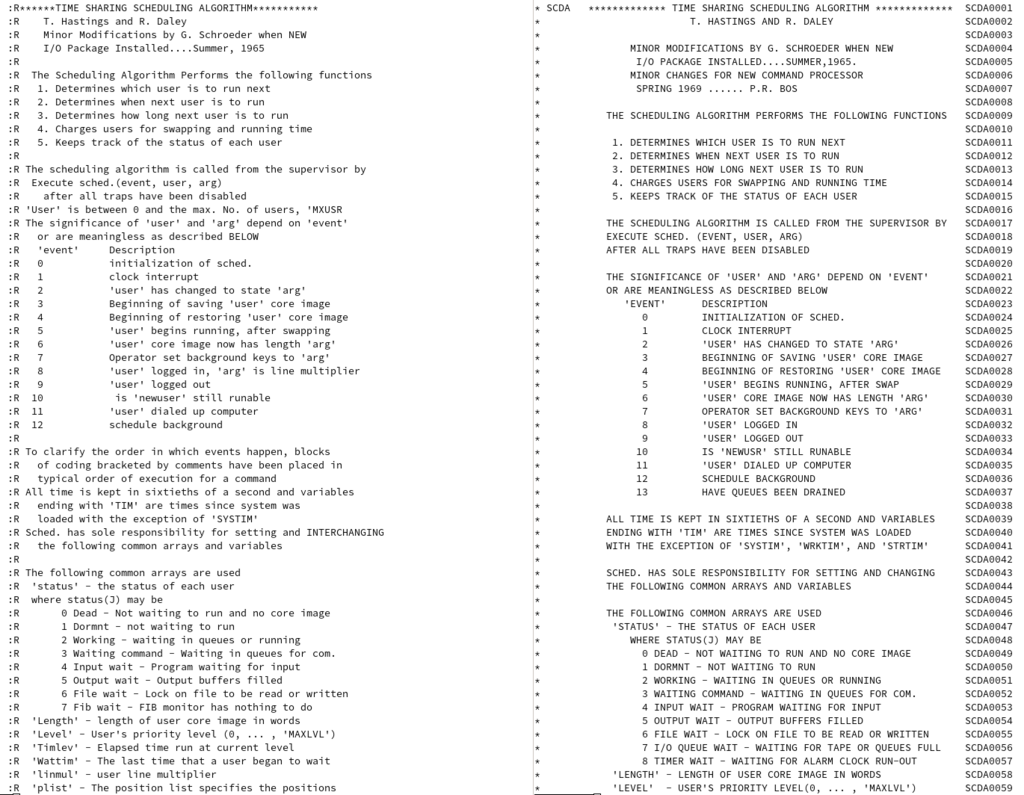
The next big leap was time-sharing systems. These allowed multiple users to interact with a single computer at the same time. The OS would allocate a tiny slice of CPU time to each user's task, switching between them so quickly that it felt like everyone had their own dedicated machine. This innovation paved the way for modern interactive computing.
Finally, real-time operating systems (RTOS) were developed for tasks where timing is everything. Think of the software controlling a car's anti-lock brakes or a pacemaker. In these systems, a late response isn't just an inconvenience; it can be catastrophic. RTOS are designed to process data and respond within strict, predictable deadlines.
The Core Components
While modern operating systems are incredibly complex, they are generally built around a few fundamental components.
kernel
noun
The central part of an operating system that manages the operations of the computer and its hardware. It is the core interface between the computer's hardware and its processes.
The kernel is the heart of the OS. It controls everything. When the computer boots up, the kernel is the first piece of the OS to be loaded into memory. It handles task scheduling, memory management, and communication with peripherals like your mouse and monitor. All other parts of the OS and all your applications rely on the kernel to get their work done.
Next is the shell, which is the part you interact with. The shell acts as an interpreter, translating your commands into a language the kernel can understand. There are two main types:
A Command-Line Interface (CLI) uses text commands, while a Graphical User Interface (GUI) uses icons, windows, and menus.
Early operating systems only had CLIs. Today, most personal computers use GUIs like Windows or macOS, which are more intuitive for everyday users. However, CLIs are still heavily used by developers and system administrators for their power and efficiency.

Finally, there's the file system. This component is like the computer's librarian. It manages how data is stored and retrieved from storage devices like hard drives or SSDs. It organizes files into a hierarchical structure of directories (or folders), keeping track of where everything is so you can find it later. Without a file system, a storage drive would just be a massive, jumbled collection of data with no order.
These three components—kernel, shell, and file system—form the foundation of almost every modern operating system, from the one on your phone to the one running massive internet servers.
Time to test your knowledge on these concepts.
Using the analogy of an orchestra, what is the role of the operating system?
What is the core component of the operating system that manages the CPU, memory, and peripherals?
Understanding these basic building blocks is the first step to seeing how our digital world is managed from the ground up.