Operating System Basics
Introduction to Operating Systems
What Is an Operating System?
At its core, an operating system (OS) is the main software that manages all the hardware and software on a computer. Without it, your computer would just be a box of electronics. Think of an OS as the general manager of a busy company. It doesn't perform every single task itself, but it directs all the employees (the hardware and applications) to work together smoothly.
The primary job of the OS is to be the intermediary. It sits between you and the physical components of your computer, translating your clicks and commands into actions the hardware can understand. When you save a file, you don't need to know the specifics of how the hard drive stores data. The OS handles that for you. This layer of abstraction makes computers much easier to use.

The Core Functions
An operating system juggles several critical responsibilities to keep everything running. We can break these down into four main areas.
1. Process Management A program that's currently running is called a process. If you have a web browser, a music player, and a word processor open, you have at least three processes running. The OS is in charge of starting, stopping, and managing all of them. It decides which process gets to use the CPU at any given moment, a task known as scheduling. This rapid switching between processes creates the illusion that your computer is doing many things at once.
process
noun
An instance of a computer program that is being executed. It contains the program code and its current activity.
2. Memory Management Every process needs a place in the computer's memory (RAM) to store its data and instructions. The OS acts like a meticulous librarian, allocating specific sections of memory to each process. It ensures that one process can't access or overwrite the memory belonging to another, which prevents programs from interfering with each other and crashing the whole system.
3. Device Management Your computer connects to many devices: a keyboard, a mouse, a monitor, a printer, and more. The OS manages the communication between your software and these hardware devices. It uses special programs called drivers to translate the general commands from your applications into specific instructions that each device can understand.
4. File System Management The OS is also responsible for organizing your data. It manages how files and folders are created, stored, retrieved, and deleted from a storage device like a hard drive or SSD. It keeps track of where every file is located and controls access, ensuring that only authorized users can read or modify certain files.
Types of Operating Systems
Not all operating systems are built for the same purpose. They are designed with different goals in mind, leading to several distinct types.
Batch Systems: These were among the first types of OS. Users would submit jobs in a 'batch' (often on punch cards), and the computer would run them one by one without any direct user interaction. They are efficient for repetitive tasks but not interactive.
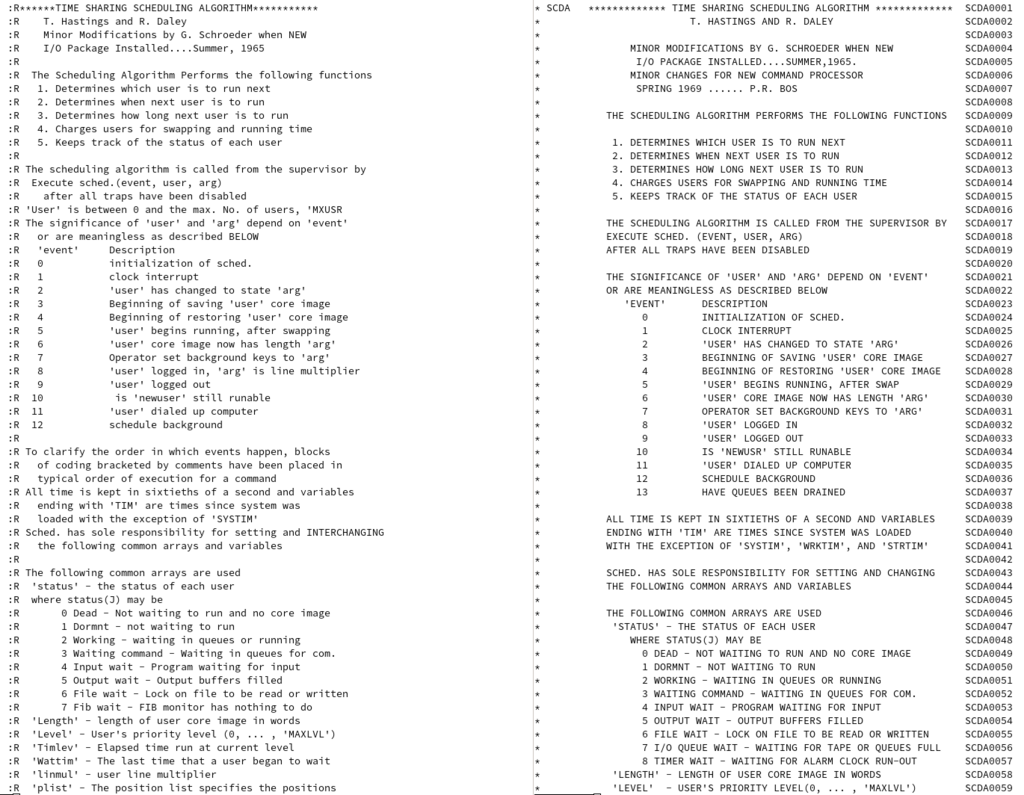
Time-Sharing Systems: This is what you're likely using right now. These systems allow multiple users to interact with a computer simultaneously. The OS rapidly switches CPU time between users, giving each one the impression that they have the computer all to themselves. Windows, macOS, and Linux are all examples.
Distributed Systems: These systems manage a group of independent computers and make them appear to be a single computer. The goal is to share resources and computational power across a network. Modern cloud computing platforms are large-scale distributed systems.
Real-Time Systems: In these systems, timing is critical. They are designed to process data and respond to events within a strict, predictable timeframe. You'll find them in places where a delay could be catastrophic, such as in airline control systems, medical imaging equipment, and car engines.
Understanding these different types helps clarify why there isn't a single 'best' operating system. The right choice always depends on the job at hand.
Now that you've got the basics down, let's test your knowledge.
What is the primary role of an operating system?
When you have a word processor, a music player, and a web browser open simultaneously, the OS is managing each as a separate __________.
From managing every click to ensuring your apps run smoothly, the operating system is the unsung hero of modern computing, working tirelessly behind the scenes.