Onboarding Design Talent in IT Services
Technical Setup
The Designer's Workstation
A standard-issue laptop won't cut it for a graphic designer. Their work involves rendering large files, running multiple GPU-intensive applications simultaneously, and manipulating high-resolution assets. Providing the right hardware from day one prevents bottlenecks and ensures they can focus on creative tasks, not loading screens.
| Component | Minimum Specification | Rationale |
|---|---|---|
| CPU | Intel Core i7 / AMD Ryzen 7 (or newer) | Handles complex vector calculations and multitasking across apps. |
| GPU | NVIDIA GeForce RTX 3060 / AMD Radeon RX 6700 XT (or equivalent) | Crucial for rendering, video editing, and 3D work. Offloads graphics processing from the CPU. |
| RAM | 32 GB | Allows for smooth operation of multiple large applications like Photoshop, Illustrator, and After Effects at once. |
| Storage | 1 TB NVMe SSD | Ensures fast application launch, file access, and scratch disk performance. Solid-state is non-negotiable. |
Don't forget the peripherals. A color-accurate monitor (covering at least 99% of the sRGB color space) is essential for consistent branding. A comfortable, ergonomic mouse and a graphics tablet are also standard tools of the trade.
Deploying the Creative Toolkit
Once the hardware is ready, the next step is provisioning the software. For an IT services firm, managing licenses and access efficiently is key.
Adobe Creative Cloud: Deploying this suite through an enterprise account is the best practice. It simplifies license management, allowing an admin to assign and revoke access as team members join or leave. It also provides access to shared libraries and cloud storage, which are vital for team collaboration. The designer should have access to core apps like Photoshop, Illustrator, InDesign, and XD, plus any specialized tools like After Effects or Premiere Pro if their role includes motion graphics or video.
Figma: This is where much of the UI/UX and collaborative design work happens. Setting up the workspace correctly from the start is crucial for maintaining organization and security, especially when dealing with multiple client projects. Access is typically managed at several levels: organization, team, project, and file.
This structure ensures that designers only see the projects relevant to them and that clients cannot access internal files or other clients' work. The new designer should be added to the appropriate teams and projects on their first day.
Ensuring Consistency
Brand consistency is paramount, both for your own firm and for your clients. A designer working on multiple projects needs centralized resources to maintain this consistency without having to hunt for the right files every time.
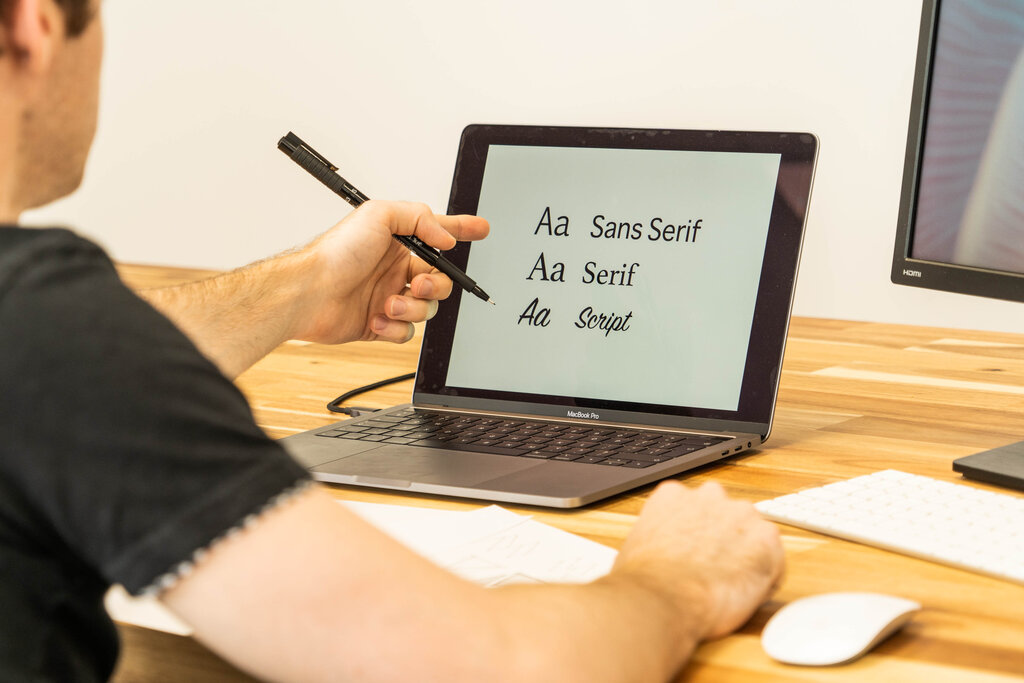
Font Management: Relying on fonts installed on an individual's machine is a recipe for disaster. When a file is shared, missing fonts can cause text to reflow and break layouts. A centralized font management system is the solution. Adobe Fonts, which is integrated with Creative Cloud, is a common choice. It allows you to activate fonts across the suite, and they are automatically available to any collaborator who opens the file. For larger teams or more complex needs, dedicated tools like Suitcase Fusion can manage a vast library of fonts, ensuring everyone uses the exact same version.
Creative Asset Libraries: Similarly, logos, icons, stock imagery, and other brand assets should live in a shared, version-controlled library. This could be a shared network drive, a Dropbox folder, or, ideally, a digital asset management (DAM) system. Creative Cloud Libraries are excellent for this, allowing designers to access assets directly within Adobe applications. For Figma, components and styles can be published to a team library, making it easy to reuse UI elements across multiple files and projects.
Giving a new designer access to these centralized libraries on Day 1 is a critical step. It empowers them to start producing on-brand work immediately.
Preparing design assets for handoff involves organizing, exporting, and documenting all the necessary files and resources that developers will need to implement the design accurately
With the right hardware and properly configured software, a new designer is set up for success from the moment they log in.
Why is a standard-issue laptop generally considered insufficient for a graphic designer?
When setting up Figma for a new designer working on multiple client projects, what is the primary purpose of structuring access by organization, team, and project?