n8n Workflow Automation No Code
Introduction to n8n
What is n8n?
Think about all the repetitive digital tasks you do. Maybe you copy information from an email to a spreadsheet, or post a new blog article to all your social media accounts. Each task is simple, but together they eat up your time.
n8n is a tool that automates these kinds of workflows. It acts as a bridge between different applications, allowing them to talk to each other and perform actions automatically. Instead of writing code, you build these automations visually, connecting blocks that represent different steps in a process. It's like building a flowchart that actually does the work for you.
n8n is a source-available AI-native workflow automation platform that empowers you to connect various apps and services to automate tasks and processes.
The core of n8n is its visual, node-based editor. Each step in your automation, like reading a new email or adding a row to a database, is a 'node'. You place these nodes on a canvas and draw connections between them to define the flow of data and actions. This makes it possible to build complex automations without being a programmer.

Understanding 'Fair-Code'
You might hear n8n described as 'fair-code', not 'open-source'. The distinction is important. While the source code for n8n is available for anyone to see, modify, and distribute, its license includes some restrictions on commercial use.
This approach aims to create a sustainable business model that can fund the project's development, while still offering the transparency and flexibility of open-source software. For personal projects, internal business use, or learning, you can use n8n freely. However, if you plan to offer a paid service built on top of n8n, you'll need a commercial license.
Fair-code balances the openness of traditional open-source with the need for sustainable development.
Getting Started
There are two main ways to use n8n: n8n Cloud and self-hosting. Each has its own advantages.
| Option | Pros | Cons |
|---|---|---|
| n8n Cloud | Quick setup, no maintenance, automatic updates | Subscription fee, less control over environment |
| Self-Hosting | Full control, potentially lower cost, enhanced privacy | Requires technical setup and maintenance |
n8n Cloud is the easiest way to begin. The n8n team handles all the setup, servers, and updates. You just sign up for an account and start building workflows. This is the best option if you want to get started quickly without worrying about technical details.
Self-hosting means you install and run n8n on your own server. This could be a computer in your office or a virtual server from a cloud provider. This route gives you complete control over your data and the n8n environment. It's a great choice if you have specific security needs or enjoy managing your own software.
The n8n Interface
Once you open n8n, you'll see a clean interface designed for building workflows. The main area is the Canvas, which is where you'll place and connect your nodes. It’s your visual workspace.
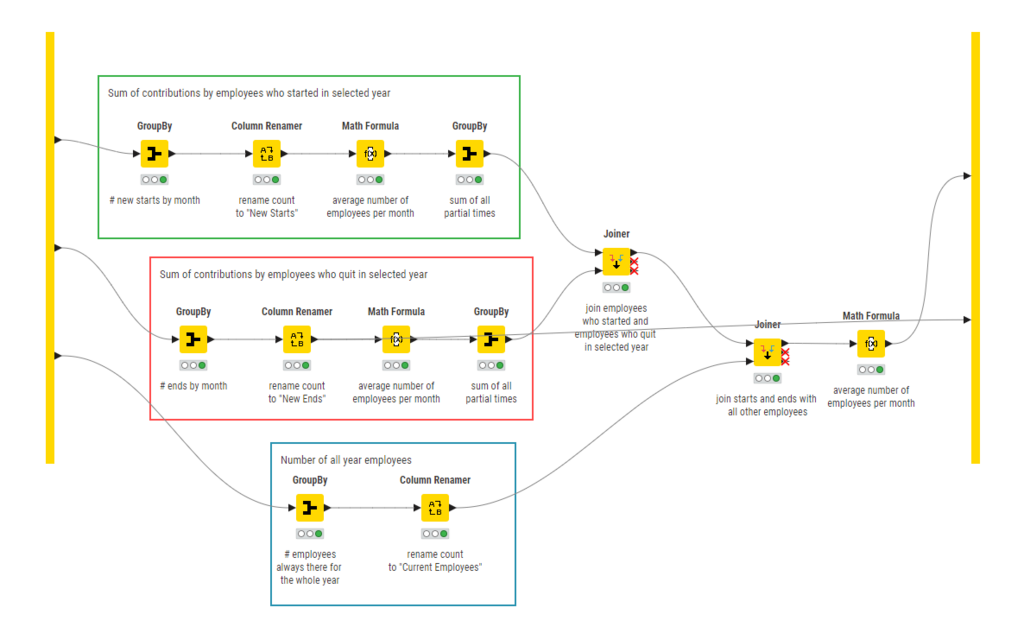
To add a node, you click the + button, which opens the Nodes Panel. Here, you can search for the app or service you want to use. You'll find hundreds of integrations, from Google Sheets to Slack to OpenAI.
When you select a node, its settings appear in the Parameters Panel. This is where you configure what the node does. For example, in a Gmail node, you'd specify whether to read, send, or delete an email and fill in details like the subject and recipient.
Finally, the left-hand sidebar gives you access to your saved workflows, credentials for connecting to different services, and execution logs to see a history of your workflow runs.
Now you have a basic understanding of what n8n is and how to get it running. Next, you'll build your first workflow.
What is the primary purpose of n8n?
In the n8n visual editor, what is the term for a block that represents a single step in an automation?