Music Single Launchpad
Music Production Basics
Your Digital Studio
At the heart of any modern music production is the Digital Audio Workstation, or DAW. Think of it as your command center. It’s a software application that lets you record, edit, arrange, mix, and master your music all in one place. Everything from a simple demo to a chart-topping hit is built inside a DAW.
DAW
noun
A Digital Audio Workstation (DAW) is an electronic device or application software used for recording, editing, and producing audio files.
There are many DAWs to choose from. Some popular options include Ableton Live, Logic Pro X (for Mac users), and FL Studio. If you're just starting out, free options like GarageBand (on Apple devices) or Audacity are fantastic for learning the ropes without spending any money. The specific DAW you choose is less important than learning it well. They all perform the same core functions, just with different layouts and workflows.
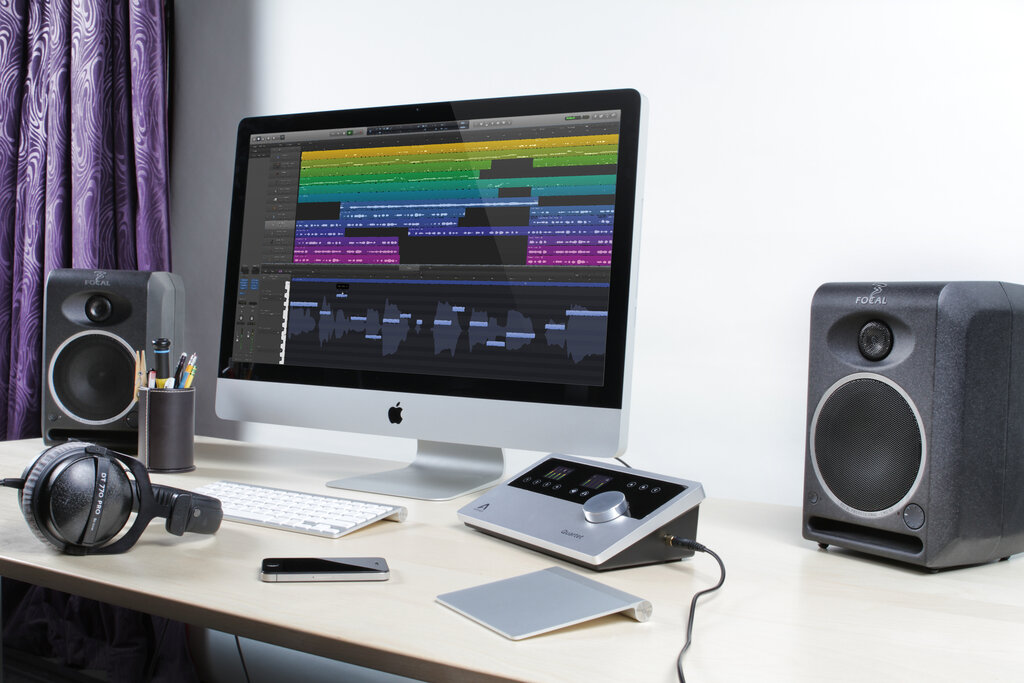
Your goal should be to become comfortable with one program. Learn its shortcuts, understand its features, and make it your instrument. This is where you'll arrange your song's structure, chop up audio clips, add effects, and bring your musical ideas to life.
Don't get caught up in choosing the 'best' DAW. The best one is the one you know how to use.
Capturing the Sound
Once you have your DAW, you need to get sound into it. This is the recording stage. The goal here is simple: capture a clean, high-quality performance. A good recording is much easier to work with later on. Trying to fix a bad recording during the mixing stage is often frustrating and sometimes impossible.
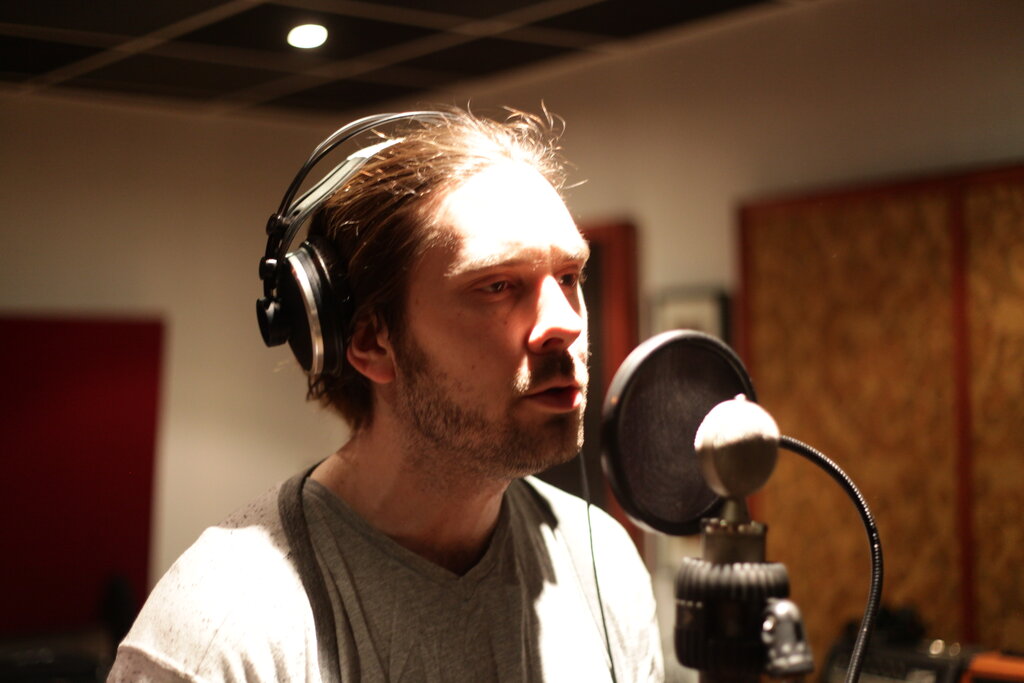
For vocals or acoustic instruments, you'll need a microphone. To connect it to your computer, you'll also need an audio interface. This small box converts the microphone's analog signal into a digital signal your computer can understand.
When recording vocals, try to find a quiet, non-echoey room. Closets full of clothes work surprisingly well because the fabric absorbs sound reflections. Stand a comfortable distance from the microphone, usually about 6-12 inches away, and use a pop filter to prevent harsh popping sounds from letters like 'p' and 'b'.
For electric guitars or keyboards, you can often plug them directly into your audio interface, which is a straightforward way to get a very clean signal.
Always record more than you need. It's better to have extra takes to choose from than to wish you had one more.
Creating the Balance
After all your parts are recorded, it's time to mix them. Mixing is the process of blending all the individual tracks together to create a single, cohesive piece of music. This is where your song starts to sound like a song. A good mix ensures that every element can be heard clearly and that everything works together musically.
For a beginner, mixing comes down to three fundamental tools.
| Tool | Purpose | What it Does |
|---|---|---|
| Volume | Balance | Adjusts how loud or quiet each track is. This is the first step in making sure the most important elements, like vocals, are front and center. |
| Panning | Create Space | Places sounds in the stereo field, from left to right. Panning instruments to different positions can prevent the mix from sounding cluttered. |
| EQ | Shape Tone | An Equalizer (EQ) lets you adjust the frequencies of a sound, like the bass and treble controls on a stereo, but with much more precision. It helps carve out space for each instrument so they don't fight each other. |
Start by setting the volume levels of each track. Get a basic balance where you can hear everything. Then, use panning to spread some instruments out to the left and right. For example, you might keep the kick drum, bass, and lead vocal in the center, but pan guitars or backing vocals slightly to the sides. Finally, use a basic EQ to gently cut unnecessary frequencies. A common trick is to slightly reduce the low frequencies on instruments that aren't bass-focused, which cleans up the mix and makes room for the actual bass and kick drum.
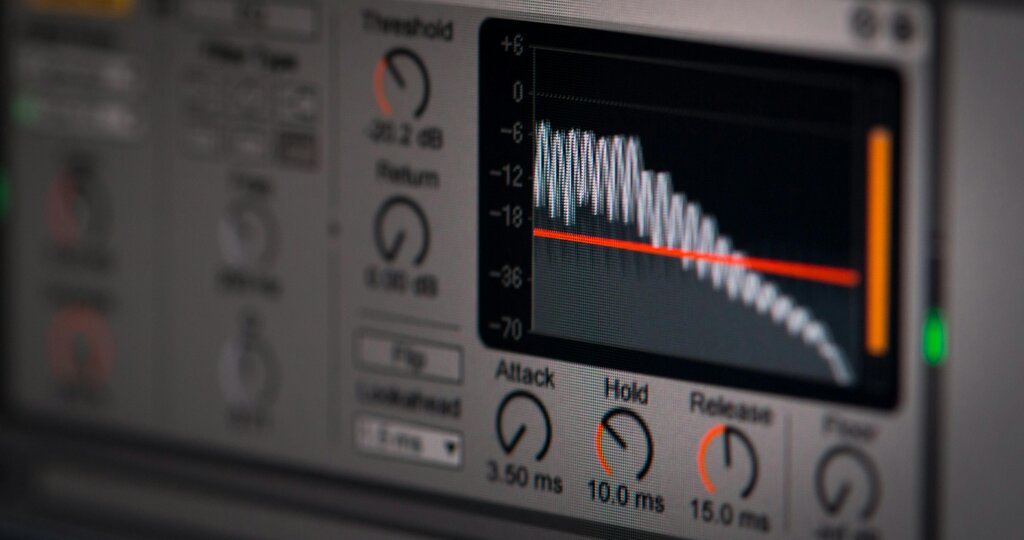
These basic principles are the foundation of every great-sounding track. Mastering them is the first big step toward producing professional music.
What is the primary role of a Digital Audio Workstation (DAW) in music production?
To connect a microphone to a computer for recording, you need a device that converts the analog signal to a digital one. This device is called a(n) ______.