Music Single Launchmaster
Music Production Basics
Your Digital Studio
At the heart of modern music production is the Digital Audio Workstation, or DAW. Think of it as your command center. It's the software that lets you record, edit, mix, and arrange all the parts of your song in one place. Whether you're working with live instruments, vocals, or digital sounds, everything comes together inside the DAW.
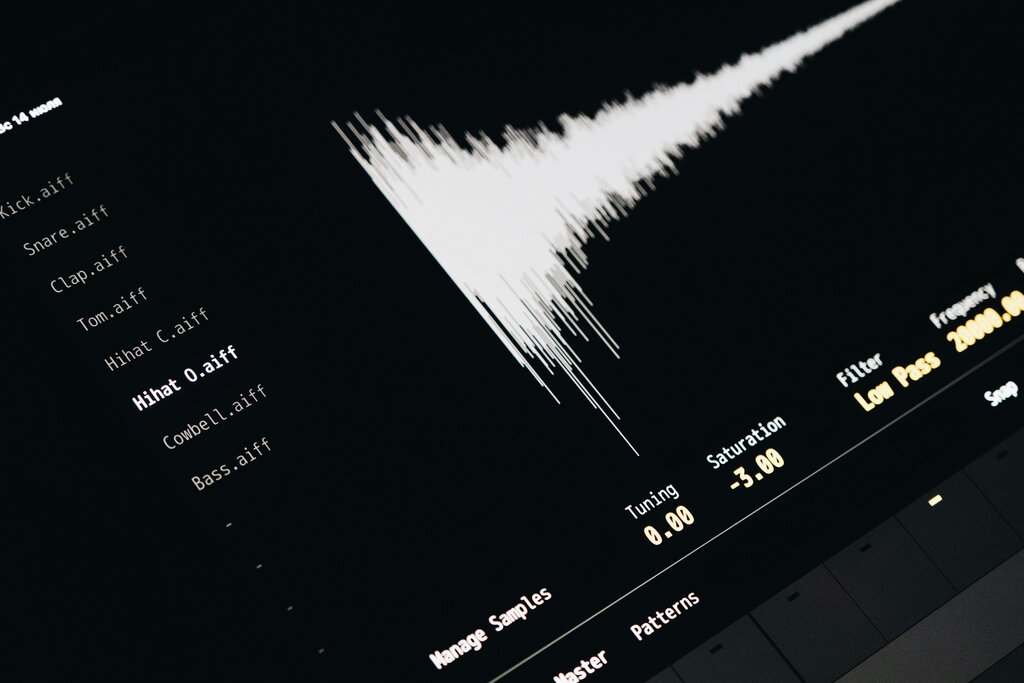
DAWs come in many flavors. Some, like Audacity, are free and great for starting out. Others, such as Ableton Live, Logic Pro X, or FL Studio, are industry standards packed with powerful features. The specific one you choose is less important than learning its workflow. They all accomplish the same core task: turning your musical ideas into a finished track.
The best DAW is the one you know how to use. Don't get stuck on features; focus on creativity and workflow.
Capturing Sound
Before you can mix a song, you need audio to work with. Getting a clean, quality recording is the most important step. A great performance captured poorly is hard to fix, but a great recording of that same performance gives you a perfect foundation.
Your essential toolkit for recording is surprisingly simple. You'll need:
- A microphone: This captures the sound. Different mics are suited for different sources, but a versatile condenser microphone is a great starting point for vocals and acoustic instruments.
- An audio interface: This little box connects your microphone to your computer, converting the analog signal from the mic into a digital signal your DAW can understand.
- Headphones: You need these to listen to your tracks without the sound bleeding back into the microphone, which can cause feedback.
Audio Interface
noun
A device that connects microphones and other audio gear to a computer, converting analog audio signals into a digital format for recording and processing.
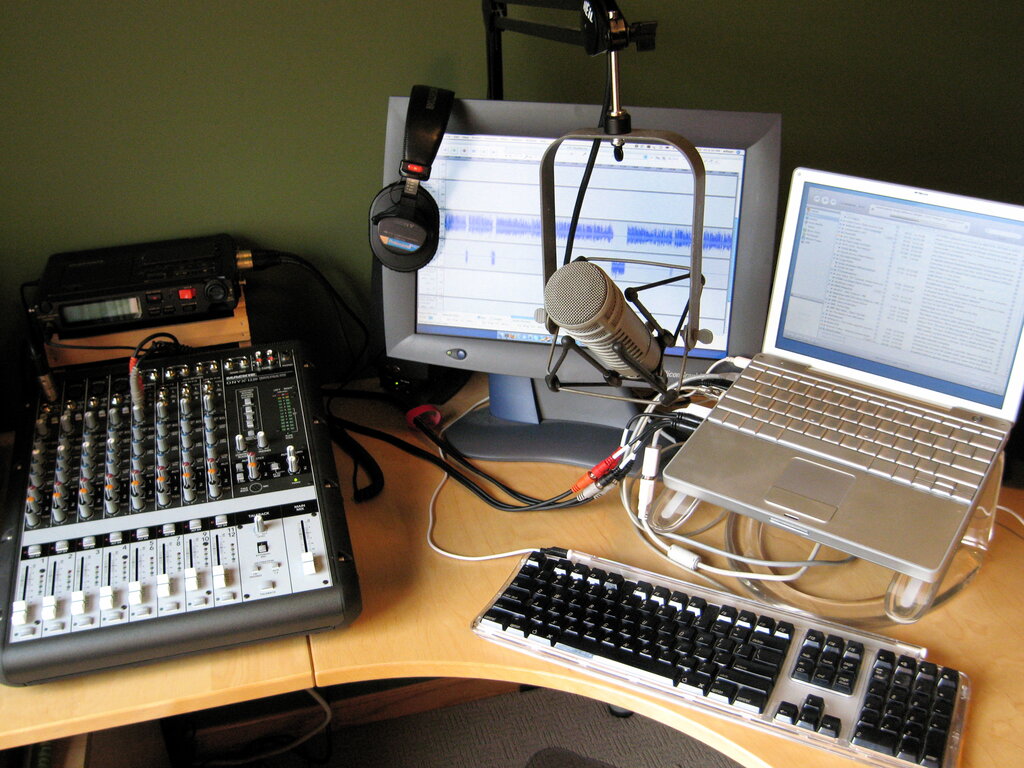
Your goal in recording is to capture the sound as cleanly as possible. Try to record in a quiet room with minimal echo to avoid unwanted background noise.
The Art of the Mix
Mixing is the process of blending all your individual tracks—drums, bass, guitars, vocals—into a single, cohesive song. It's about making sure every instrument has its own space and can be heard clearly. Imagine you're arranging a group photo. You wouldn't stack everyone on top of each other. You'd spread them out, putting some people in front, some in back, and others off to the sides. Mixing is the audio version of that.
Three fundamental tools will do most of the work:
At its core, audio mixing is the process of combining and manipulating individual audio tracks to create a cohesive and balanced final product.
Volume: The simplest tool is also the most powerful. Adjusting the faders for each track sets the basic balance. Is the vocal loud enough to be heard over the guitar? Is the bass too overpowering? Setting your levels is always the first step.
Panning: This tool lets you place sounds in the stereo field, from left to right. Panning instruments to different positions helps create a sense of width and prevents sounds from clashing in the center. For example, you might pan one rhythm guitar slightly to the left and another to the right, leaving space in the middle for the lead vocal and bass.
Equalization (EQ): EQ is like a tone control, allowing you to boost or cut specific frequencies in a sound. If your acoustic guitar sounds muddy, you might use an EQ to reduce some of the low frequencies. If a vocal needs more sparkle, you can boost the high frequencies. EQ helps each instrument occupy its own frequency range, so they don't fight for attention.
Quality Control
Finally, understanding audio formats is key to preserving the quality of your work. When you're working on your project, you should always record and mix using a high-quality, uncompressed format.
Two key terms to know are Sample Rate and Bit Depth. Think of them like the resolution of a digital photo. A higher sample rate and bit depth capture more detail from the original sound wave, resulting in higher fidelity audio. The standard for professional music is typically 44.1 kHz (or higher) sample rate and 24-bit depth.
| Format | Type | Best For |
|---|---|---|
| WAV | Lossless | Recording, mixing, mastering |
| AIFF | Lossless | Recording, mixing, mastering (Apple) |
| MP3 | Lossy | Emailing, streaming, casual listening |
| FLAC | Lossless | Archiving, high-fidelity playback |
Lossless formats like WAV and AIFF are exact copies of your original recording. Lossy formats like MP3 compress the audio by removing data the human ear is less likely to notice, which results in a much smaller file size but a slight loss of quality. Always complete your work in a lossless format and only export to a lossy format like MP3 as the very last step for distribution.
Now you have a grasp of the fundamentals. Let's test your knowledge.
What is the primary role of a Digital Audio Workstation (DAW) in music production?
In the recording process, what is the main function of an audio interface?
With these basics, you have a solid framework for starting your music production journey. From the DAW to the final file format, each step builds on the last to create a polished, professional-sounding track.