Multimedia Specialist Advanced Mastery
Advanced Multimedia Integration
Weaving Media Together
Moving beyond basic editing means treating your project not as a collection of parts, but as a single, cohesive experience. The goal is to integrate video, audio, graphics, and interactive elements so seamlessly that the audience forgets they were ever separate. Think of yourself as a conductor. The video is your string section, the audio is the brass, and the graphics are the percussion. Each is distinct, but they must work in harmony to create a powerful final piece. This requires more than just placing clips on a timeline; it demands a deep understanding of how different media types interact and influence one another.
Effective integration ensures that every element serves the story. A well-timed sound effect can amplify a visual cue, and a subtle graphic can clarify a complex idea without interrupting the flow.
Synchronization Strategies
Perfect synchronization is the bedrock of professional multimedia. When audio and video are even a few frames apart, the illusion is broken. Several techniques exist to ensure everything aligns perfectly.
The most fundamental tool is timecode. It's a universal clock, a sequence of numbers (hours, minutes, seconds, and frames) that gives every moment a unique address. This allows different devices, from cameras to audio recorders, to stamp their media with the exact same time reference, making alignment in post-production straightforward.
Genlock
noun
A signal used to synchronize the scanning of video sources, ensuring that the first line of every frame is scanned at the exact same moment. This prevents visual glitches in multi-camera productions.
For simpler setups, the classic clapperboard, or slate, provides a manual sync point. The sharp sound of the clap creates a distinct spike in the audio waveform that can be aligned with the visual frame where the clapstick hits. Modern software has automated this process with waveform syncing. Non-linear editors (NLEs) and Digital Audio Workstations (DAWs) can analyze the scratch audio from a camera and the high-quality audio from a separate recorder, then shift the tracks until their waveforms match perfectly.
Tools of the Trade
Different tools excel at different parts of the integration process. While many NLEs can handle basic audio and graphics, complex projects often require a workflow that moves between specialized applications.
Adobe Premiere Pro often serves as the central hub. Its strength lies in managing a wide variety of video formats and its dynamic linking capability with other Adobe apps like After Effects (for graphics) and Audition (for audio). This allows for changes in one program to be instantly reflected in another, creating a fluid workflow.
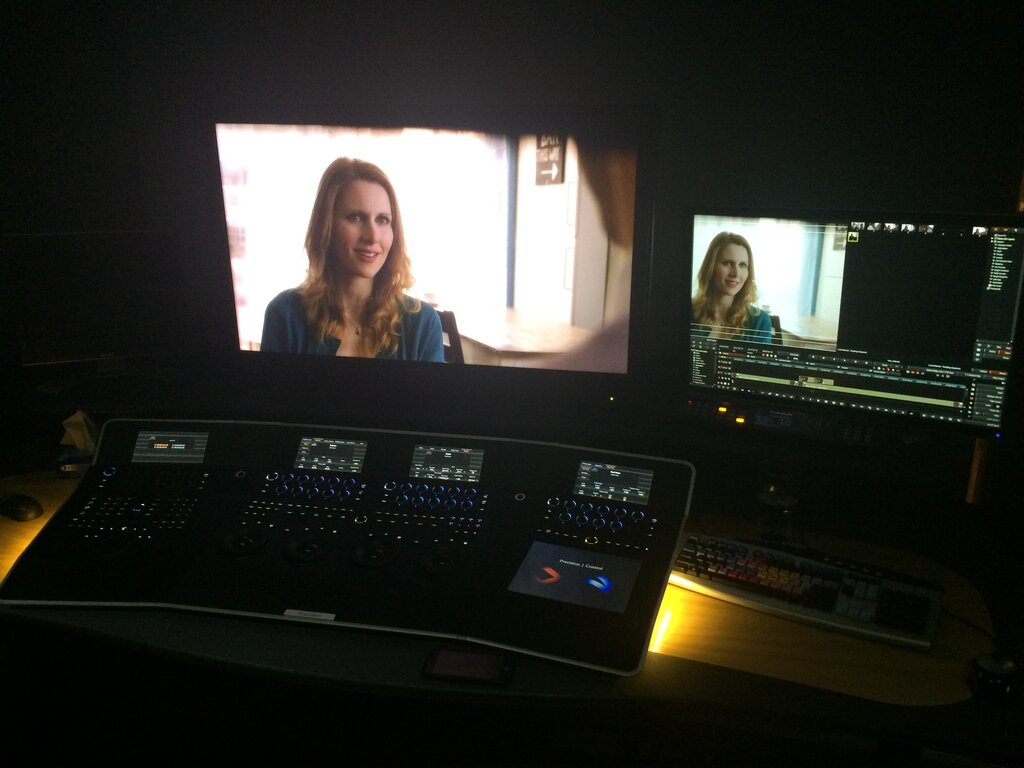
DaVinci Resolve has evolved from a color grading tool into a comprehensive post-production suite. Its major advantage is the integration of editing, color correction, visual effects (Fusion), and audio post-production (Fairlight) within a single application. This eliminates the need for round-tripping—exporting and importing projects between different software—which can save time and prevent data loss. For projects demanding high-end color work alongside editing, Resolve is an industry standard.
Pro Tools remains the king of audio. For projects with complex sound design, dialogue editing, and surround sound mixing, the audio workflow often involves exporting from the NLE to Pro Tools. You would export a low-resolution video reference file along with an AAF (Advanced Authoring Format) or OMF (Open Media Framework) file, which contains the audio timeline data. After the sound mix is complete in Pro Tools, a final stereo or multi-channel audio file is exported and brought back into the video editor for the final marriage of sound and picture.
Maintaining Consistency
A cohesive project feels like it was created by a single vision. Maintaining consistency across different media formats is key.
For visuals, this means establishing a consistent color palette and graphical style. If you're using lower-third titles, motion graphics, and full-screen data visualizations, they should all share a common design language—fonts, colors, and animation styles. This is where creating a template or a style guide at the start of a project pays dividends.
Audio consistency is just as important. The volume levels between dialogue, music, and sound effects must be balanced. This is called audio mixing. Dialogue should be clear and present, music should support the mood without overpowering the speech, and sound effects should feel natural within the acoustic space of the scene. Applying consistent EQ (equalization) and compression to dialogue from different sources can make it sound like it was all recorded in the same room at the same time.
Recent advancements in video generation highlight that realistic audio-visual synchronization is crucial for engaging content creation.
Format compatibility can also pose a challenge. Your camera might shoot in a compressed H.264 format, while your motion graphics are rendered in an Apple ProRes format with an alpha channel for transparency. Understanding codecs, containers, and bit rates is crucial for ensuring all your media plays nicely together without quality loss or performance issues in your timeline. Often, the first step in a large project is to transcode all source media into a single, high-quality intermediate format to guarantee a smooth editing experience.
What is the primary goal of treating a multimedia project as a "single, cohesive experience"?
A post-production team needs to do intricate sound design and surround sound mixing for a feature film. After the initial video edit, what is the most likely next step in their workflow?
Integrating different media types is an art form balanced on a technical foundation. Mastering these techniques transforms you from a video editor into a true multimedia storyteller.