Monetizing Digital Art on Canvas
Digital Art Basics
What is Digital Art?
Digital art is any art created using digital technology. It’s not one specific style, but a broad medium for creativity. Think of it like painting—you can have oil, watercolor, or acrylics. In the digital world, your options range from illustrations that look hand-drawn to complex 3D sculptures that could never exist in the real world.
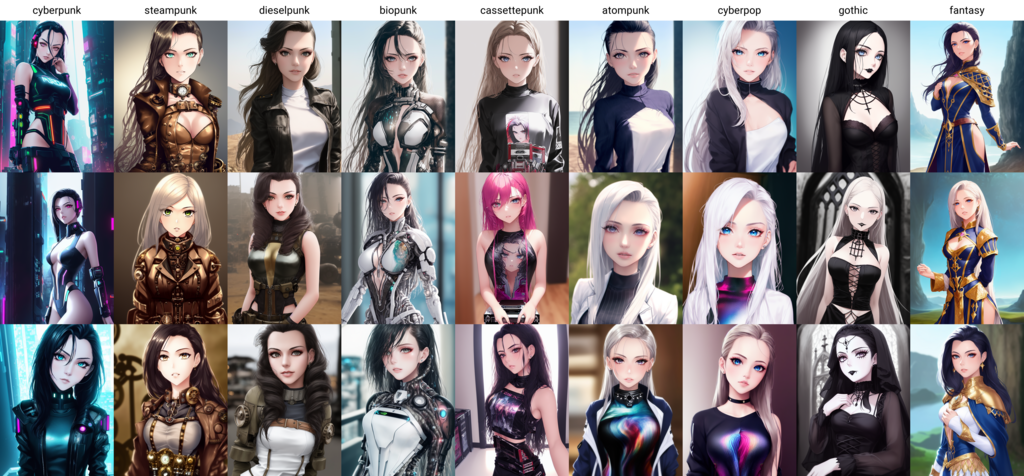
The possibilities are vast. A digital artist might create a detailed character for a video game, design a sleek logo for a company, or paint a landscape that looks like a traditional oil painting. The common thread is that the work is made with tools like computers, tablets, and software. Here are a few common forms:
| Art Form | Description |
|---|---|
| Digital Painting | Uses software to mimic traditional painting with brushes, colors, and layers. |
| Vector Art | Creates clean, scalable images using lines and shapes defined by math. Great for logos. |
| 3D Modeling | Involves building three-dimensional objects and scenes in a digital space. |
| Pixel Art | A retro style where images are built pixel by pixel, common in early video games. |
Your Digital Toolkit
Getting started in digital art requires two things: hardware and software. Your choice of tools will shape your creative process.
Hardware is the physical equipment you use. While you can create art with a mouse, most artists use a graphics tablet. These devices let you draw with a stylus, or pen, which feels more natural. The key feature is pressure sensitivity: the harder you press, the thicker or darker your line becomes, just like with a real pencil or brush. Some popular options are Wacom tablets that connect to a computer, or all-in-one devices like an iPad with an Apple Pencil.
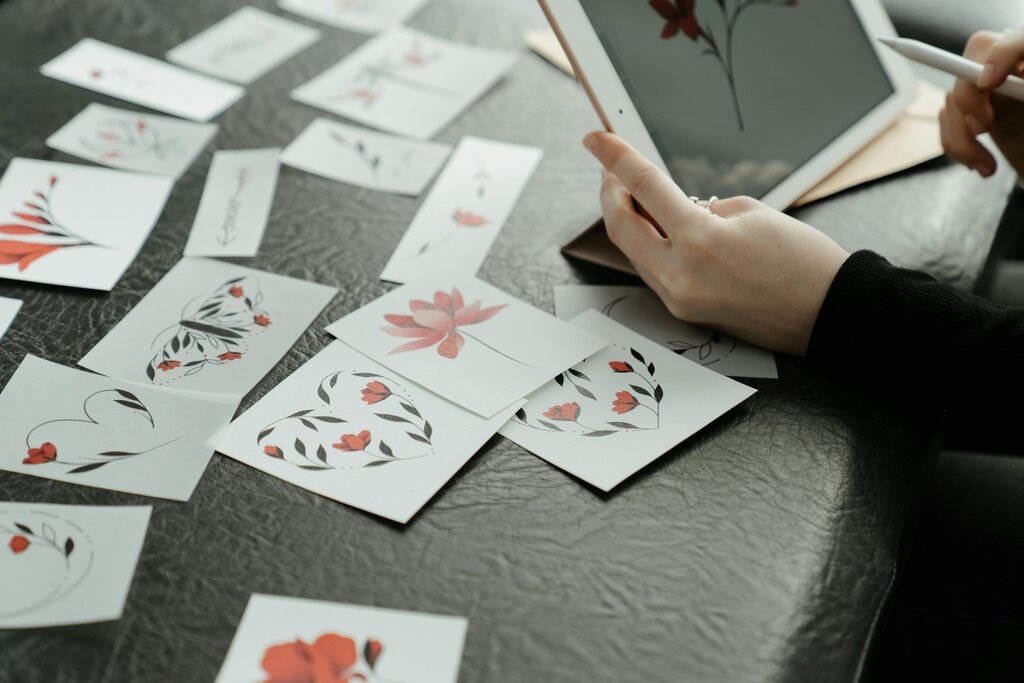
Software is the application where you’ll actually create your art. Digital art programs generally fall into two categories: raster and vector.
Understanding the difference is crucial. Raster-based programs are like digital canvases, where you paint with pixels. Vector-based programs use mathematical equations to create lines and shapes.
Raster art is made of pixels. When you zoom in, you'll see the individual squares. It's best for painting and detailed images.
Vector art is made of paths. You can scale it to any size without losing quality. It's ideal for logos and graphic design.
Popular raster software includes Adobe Photoshop, Procreate (for iPad), and the free program Krita. For vector art, many artists use Adobe Illustrator, Affinity Designer, or the free option Inkscape.
Core Techniques
Once you have your tools, you can start learning the fundamental techniques. While digital art has endless possibilities, a few core concepts are essential for every beginner.
layer
noun
A transparent level in a digital image that can be edited independently from other levels.
Layers are perhaps the most important concept in digital art. Think of them as stacked, transparent sheets of paper. You can draw your sketch on one layer, add color on a layer beneath it, and place shading on a layer above. This lets you edit one part of your image without affecting the others. If you make a mistake on the shading, you can just erase that layer without touching your original lines or colors. It's a forgiving way to work and allows for easy experimentation.
Another basic skill is working with digital brushes. Most art programs come with a library of brushes that can mimic everything from a fine-point pen to a messy charcoal stick. Spend time experimenting with different brush settings. You can often adjust the size, opacity (how transparent it is), and texture. Learning to control your brush is key to developing your style.
Finally, get comfortable with the selection tools. These tools let you isolate a specific part of your image to edit. For example, you can select just the character's shirt to change its color without accidentally painting on their skin or the background. Common tools include the lasso for drawing freehand selections and the magic wand for selecting areas of similar color.
What is the key feature of a graphics tablet that allows an artist to vary line thickness and darkness by pressing harder or softer with a stylus?
An artist needs to create a company logo that will be used on everything from small business cards to large billboards. Which type of software is best suited for this task?
These fundamentals—layers, brushes, and selections—are the building blocks for nearly everything you'll do in digital art. Mastering them will give you the confidence to tackle more complex projects.