Modern Software Systems Architecture and AI Development
Code Execution
From Code to Action
You've written your code, a set of instructions in a language like Python or C++. But how does a computer, which only understands ones and zeros, actually follow those instructions? The source code you write is for humans. It needs to be translated into machine code, the computer's native language.
This translation process is fundamental to all software. It's the bridge between your ideas and a running program. There are two primary ways to build this bridge: compilation and interpretation.
Two Paths to Execution
Think of compilation as translating an entire book from English to French before giving it to a French reader. The translator reads the whole book, creates a complete French version, and then hands it over. The reader can then enjoy the story at a normal pace, without waiting for translations.
In programming, a compiler does this. It takes your entire source code and translates it into a standalone executable file. This file contains machine code that the computer's processor can understand directly. Languages like C++, Rust, and Go use compilers.
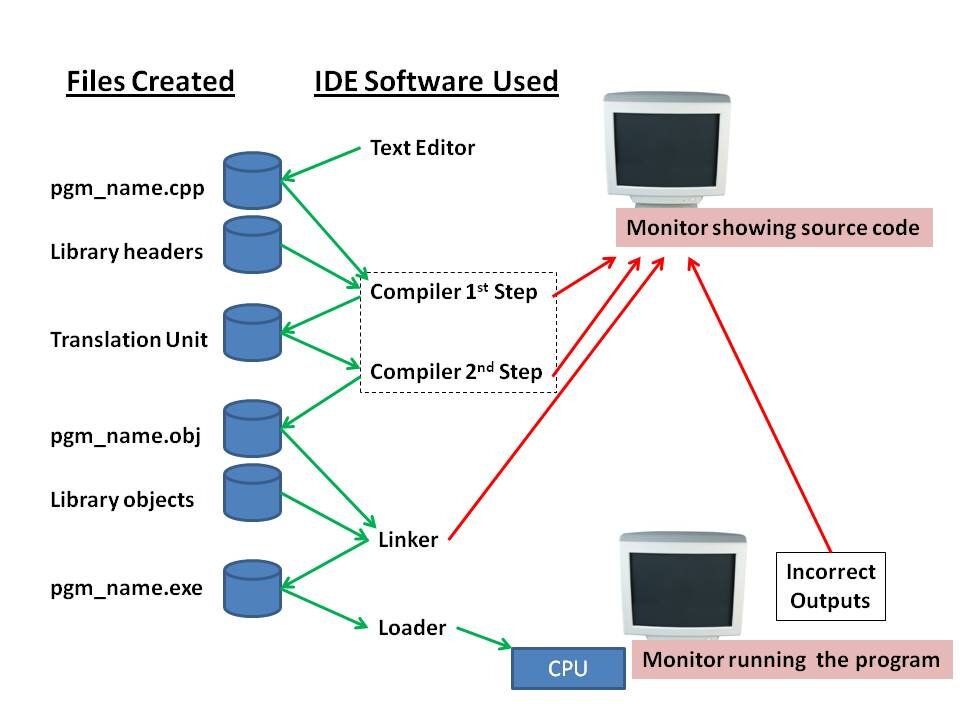
Interpretation is different. It's like having a live interpreter next to you at a conference. The speaker says a sentence, and the interpreter immediately translates it for you. This happens sentence by sentence, in real time.
An interpreter reads your source code line by line, translating and executing each one as it goes. There's no separate executable file created beforehand. The interpreter program itself does the work on the fly. Python, JavaScript, and Ruby are classic examples of interpreted languages.
Each approach has its trade-offs. Compiled programs usually run faster because all the translation work is done upfront. Interpreted programs are often more flexible and portable—you can run the same source code on any computer that has the right interpreter, without needing to recompile for each different type of machine.
| Feature | Compilation | Interpretation |
|---|---|---|
| When it Translates | Before the program runs | As the program runs |
| Output | Executable file | Direct execution |
| Speed | Generally faster | Generally slower |
| Portability | Less portable | More portable |
Managing Complexity with Build Systems
Modern software is rarely a single file. It's often a complex web of hundreds of source files, external libraries (reusable code written by others), and other resources like images and configuration files. Managing the process of turning all these pieces into a working application by hand would be a nightmare.
This is where build systems come in. A build system is a tool that automates the entire process of transforming source code and its dependencies into a final, runnable product. It's like a factory assembly line for your software.
A build system reads a configuration file that tells it how to compile the code, how to link it with necessary libraries, and what the final output should be.
Tools like Make, Gradle, Maven, and npm are all examples of build systems. They handle tasks like:
- Compiling all the individual source files.
- Linking the compiled code with required libraries.
- Packaging everything into an executable or distributable format.
- Running automated tests to check for bugs.
Without these tools, building large applications would be slow, repetitive, and prone to human error. They provide a reliable, repeatable process for creating software.
Build-Time vs. Runtime
The distinction between compilation and interpretation leads to another key concept: the difference between build-time and runtime. These are the two major phases in a program's life.
Build-time is everything that happens before the program is run by a user. It's the manufacturing process. This includes compiling the code, linking libraries, and packaging the application. An error that happens during build-time is a compile-time error, like a typo in your code (a syntax error). The build process will fail, and no program is created.
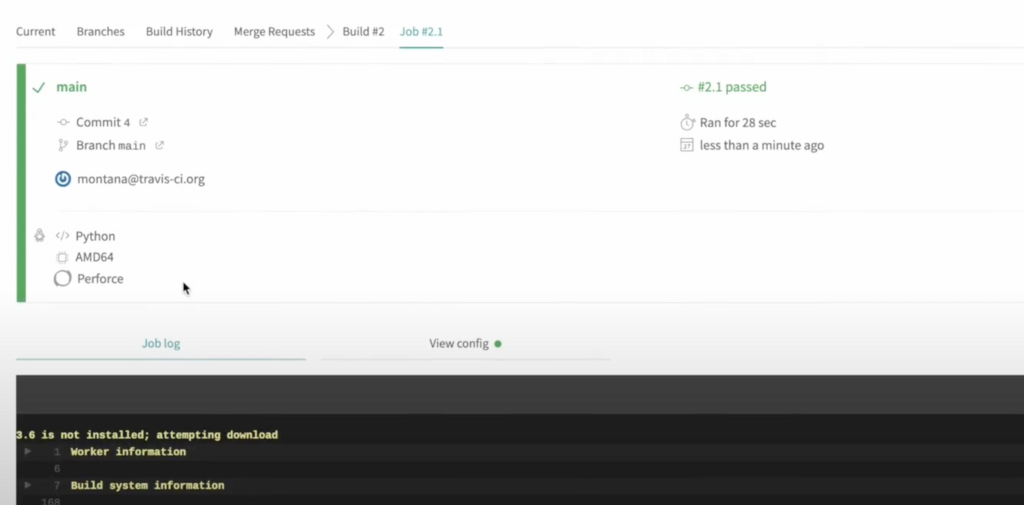
Runtime is the period when the program is actually executing. This is when a user is interacting with it, and it's performing its tasks. An error that occurs during this phase is a runtime error. Examples include trying to open a file that doesn't exist, dividing a number by zero, or losing network connectivity.
Think of it like building a car. Build-time is the process at the factory: stamping metal, welding the frame, and installing the engine. A build-time error would be a robot attaching a door incorrectly. The car never leaves the factory.
Runtime is when you're driving the car. A runtime error would be running out of gas or getting a flat tire. The car was built correctly, but an issue occurred during its operation.
Understanding these concepts—compilation, interpretation, and the difference between build-time and runtime—is essential for any programmer. It clarifies how your source code becomes a living application and helps you diagnose problems, whether they're flaws in the blueprint (build-time) or issues on the road (runtime).
What is the primary difference between how a compiled language and an interpreted language are processed?
You are writing a program and make a simple typo, forgetting a semicolon where one is required. The tool you are using reports this error before you can even attempt to run the program. This is an example of a...