Mobile Automation Essentials
Introduction to Mobile Automation Testing
What Is Mobile Automation Testing?
Mobile automation testing is the practice of using software tools to run tests on mobile applications. Instead of a person manually tapping, swiping, and typing to check if an app works, a script does it automatically. This process is a crucial part of the software development lifecycle.
Think of it as having a tireless robot that can test your app over and over again, at any time of day. The main goal is to find bugs and issues before your users do. This ensures the app is reliable, fast, and easy to use, leading to a better experience for everyone.
The core idea is simple: catch problems early, fix them quickly, and release a high-quality app with confidence.
The Benefits of Automation
Why not just have people test the app? Manual testing has its place, but automation offers some powerful advantages, especially as an app grows more complex.
Increased Efficiency: An automated script can run hundreds of tests in the time it takes a human to run a few. These tests can be scheduled to run overnight, so developers get a full report of any new bugs first thing in the morning.
Improved Consistency: Humans can make mistakes, especially when doing the same repetitive task for the hundredth time. An automation script performs the exact same steps, in the exact same order, every single time. This eliminates human error and makes test results more reliable.
Wider Coverage: It's impractical for a person to manually test an app on every single phone model and operating system version. Automation makes it possible to run the same set of tests across a huge variety of devices, screen sizes, and software versions, ensuring the app works for as many users as possible.
Test automation is essential to ensure an efficient and repeatable testing process.
The Unique Challenges of Mobile
Testing on mobile devices isn't as simple as testing a website on a desktop. Mobile environments are incredibly diverse, creating unique hurdles for automation.
One of the biggest is device fragmentation. There are thousands of different Android and iOS devices on the market, each with its own screen size, resolution, and hardware specifications. An app that looks perfect on one phone might have broken layouts or clipped text on another.
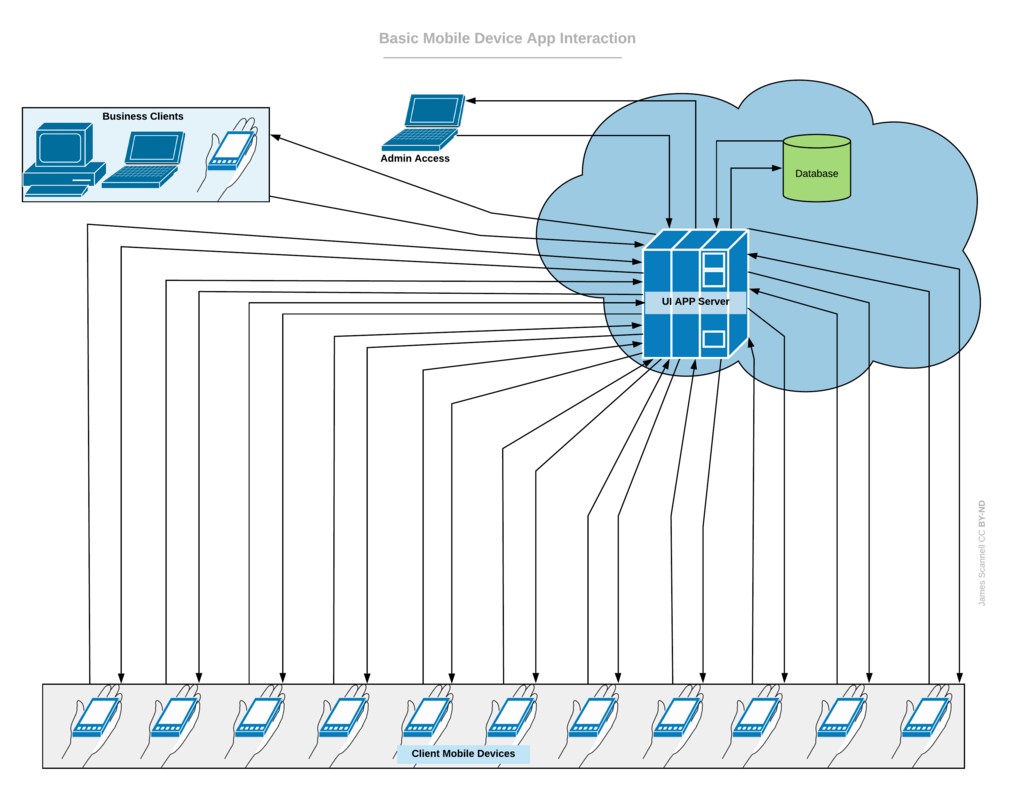
Then there are the operating systems. New versions of iOS and Android are released every year, and not everyone updates right away. A test script needs to account for differences between, say, Android 13 and Android 14. Other factors like fluctuating network speeds (switching from Wi-Fi to 5G), interruptions from phone calls, and low battery notifications all add layers of complexity that automated tests need to handle.
Types of Mobile Applications
Automation strategies often depend on how the mobile app was built. There are three main types.
Native App
noun
An application built specifically for a single mobile operating system (like iOS or Android) using its native programming language and tools.
These apps are downloaded from an app store and offer the best performance and user experience. They can directly access device hardware like the camera, microphone, and GPS. Testing is highly platform-specific.
Web App
noun
A mobile-optimized website that looks and feels like an app but runs in a browser. It is not installed on the device.
These are essentially websites that adapt to the user's screen size. They're built with standard web technologies like HTML, CSS, and JavaScript. Automation for web apps is similar to testing traditional websites, focusing on browser compatibility.
Hybrid App
noun
A combination of native and web apps. It's installed like a native app but runs most of its functionality in a built-in browser.
These apps are built using frameworks like React Native or Flutter. They offer a way to write code once and deploy it on both iOS and Android. Testing has to validate both the native container and the web content running inside it.
| App Type | How It's Built | Installation | Key Testing Focus |
|---|---|---|---|
| Native | Swift (iOS), Kotlin (Android) | App Store | Platform-specific functionality, performance |
| Web | HTML, CSS, JavaScript | None (Browser access) | Cross-browser compatibility, responsiveness |
| Hybrid | Web tech in a native shell | App Store | Interaction between web and native parts |
Now that you understand the basics, let's test your knowledge.
What is the primary goal of mobile automation testing?
The wide variety of screen sizes, hardware specifications, and OS versions across thousands of phone models is a challenge known as ______.
Understanding these core concepts is the first step toward building a robust testing strategy for any mobile application.