Mobile App Development Essentials
Introduction to Mobile App Development
The World of Mobile Apps
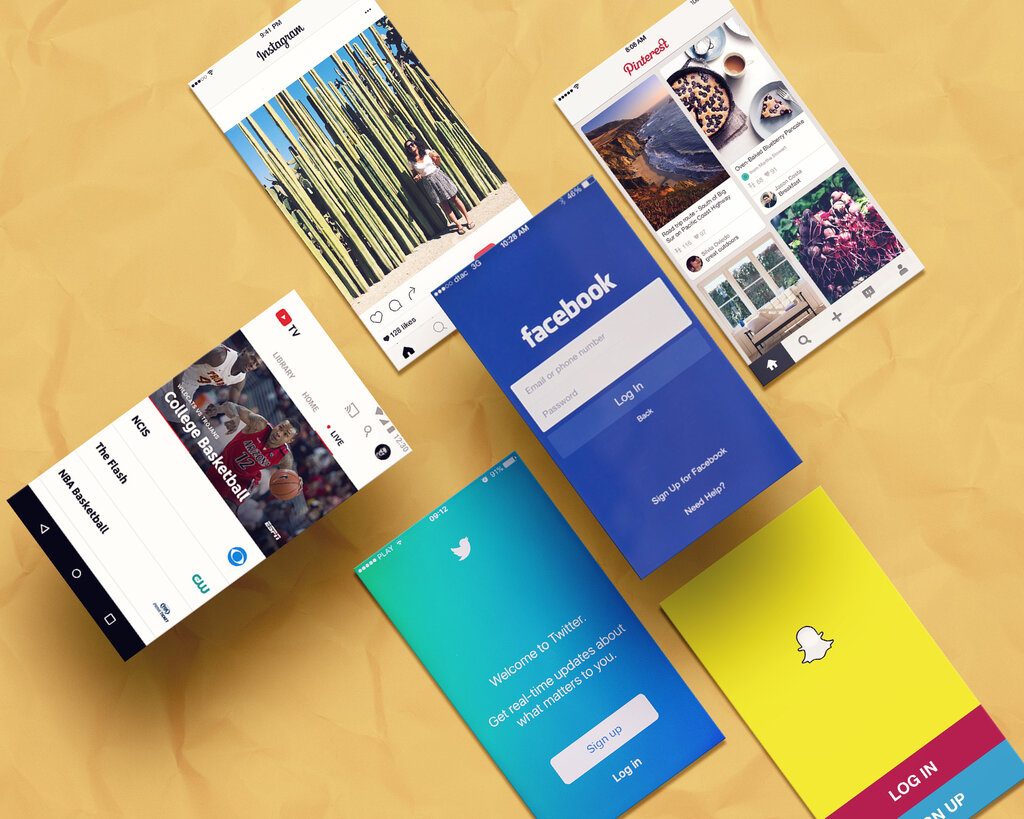
Chances are you're reading this on a phone. Mobile apps have become a core part of daily life, from connecting with friends to managing finances. But what does it actually take to build one? Understanding the landscape is the first step.
At the highest level, mobile app development is the process of creating software for smartphones and tablets. The entire industry is dominated by two major players: Apple's iOS and Google's Android.
iOS vs. Android
Choosing between iOS and Android is the first major decision in app development. Each is a distinct ecosystem with its own rules, audience, and tools.
iOS is Apple's operating system, and it runs exclusively on Apple hardware like the iPhone and iPad. It's known for its slick, consistent user experience, high security standards, and a profitable App Store. Because Apple controls both the hardware and the software, developers can expect a very predictable environment.
Android, on the other hand, is open-source. Google develops it, but any manufacturer can use and modify it for their devices. This means Android runs on a huge variety of phones and tablets from companies like Samsung, Google, and many others. This gives it a massive global market share, but also presents a challenge for developers who have to account for a wide range of screen sizes and hardware capabilities.
Think of it like this: developing for iOS is like designing for a specific model of car, where every component is known. Developing for Android is like designing for all cars in general, which requires more flexibility to accommodate everything from compacts to trucks.
Three Flavors of Apps
Once you've considered the platforms, the next question is how to build your app. There are three main approaches, each with its own trade-offs.
1. Native Apps These are built specifically for a single platform. An iOS app is written in languages like Swift or Objective-C, while an Android app is written in Kotlin or Java. Because they're tailored to the hardware, they offer the best performance and the smoothest user experience. They also have full access to device features like the camera, GPS, and push notifications.
The downside is cost and time. If you want your app on both iOS and Android, you need to build and maintain two separate codebases.
2. Web Apps These aren't really apps in the traditional sense. They are websites designed to look and feel like an app when accessed on a phone's web browser. You don't download them from an app store. Since they run in a browser, a single web app works on both iOS and Android automatically.
They are cheaper and faster to develop, but the trade-off is significant. Performance is limited by the browser and internet connection, and they can't access most of the phone's native features.
3. Hybrid Apps A hybrid app is a blend of the two. It's built using web technologies like HTML, CSS, and JavaScript, and then wrapped in a native "shell." This allows it to be downloaded from an app store and to access some device features that a web app can't.
This approach is a popular compromise. It's faster and less expensive than building two native apps, but often at the cost of performance. A hybrid app may not feel as fluid or responsive as a true native app.
| Feature | Native App | Web App | Hybrid App |
|---|---|---|---|
| Performance | Highest | Lowest | Medium |
| Cost | High | Low | Medium |
| App Store | Yes | No | Yes |
| Device Access | Full | Limited | Some |
| Codebase | Separate for each OS | Single | Single |
Choosing the right path depends entirely on the project's goals, budget, and desired user experience. There's no single best answer, only the best fit for a specific need.
What are the two dominant operating systems in the mobile app market?
A key advantage of developing for iOS is the predictable environment, because Apple controls both the hardware and the software.