Mobile App Creation Fundamentals
Introduction to Mobile App Development
Apps Aren't All the Same
When you tap an icon on your phone, you're opening an app. But behind the scenes, that app could be one of three very different types. Choosing the right one is one of the first big decisions in its creation. Let's look at the main flavors: native, web, and hybrid.
Think of it like building a house. You could build a custom home from the ground up (native), rent a fully-furnished apartment in a big building (web), or assemble a pre-fabricated modular home (hybrid). Each has its own benefits and trade-offs.
Native Apps are built specifically for one operating system, like iOS for iPhones or Android for Google and Samsung phones. They're written in the platform's preferred programming language (like Swift for iOS or Kotlin for Android). This allows them to run very fast and take full advantage of the phone's hardware, like the camera, GPS, or contact list. The user experience is often smoother and more integrated.
The downside? If you want your app on both iPhones and Android devices, you have to build and maintain two separate versions. That means more time and more money.
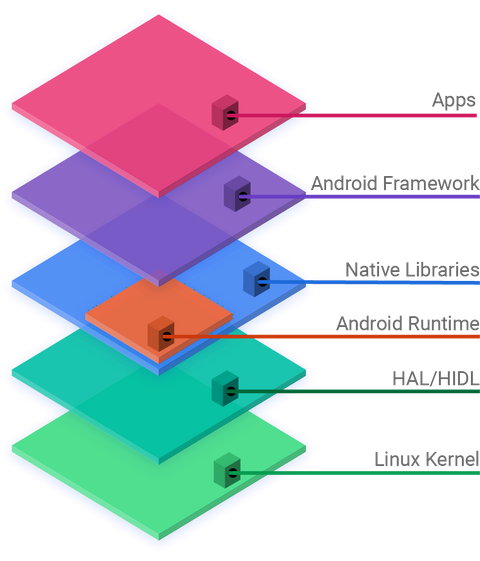
Web Apps aren't really apps you download from an app store. They're websites that are designed to look and feel like a native app when you access them on your phone's web browser. Because they run in a browser, they work on any device with no special installation required.
This makes them cheaper and faster to develop since you only need one codebase. Updates are easy—you just update the website. However, they usually need an internet connection to work and can't access all of a phone's features. Performance might also be a bit slower than a native app.
Hybrid Apps are a mix of both. They are essentially web apps wrapped inside a thin native container. This container allows the app to be downloaded from an app store and access some device features that a normal web app can't.
Like web apps, you can often use one codebase for both iOS and Android, which saves time and money. The trade-off is that performance and user experience can sometimes be a step below a true native app. It's a popular middle-ground for many businesses.
| Feature | Native App | Web App | Hybrid App |
|---|---|---|---|
| Performance | Fastest | Slowest | Medium |
| Device Access | Full access | Limited access | Some access |
| App Store? | Yes | No | Yes |
| Codebase | Separate for each OS | Single | Single |
| Cost to Build | Highest | Lowest | Medium |
The App Building Journey
Regardless of the type of app, the process of creating one follows a predictable path. This journey, often called the development lifecycle, ensures that an idea is turned into a functional and useful product in a structured way.
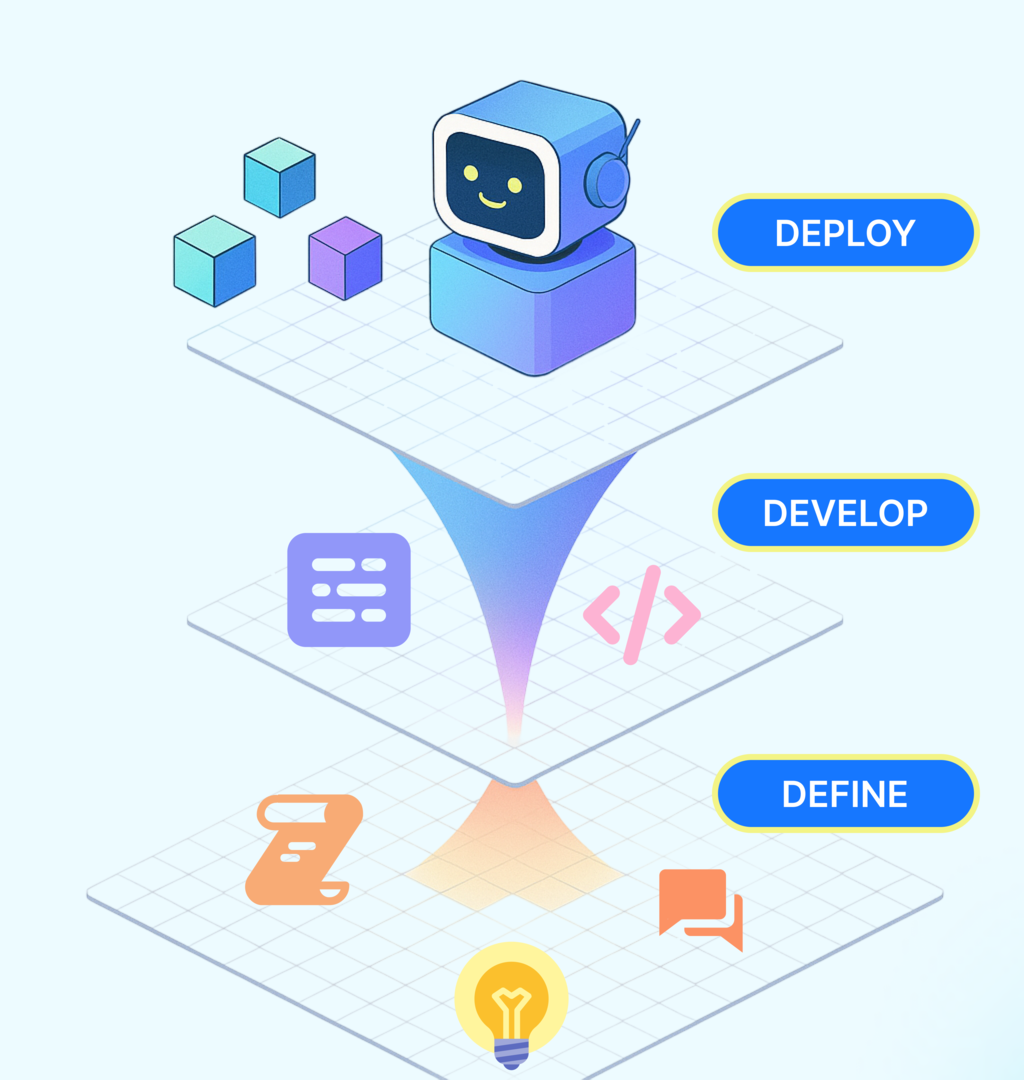
The lifecycle has several key stages:
-
Strategy and Planning: This is the starting point. Here, you define the app's core purpose. What problem will it solve? Who is the target audience? What are the essential features? This stage involves market research and solidifying the app's goals.
-
Design (UI/UX): This phase is all about the look and feel. UX (User Experience) designers map out the app's flow and structure, creating wireframes and prototypes. Then, UI (User Interface) designers work on the visual elements—colors, fonts, and icons—to create an attractive and intuitive interface.
-
Development: This is where the code gets written. Developers take the designs and plans and turn them into a working application. This is often the longest phase and involves building the app's core functionality, server-side components (the back-end), and the user-facing parts (the front-end).
-
Testing: Before an app is released, it needs to be thoroughly tested. Quality assurance (QA) testers look for bugs, crashes, and usability issues. This phase ensures the app is stable, secure, and provides a good user experience.
-
Deployment and Maintenance: Once the app passes testing, it's ready to be launched. This means submitting it to the Apple App Store or Google Play Store. But the work isn't over. After launch, the app needs ongoing maintenance to fix bugs, add new features, and ensure it works with new operating system updates.
Let's check your understanding of these core concepts.
What is the primary advantage of building a native app?
A startup wants to launch a simple app for both iOS and Android users as quickly and cheaply as possible. They need it to be listed in app stores, but high performance is not a top priority. Which type of app would be the most suitable choice?
Understanding these foundations—the types of apps and the lifecycle of their creation—is the first step into the world of mobile development.