Mobile 3D Animation: The Story of Life
Introduction to 3D Animation
Building a Digital World
At its heart, 3D animation is the art of creating objects in a digital space and making them move. It all starts with a model. A 3D model is like a digital sculpture, but instead of clay, it's built from a mesh of points, lines, and surfaces.
The fundamental building block of any 3D model is the vertex. Think of it as a single point in 3D space. When you connect two vertices, you get an edge. Connect three or more edges, and you create a face, also known as a polygon. Thousands or even millions of these tiny polygons are stitched together to form the complex shapes we see in games and movies, from a simple coffee cup to a detailed character.
Creating these models often starts with a simple shape, like a cube or a sphere, which is then pushed, pulled, and molded into the desired form. This process is the foundation for everything that follows.
Adding Color and Texture
A raw 3D model is just a gray, featureless shape. To bring it to life, it needs a surface. This is where texturing comes in. Texturing is the process of wrapping a 2D image onto a 3D object, much like applying wallpaper to a room or a label to a bottle.
This 2D image, called a texture map, contains all the surface details: color, patterns, and even simulated roughness or shininess. A simple texture might just be a solid color. A complex one could be a high-resolution photograph of tree bark, complete with grooves and imperfections. By carefully mapping these textures, an artist can make a smooth sphere look like a rusty metal ball or a flat plane look like a grassy field.
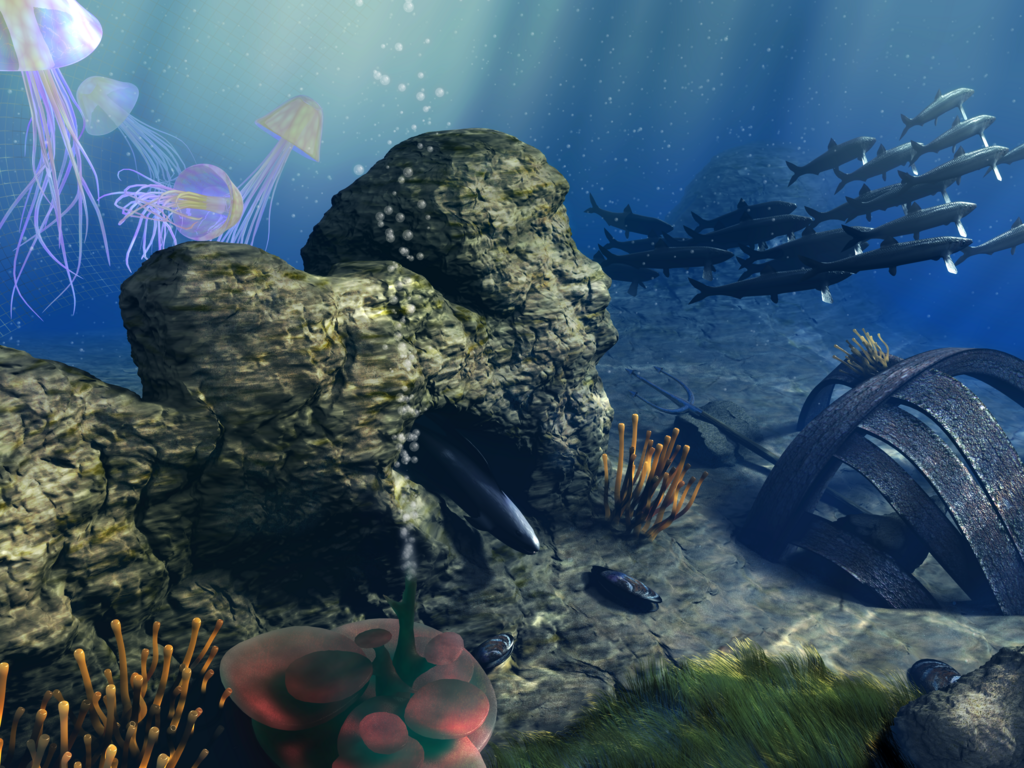
On mobile devices, textures are crucial, but they must be used efficiently. High-resolution textures require more memory and processing power, so developers often use clever techniques to make simpler textures look detailed, ensuring the animation runs smoothly without draining your battery.
Lighting and Rendering
Without light, there is no image. In the digital world, lights work much like they do in the real world. They illuminate objects, cast shadows, and create highlights. The placement, color, and intensity of lights can dramatically alter the mood of a scene, turning a cheerful room into a sinister one with just a few adjustments. Good lighting gives a scene depth and makes the objects within it feel solid and real.
Once the models are built, the textures are applied, and the lights are in place, the scene is ready to be rendered. Rendering is the final step where the computer takes all the 3D data and generates a 2D image from a specific camera angle. It's like taking a photograph of your digital world. The computer calculates how the light from your virtual lamps bounces off your textured models and into the virtual camera lens.
Rendering can be a time-consuming process. A single, high-quality image for a film can take hours to render. For a video game on a mobile phone, rendering has to happen in real-time, 30 to 60 times every second.
Bringing It to Life
Animation is what turns a static scene into a dynamic story. At its core, it's about change over time. This can be a change in an object's position, rotation, or scale. To make this movement believable, animators rely on a set of fundamental principles.
These principles are guidelines that help mimic the physics of the real world. For example, 'squash and stretch' gives a bouncing ball a sense of flexibility and weight. 'Timing and spacing' dictates the speed of an object and helps convey its personality; a character with quick, snappy movements feels energetic, while one with slow, smooth movements feels calm or heavy.
Even a simple animation, like a leaf falling from a tree, uses these principles to look natural rather than robotic. Animators create keyframes, which are major points in an action, and the computer helps fill in the frames in between. Mastering these fundamentals is the key to creating animations that are convincing and engaging.
The Principles of Animation are the most important techniques to master when becoming an animator.
What is the most fundamental building block of a 3D model's mesh, representing a single point in 3D space?
An artist has a perfectly sculpted 3D model of a wooden crate, but it currently looks like a plain, gray box. What process should they use next to make it look like it's actually made of wood?
These core concepts, from modeling to animation, are the building blocks for any 3D creation, whether for a blockbuster movie or an app on your phone.