Minimalist Slide Design for Consulting
Design Principles
The Building Blocks of Good Design
Great design isn’t about magic or artistic genius. It’s about applying a few simple principles. Think of them less as strict rules and more as reliable guidelines that help you arrange information clearly. When you use them, your slides look more professional, and your message becomes easier for your audience to understand. Let's walk through the core principles you'll use again and again.
Creating Harmony with Balance
Balance is about distributing the visual weight of objects on a slide. Just like in the real world, if you put too much on one side, things feel unstable. Good balance makes a design feel stable and pleasing to the eye.
There are three main types:
- Symmetrical Balance: This is the most straightforward type. Imagine drawing a line down the middle of your slide. The elements on the left side are a mirror image of the elements on the right. It feels formal and static.
- Asymmetrical Balance: Here, the two sides aren't identical but still feel balanced. You might have one large, heavy element on one side, balanced by several smaller elements on the other. It's more dynamic and interesting than symmetrical balance.
- Radial Balance: Elements are arranged around a central point, like spokes on a wheel or ripples in a pond. This naturally draws the eye to the center.
Guiding the Eye
Once your slide is balanced, you need to guide your audience's attention. This is where contrast and alignment come in.
Contrast is about making things stand out. When you want to draw attention to a key piece of data or a headline, you create contrast. This can be done by making text bold, using a different color, or making an element significantly larger than others. Contrast creates a clear visual hierarchy, telling the viewer, "Look here first!"
Effective contrast prevents your slide from looking flat and helps the audience quickly grasp the most important information.
Alignment creates a clean, organized, and intentional look. Nothing is placed on the slide arbitrarily. When elements are aligned, they feel connected to each other. You can align text or objects along their left, right, top, or bottom edges, or by their centers. A strong, invisible line connecting your elements makes the entire slide easier to scan.
Creating a Unified Whole
Finally, you need to make all the individual parts of your slide work together. Repetition and proximity help create a unified design.
Repetition means reusing the same or similar elements throughout your presentation. This could be a consistent color scheme, the same font for all your headers, or placing a logo in the same spot on every slide. Repetition breeds consistency, which makes your work look polished and professional. It ties everything together into a cohesive package.
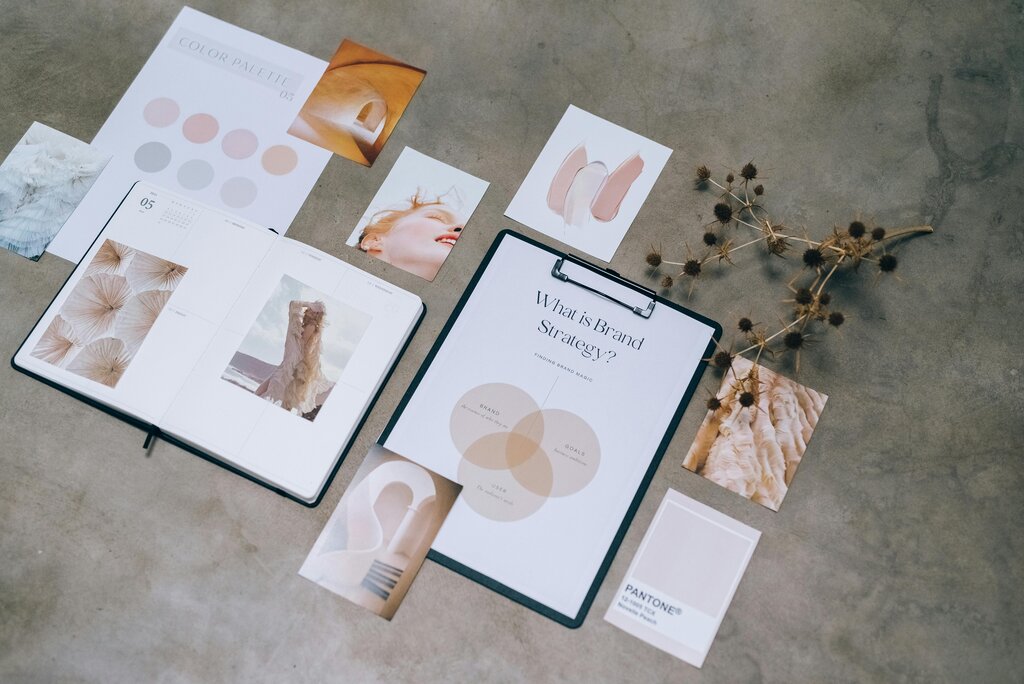
Proximity is simple: items that relate to each other should be grouped close together. When you place elements in close proximity, the audience immediately understands that they belong together. This is why a picture's caption is placed directly beneath it, not on the other side of the slide. Grouping related items makes information much easier to process.
One of the most important design principles, white space (or negative space) ensures clarity, focus, and balance.
Finally, Whitespace (or negative space) is the empty area around the elements on your slide. It’s not wasted space—it’s an active part of your design. Whitespace gives your content room to breathe, prevents a cluttered feeling, and can even help draw attention to your focal points. A slide with plenty of whitespace is easier to read and feels more elegant.
Let's review these concepts with some flashcards.
Ready to check your understanding?
Placing related items close together on a slide is an example of which design principle?
If you arrange elements on a slide so that the left side is a mirror image of the right side, what type of balance are you creating?
By mastering these six principles—balance, contrast, alignment, repetition, proximity, and whitespace—you have all the tools you need to create clear, professional, and impactful slides.