Minecraft Server Management
Server Basics
What is a Minecraft Server?
A Minecraft server is a private, persistent world where you and your friends can play together. Think of it as your own personal corner of the Minecraft universe. Unlike a single-player world that only exists when you're playing, a server can run 24/7. Anyone with permission can log in anytime to build, explore, or just hang out.
The main purpose of a server is to create a shared, collaborative space. You can team up to build massive castles, set up a shared economy, or compete in custom-built minigames. It's a world that evolves with the contributions of every player, creating a unique history and community.
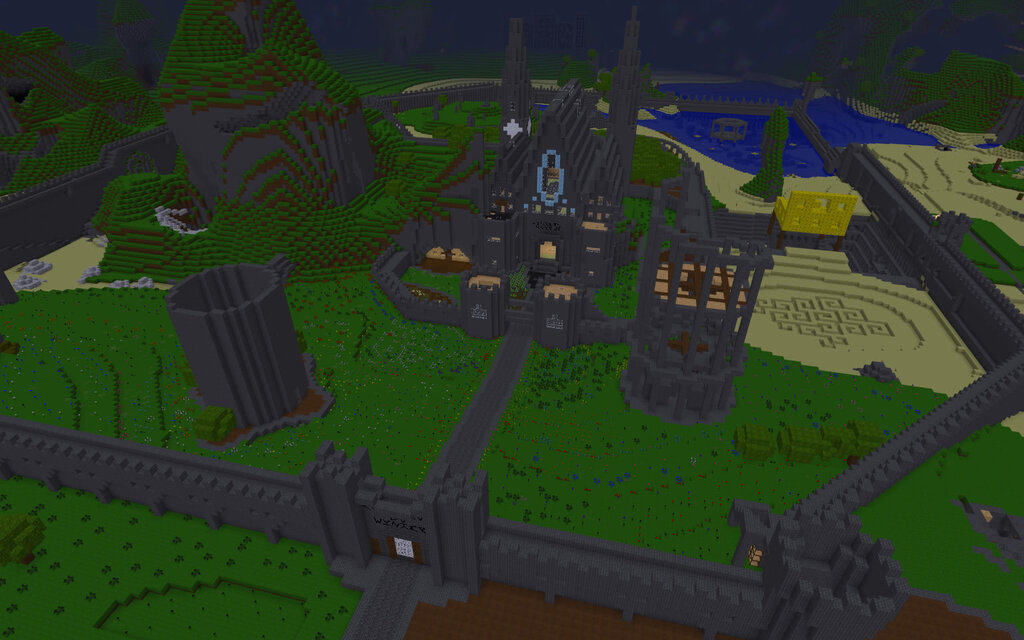
Choosing Your Server Flavor
Not all servers are created equal. The software you choose to run your server determines what kind of experience you can create. Some stick to the classic formula, while others open the door to wild customizations and performance boosts. Let's break down the most common types.
| Server Type | Best For | Key Feature |
|---|---|---|
| Vanilla | The pure, classic Minecraft experience. | Official software from Mojang. |
| Spigot | Adding new features via plugins. | Supports a massive library of plugins. |
| Paper | Performance and stability. | A faster, more optimized version of Spigot. |
| Forge | Heavily modded gameplay. | The classic framework for complex mods. |
| Fabric | Lightweight mods and recent updates. | A newer, faster alternative to Forge. |
A key difference here is between plugins and mods.
Plugins, used by Spigot and Paper, add features on top of the existing game. They can introduce things like player economies, land protection, or new chat commands, but they don't change the core game mechanics. Players can connect without installing anything extra.
Mods, used by Forge and Fabric, can fundamentally change the game. They might add new dimensions, magic systems, or industrial machinery. Everyone who joins a modded server must have the exact same mods installed on their computer.
Choose Spigot or Paper for plugins that extend the game. Choose Forge or Fabric for mods that transform it.
What You'll Need to Host
Running your own server requires a bit of digital horsepower. While you don't need a supercomputer, a dedicated machine with enough resources is important for a smooth, lag-free experience. Here are the basics.
RAM
noun
Random Access Memory. This is the computer's short-term memory, which it uses to run active programs like your server. More RAM generally means the server can handle more players and more complex worlds without slowing down.
For a small server with a few friends, you'll want at least:
- Processor (CPU): A modern processor with decent single-core performance. Minecraft servers don't use many cores, so faster is better than more.
- Memory (RAM): At least 4 GB of RAM is a good starting point for a small group on a vanilla server. Modded servers will need significantly more, often 8 GB or more.
- Storage: A Solid State Drive (SSD) is highly recommended. It allows the server to load chunks of the world much faster than a traditional hard drive.
- Internet: A stable, fast internet connection with good upload speed is critical. A wired ethernet connection is much better than Wi-Fi.
On the software side, you'll need to have Java installed on the computer hosting the server, since Minecraft is built on it. The specific version of Java depends on the version of Minecraft you want to run.
The general gist of running a Minecraft server is that you will need to install java, run the server, accept the EULA, and run it again.
That's the basic rundown. With these fundamentals, you can make an informed choice about what kind of server you want to create and what you'll need to bring it to life.