Minecraft Server Essentials
Minecraft Server Basics
What is a Minecraft Server?
Think of a Minecraft server as a private, persistent world that you and your friends can access anytime. When you play Minecraft in single-player mode, the world exists only on your computer and is only active when you're playing. A server, on the other hand, runs on a dedicated computer (which can be your own or one you rent) and stays online 24/7.
This allows multiple players to log in and interact in the same shared world, regardless of who is online at any given moment. It’s the digital space where communities are built, massive projects are undertaken, and adventures are shared. The server is the backbone of any multiplayer experience, keeping track of every block placed, every creature spawned, and every player's inventory.
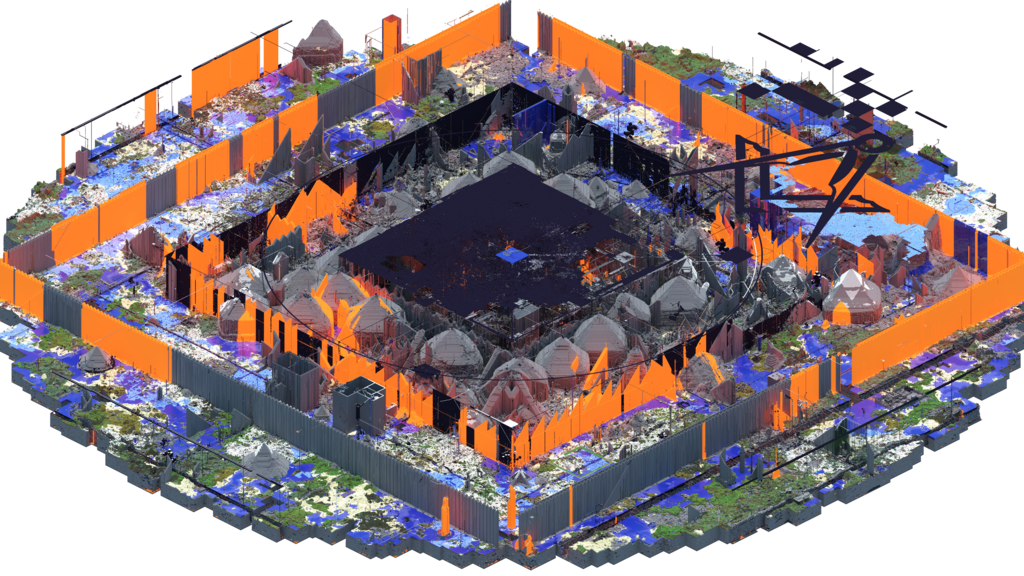
Types of Servers
Not all Minecraft servers are created equal. The type of server software you choose determines the kind of experience you can create. There are three main flavors you'll encounter.
Vanilla: This is Minecraft exactly as the developers created it. A vanilla server runs the official, unmodified game. It’s pure, simple, and perfect for players who want the standard Minecraft experience without any changes.
Spigot (or Paper): This is a modified version of the vanilla server software. Spigot is optimized for performance and allows for the use of “plugins.” Plugins are add-ons that can introduce new features, commands, or game mechanics without changing the core game. Think of adding land claim systems, server economies, or new mini-games. Paper is a popular, even more optimized version of Spigot.
Forge (or Fabric): These servers are designed to run “mods” (modifications). Unlike plugins, mods can fundamentally change Minecraft by adding new blocks, items, creatures, and even entire dimensions. If you want to play with complex machinery, magic systems, or explore space, you’ll need a modded server like Forge or Fabric.
| Server Type | Key Feature | Best For |
|---|---|---|
| Vanilla | Unmodified gameplay | The pure, original Minecraft experience. |
| Spigot/Paper | Supports plugins | Customizing gameplay and managing large communities. |
| Forge/Fabric | Supports mods | Drastically changing the game with new content. |
Core Server Jobs
Regardless of its type, every Minecraft server has a few fundamental responsibilities. It acts as the ultimate authority, managing the game world, the players within it, and the rules they play by.
World Generation and Management The server is responsible for creating the world your players explore. It uses a unique code called a "seed" to generate the terrain, biomes, and structures. Once created, the server saves every change made to that world. When a player logs off and comes back days later, the house they built will still be standing exactly where they left it. The server is the world's memory.
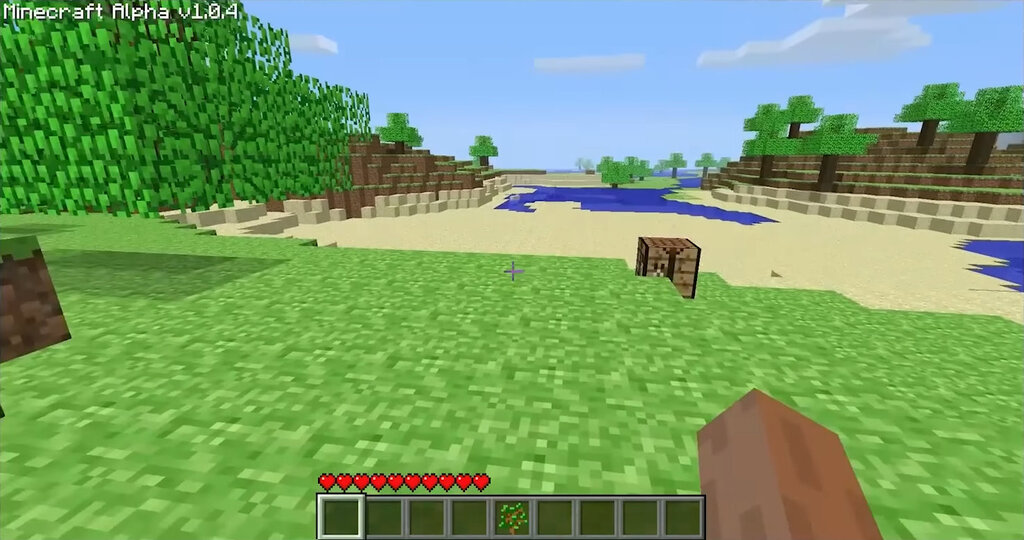
Player Management A server also acts as a gatekeeper and referee. It handles who can join, often through a list of approved players called a "whitelist." Server administrators, or "ops," have special permissions to enforce rules. They can kick players who are causing trouble, ban them permanently, or change game settings on the fly. The server ensures that all players' actions are synchronized, so when one player mines a block, it disappears for everyone else at the same time.
Game Modes Finally, the server dictates the rules of the game by setting the game mode. The most common modes are:
- Survival: The default experience. Players must gather resources, manage health and hunger, and survive against monsters.
- Creative: Players have unlimited resources, can fly, and are invincible. It’s perfect for building without limits.
- Adventure: Designed for custom maps, this mode prevents players from breaking blocks without the proper tools. It focuses on exploration and interaction.
- Spectator: Players are invisible and can fly through blocks, allowing them to observe the world and other players without interfering.
Now that you know what a server is and what it does, let's test your knowledge.
What is the primary function of a Minecraft server that distinguishes it from a single-player game?
A server administrator uses a "whitelist" to control who can build in the creative world.
Let's review the key terms we've covered.
Understanding these basics is the first step. Next, we'll look at what you need to get your own server up and running.