Minecraft Fundamentals
Getting Started
Welcome to Your World
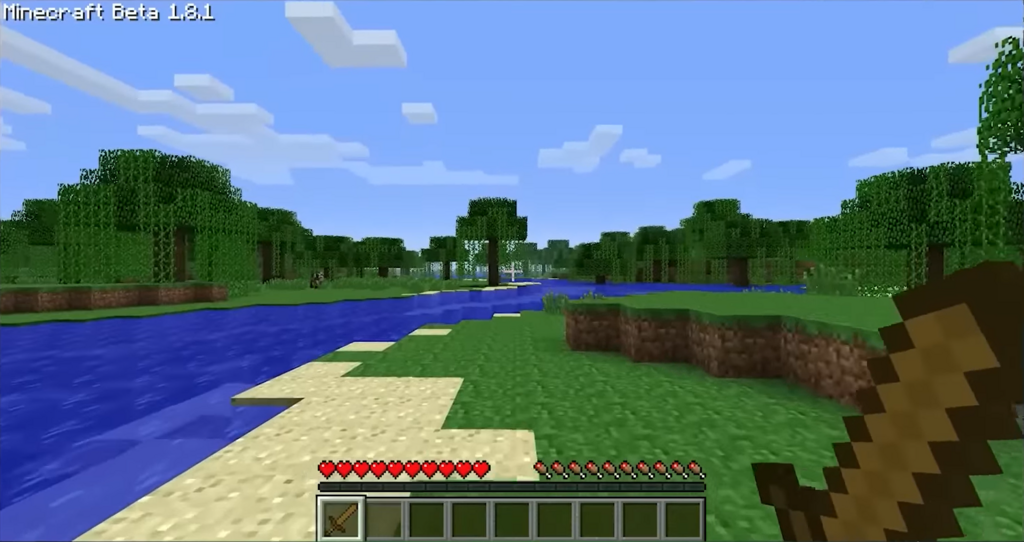
Everything you see is made of blocks. The ground, the trees, the water—all blocks. This world is yours to explore, build, and reshape. But first, you need to learn how to move and interact with it.
Moving Around
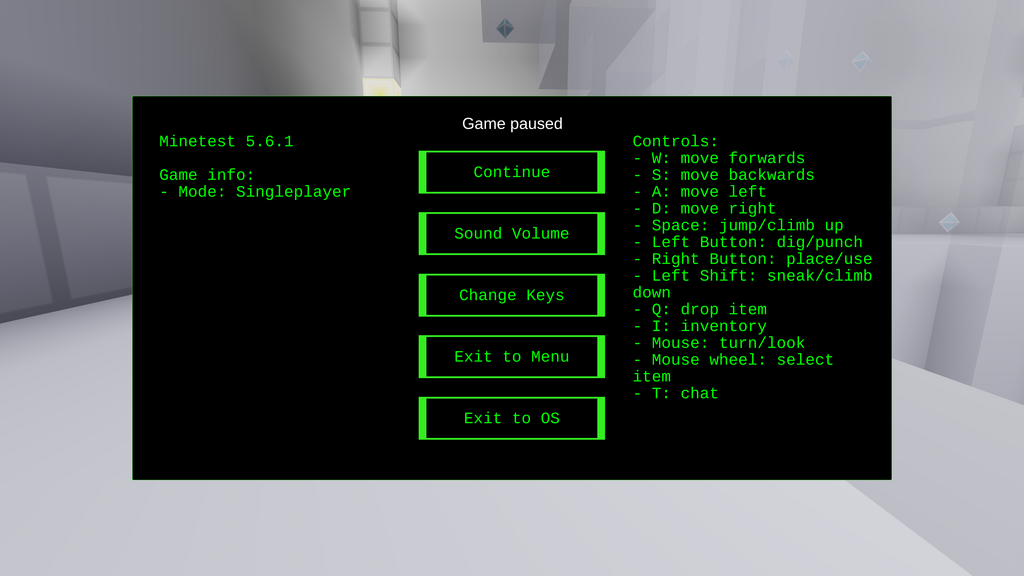
Getting from one place to another uses a standard set of keyboard controls. The W, A, S, and D keys move you forward, left, backward, and right, respectively. Your view is controlled by the mouse; look where you want to go.
Want to get over a block? Press the spacebar to jump. You can also sprint by double-tapping the W key, which lets you move faster and jump farther. To sneak, hold down the Shift key. Sneaking prevents you from falling off edges, which is useful when you're high up.
Interacting with the World
The world is meant to be changed. You can break blocks to collect them and place them somewhere else. Interacting is simple and mostly uses your mouse.
To break a block, point your cursor at it and hold the left mouse button. A cracking animation will appear, and once it's finished, the block will break and drop as an item you can pick up. Different materials take different amounts of time to break. Dirt is fast, while stone is much slower.
To place a block or use an item, you'll use the right mouse button. Just point your cursor at the spot where you want to place the block and right-click. If you're holding a block, it will appear. If you're holding something like a door, right-clicking will open or close it.
Managing Your Stuff
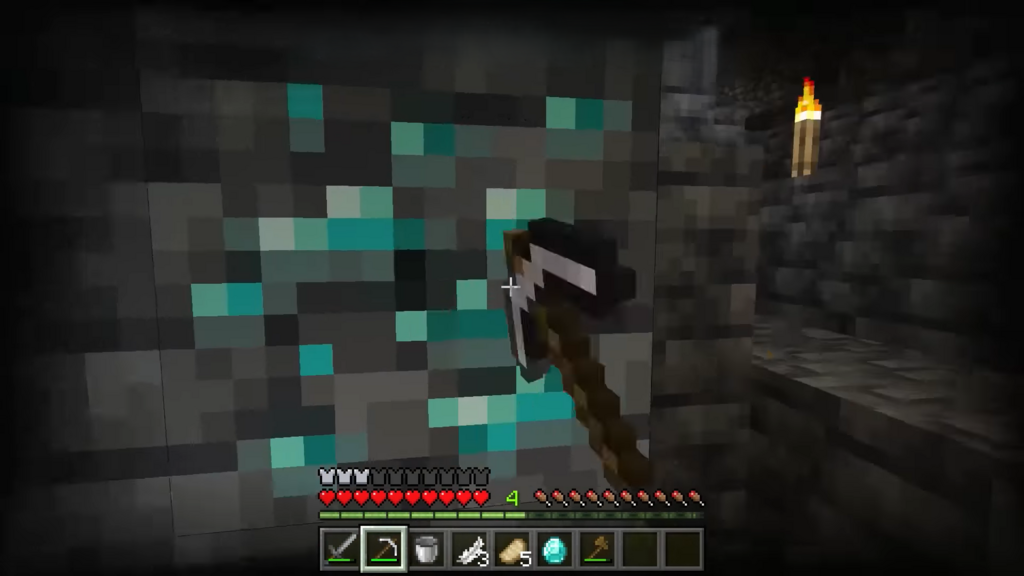
As you break blocks and gather resources, they'll be stored in your inventory. You can open your inventory by pressing the E key. Inside, you'll find a grid of slots where your items are kept.
The row of nine slots at the bottom of your screen is your hotbar. This is for items you want to access quickly. You can use the mouse scroll wheel or the number keys 1 through 9 to select an item in your hotbar. The item you're holding is what you'll place when you right-click.
To manage your inventory, just click and drag items between slots. You can move items from the main inventory grid to your hotbar and back again. Most items can be stacked to save space. For example, you can hold up to 64 blocks of dirt in a single inventory slot.
| Action | Key |
|---|---|
| Move | W, A, S, D |
| Jump | Spacebar |
| Sneak | Shift |
| Sprint | Double-tap W |
| Open Inventory | E |
| Break / Attack | Left Mouse Button |
| Place / Use | Right Mouse Button |
Now that you know the basics, let's test your knowledge.
Which key do you press to open your inventory?
To move faster and jump farther, you should...
With these fundamentals, you're ready to start your journey. The world is waiting for you to explore it.