Microsoft Office Basics for Teens
Getting Started with Microsoft Office
What is Microsoft Office?
Microsoft Office is a collection of applications designed to help with common tasks on a computer. Think of it as a digital toolbox for school, work, or personal projects. While the suite includes many tools, we'll focus on the three most common ones: Word, Excel, and PowerPoint.
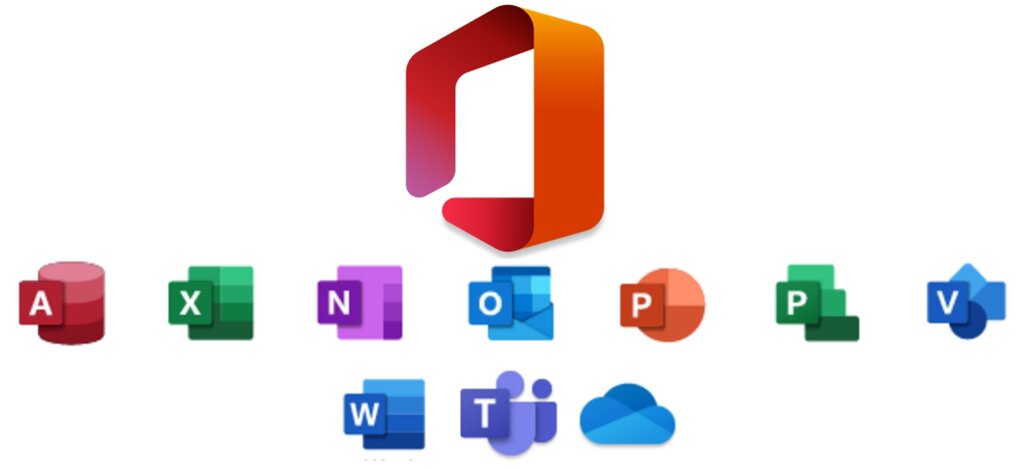
Each application has a specific job. Word is for writing documents, Excel is for working with numbers and data in spreadsheets, and PowerPoint is for creating visual presentations. Together, they cover most of the basic needs for creating and sharing information.
Microsoft 365 is the evolution of those familiar tools you probably grew up with—Word, Excel, PowerPoint, and Outlook.
Finding Your Way Around
You can open Office apps from the Start menu on a Windows PC or from the Applications folder on a Mac. Once you open Word, Excel, or PowerPoint, you'll notice they look quite similar. This consistent design makes it easier to learn all three.
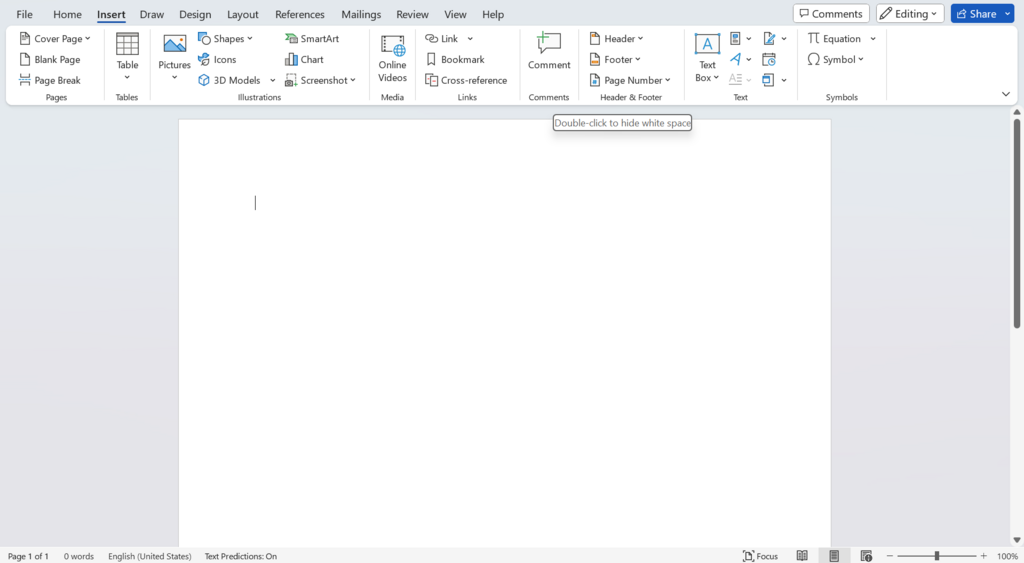
The main command center at the top of the screen is called the Ribbon. It's organized into tabs, like "Home," "Insert," and "View." Each tab contains groups of related commands. For example, the "Home" tab has tools for changing text font and size, while the "Insert" tab lets you add things like pictures and tables.
The large area below the Ribbon is your workspace. This is where you'll type your document, build your spreadsheet, or design your presentation slides. Getting comfortable with the Ribbon is the first step to mastering any Office app.
The Core Three Apps
Let's look at the primary purpose of each application.
Microsoft Word: For Writing
Word is a word processor. Its main job is to help you create text-based documents. You can use it to write anything from a simple letter to a complex academic paper. Word gives you tools to format text, check spelling and grammar, add images, and organize your content with headings and page numbers.
Think of it as a powerful digital piece of paper. You start with a blank page and fill it with your ideas.
Microsoft Excel: For Numbers and Data
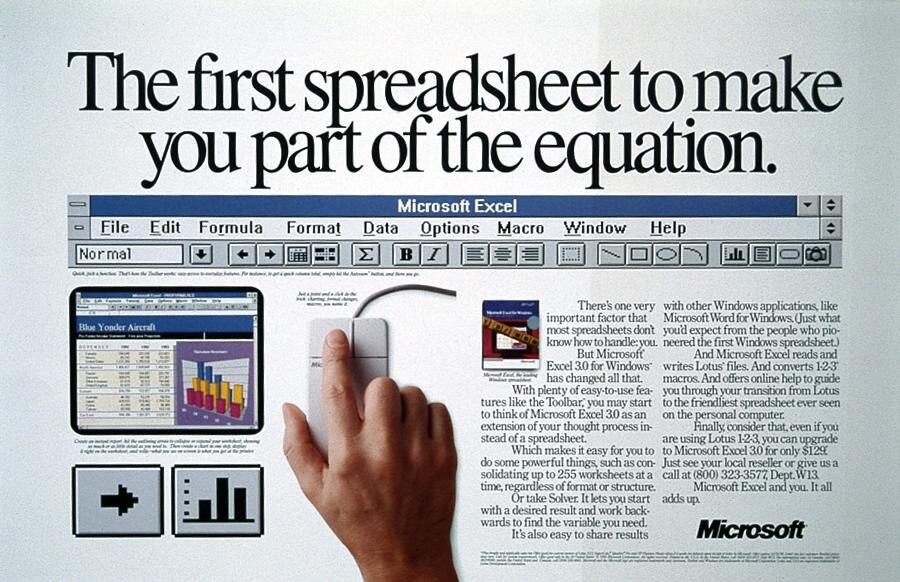
Excel is a spreadsheet application. Instead of a blank page, you get a grid of cells arranged in columns and rows. Its primary function is to organize, analyze, and visualize data. You can enter numbers and text into cells and use formulas to perform calculations.
Excel is perfect for tasks like creating a budget, tracking project expenses, or managing a list of contacts. It can also turn your data into charts and graphs, making it easier to spot trends.
Microsoft PowerPoint: For Presentations
PowerPoint is a presentation tool. It helps you create a series of slides to share information with an audience. Each slide can contain text, images, charts, and videos. You can use it to build a presentation for a class project, a business meeting, or a public talk.
PowerPoint's goal is to help you communicate your ideas clearly and visually. You organize your points onto slides, add visuals to support your message, and then present them one by one.
Getting started is as simple as opening an application and exploring. Each one opens with a blank canvas, ready for you to start creating.
Which application is best suited for creating a budget, tracking expenses, and analyzing numerical data?
What is the name of the main command center at the top of Word, Excel, and PowerPoint that is organized into tabs like "Home," "Insert," and "View"?