Microsoft MCP Servers Explained
Introduction to Windows Server
What Is Windows Server?
You’ve used a Windows operating system before, like Windows 10 or 11. It’s what lets you browse the web, write documents, and play games on your personal computer. Windows Server is its powerful older sibling, designed not for one person, but for many. It's a special type of operating system that runs on servers — high-performance computers that work behind the scenes.
Think of a server as the central hub for a network of computers. It manages shared resources, like files and printers, hosts websites, runs company-wide applications, and secures sensitive data. Windows Server provides the tools and stability needed to handle these demanding, always-on tasks for businesses of all sizes.
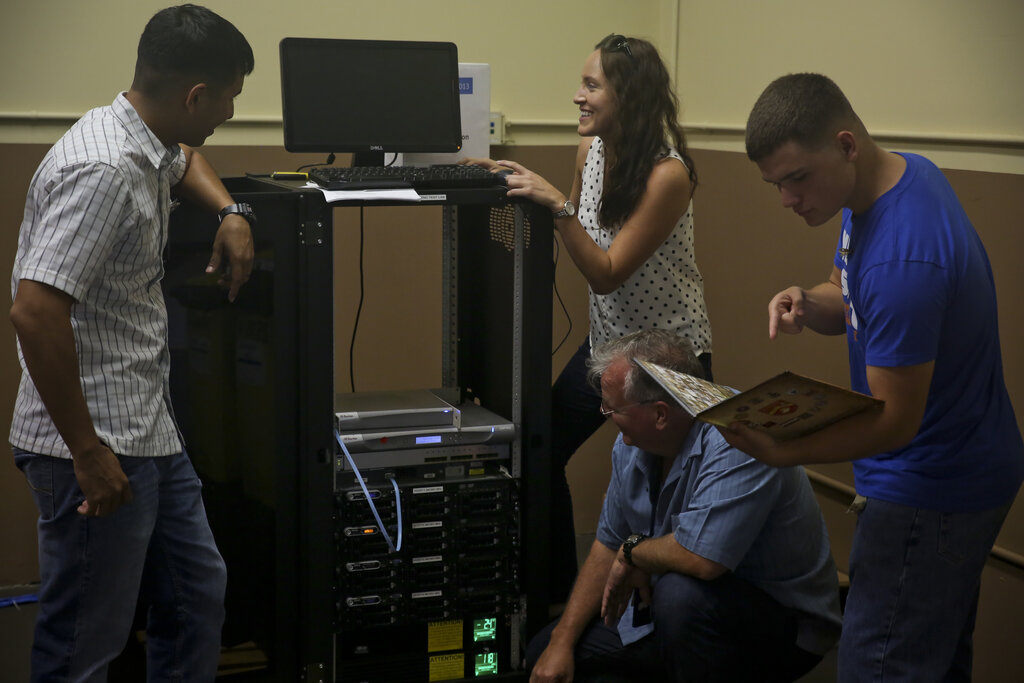
While it might look similar to the Windows on your desktop, its insides are very different. It's built for stability, security, and managing complex networks. Instead of features for personal entertainment, it's packed with tools for system administrators to control user access, deploy software, and monitor the health of the entire IT infrastructure.
A Quick Trip Through Time
Windows Server has been around for a while, evolving significantly over the decades. The story begins in the early 1990s with Windows NT (New Technology), which was Microsoft's first true 32-bit operating system built for serious business use. It laid the foundation for both the desktop versions of Windows and the server line.
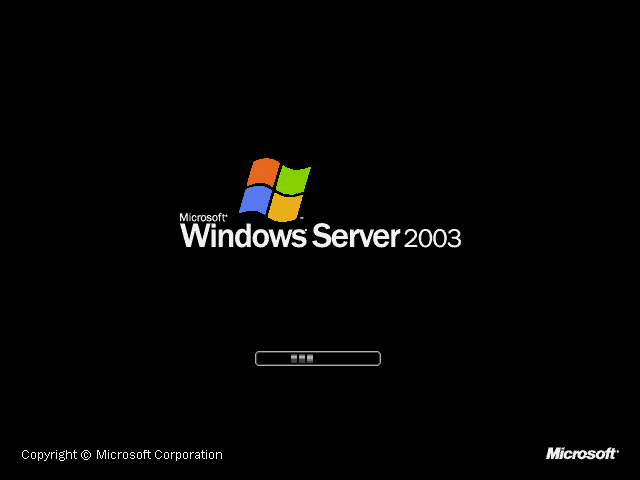
With the release of Windows Server 2003, Microsoft established the naming convention we see today. Each new version brought powerful capabilities. Early on, the focus was on providing reliable file, print, and application services. Later releases introduced major advancements in virtualization with Hyper-V, better management tools, and deeper integration with cloud services like Microsoft Azure.
The Flavors of Windows Server
A small business has very different needs than a global corporation, so Windows Server comes in several editions. Each one offers a different balance of features, performance, and price. Think of it like choosing a car model; you pick the one with the right engine and features for your needs.
| Edition | Ideal For | Key Feature |
|---|---|---|
| Essentials | Small businesses (up to 25 users) | Simple, all-in-one solution with basic features. |
| Standard | Most organizations | Full Windows Server functionality with limits on virtualization. |
| Datacenter | Large-scale data centers | Unlimited virtualization rights and advanced storage features. |
The Standard and Datacenter editions are the most common in enterprise environments. The biggest difference between them is virtualization rights. Virtualization allows a single physical server to run multiple "virtual" servers, which is incredibly efficient. Datacenter edition is built for companies that rely heavily on this technology.
Additionally, administrators can choose between a full graphical user interface (Desktop Experience) or the minimalist, command-line only Server Core. Server Core is more secure and uses fewer resources, but requires more technical skill to manage.
Now that you have a foundational understanding of what Windows Server is and its role in the IT world, you can better appreciate how it provides the platform for specialized server applications.
What is the primary difference between Windows Server and a personal desktop OS like Windows 11?
Which early Microsoft operating system laid the foundational 'New Technology' for both the Windows desktop and server lines?