Meta Business Suite Mastery for Beginners
Setup Basics
From Personal to Professional
Managing social media for a business is different from running a personal profile. Instead of juggling apps, you need a central command center. That's what Meta Business Suite provides. It’s a free tool that combines your Facebook and Instagram business activities into one place.
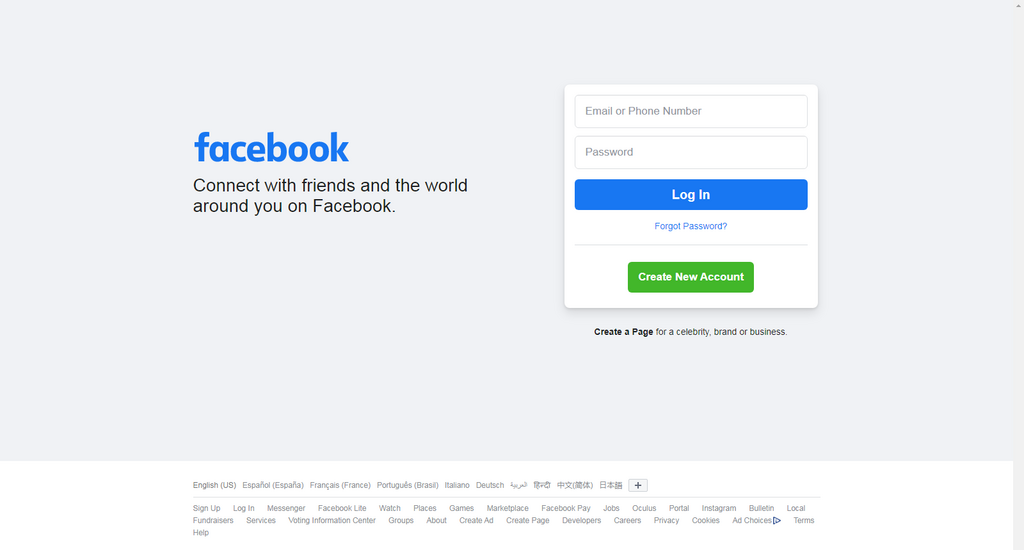
To get started, open a web browser and go to business.facebook.com. You'll be asked to log in using your personal Facebook credentials to verify your identity. This is a common point of confusion, but don't worry. This step is just for security. Your personal profile, photos, and friends list will remain completely separate from your business activities. Think of it like using a key to open an office door; the key proves who you are, but it doesn't bring your living room furniture into the office.
Your Digital Filing Cabinet
After logging in, Meta will guide you to create your first Business Portfolio. The best way to think of a portfolio is as a digital filing cabinet. It’s a dedicated container that holds all of your company's social media assets, keeping them organized and separate from your personal accounts and other projects.
Each business you manage should have its own portfolio. This keeps everything tidy. Inside this portfolio, you'll store your Facebook Page, your Instagram account, your ad accounts, and more. This separation is crucial for clear management, especially if you handle more than one brand.
Asset
noun
In Meta's ecosystem, an asset is any item a business uses, such as a Facebook Page, an Instagram account, an ad account, or a product catalog.
Connecting Your Accounts
With your portfolio created, the first task is to link your existing business accounts to it. Let's start with your Facebook Page.
- From the Business Suite dashboard, look for a prompt or a settings menu to add assets.
- Select "Add a Facebook Page." You'll be asked to claim an existing page.
- Start typing the name of your business page. If you are an admin of that page, it should appear in the search results.
- Select your page and confirm. It will now be linked to your portfolio.
Next, you'll connect your Instagram account. It's important that your Instagram is already converted to a professional account (either Business or Creator). You can't connect a personal Instagram profile to Business Suite.
- In the same settings area, find the option to connect an Instagram account.
- You will be prompted to log in to Instagram.
- Enter the username and password for your professional Instagram account.
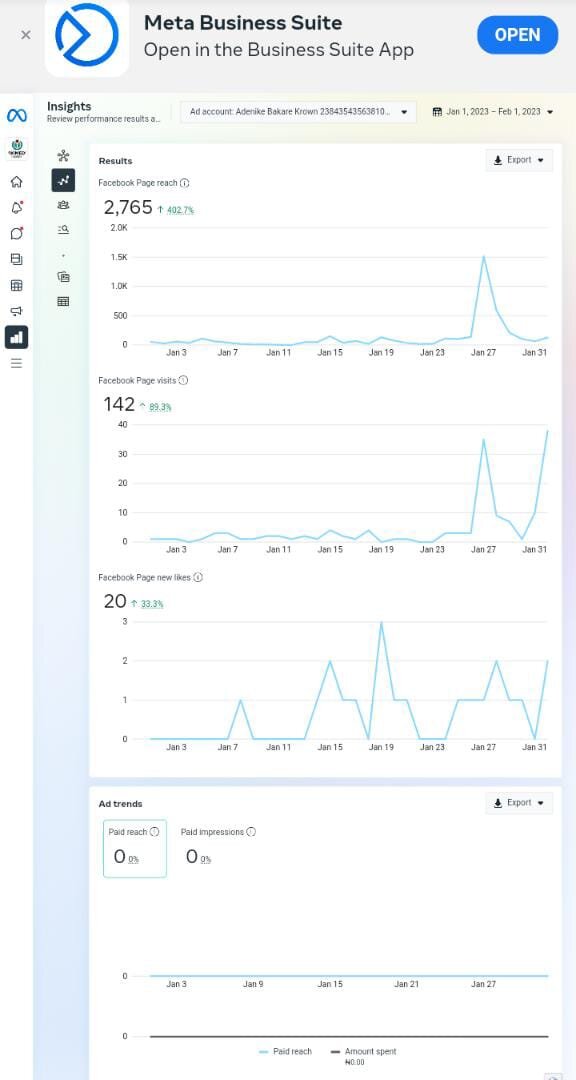
Once both are connected, you're all set. The Business Suite home dashboard will now give you a combined view of notifications, messages, and basic analytics for both your Facebook Page and Instagram account. You've successfully created your central hub for managing your social media presence.
What is the primary function of Meta Business Suite?
True or False: When setting up Meta Business Suite, you must log in with your personal Facebook account to merge your personal friends list with your business page followers.
That's the foundational setup. You've officially moved your business social media management into a professional tool, separating it from your personal profiles and setting the stage for more advanced marketing activities.