Mastering Your PDF Exam Materials
Understanding PDF Structure
The Anatomy of a PDF
A PDF, or Portable Document Format, feels like a digital piece of paper. Its main job is to show a document exactly the same way on any device. Whether you open it on a phone, a laptop, or a desktop computer, the layout, fonts, and images should all stay put. But how does it work?
A PDF isn't a single, flat picture of a page. It's more like a container, a special folder that holds all the different pieces of a document together. The three main components you'll find inside are text, images, and a special kind of information called metadata.
The Portable Document Format (PDF), introduced by Adobe Systems, offered substantial improvements over TIFF, supporting structured objects like text and vector graphics alongside raster images, enabling efficient compression, embedding metadata, and providing device independence.
Let’s look at each of these components.
Text: When you see words in a PDF, you're usually not looking at a picture of text. The file stores the actual characters and instructions on how to display them, including the font style, size, and color. This is why you can often select, copy, and search for text within a PDF.
Images: Any pictures, charts, or graphics are embedded directly into the file. These can be photos (raster images made of pixels) or drawings (vector graphics made of lines and shapes). PDFs use compression to keep the file size of these images as small as possible without losing too much quality.
Metadata: This is information about the document itself. It's hidden in the background but provides important context.
Metadata
noun
Data that provides information about other data. In a PDF, this can include the document's author, title, creation date, and keywords for searching.
Putting It All Together
A PDF file isn't just a jumble of text and images. It has a precise internal structure, like a blueprint for each page. The file contains a set of instructions that tells any PDF reader exactly where to place every word, line, and image. This is the secret to its consistency across different platforms.
Think of it as a coordinate system for the page. The PDF says, "Start this line of text at these X and Y coordinates," and "Place this image in a box of this size at that location." This object-based structure is what makes PDFs so reliable.
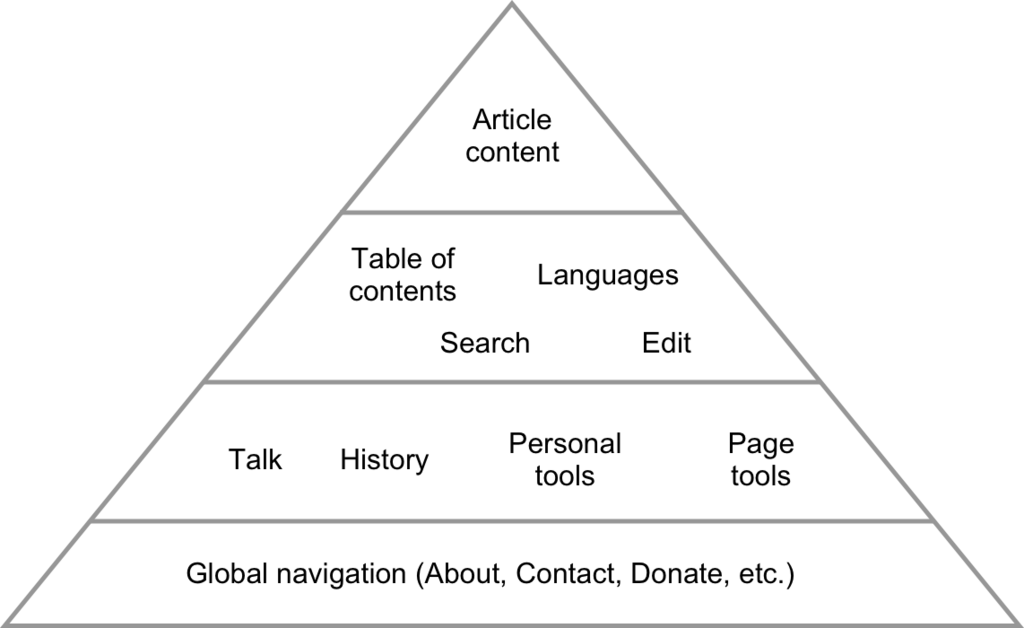
This structure is also what allows for basic navigation features. Most PDF viewers have a sidebar that shows thumbnails of each page, allowing you to jump around easily. More complex PDFs might have a built-in table of contents or bookmarks, which are essentially links that point to specific pages or sections. These navigational aids are part of the file's structure, designed to help you find information without endless scrolling.
Understanding that a PDF is an organized container of objects is the first step toward working with them more effectively. It's not just a static image, but a structured file designed for portability and consistency.