Mastering WinQSB for Business Analysis
Introduction to WinQSB
Your Toolkit for Business Decisions
Imagine having a single toolkit that helps you solve a wide range of business puzzles, from figuring out the most efficient delivery routes to predicting next quarter's sales. That's the idea behind WinQSB. It’s a software package designed specifically for business analysis and decision-making, packing a powerful set of quantitative tools into one program.
Think of it less as a single, overwhelming application and more as a suite of specialized mini-programs, each built to tackle a different kind of problem.
A Module for Every Problem
WinQSB’s strength lies in its modular design. Instead of forcing you to navigate a complex, one-size-fits-all interface, it's broken down into individual components, or modules. Each module is tailored to a specific type of analysis, so you only need to open the tool that fits your current challenge.
This structure keeps things organized and makes it much easier to find the right tool for the job. Whether you're dealing with resource allocation, scheduling, or quality control, there's likely a module for it.
| Module | Primary Use |
|---|---|
| Linear and Integer Programming | Finding the best outcome (like maximum profit or lowest cost) given a set of constraints. |
| Network Modeling | Analyzing flow problems, like transportation logistics or project dependencies. |
| Forecasting | Using historical data to make predictions about future trends. |
| Inventory Theory | Determining optimal inventory levels to minimize costs. |
| Queuing Analysis | Studying waiting lines to improve service efficiency. |
| Project Management (PERT/CPM) | Planning, scheduling, and managing complex projects to meet deadlines. |
Navigating the Interface
For a program that handles complex calculations, WinQSB is surprisingly straightforward to use. The interface is clean and functional, designed to get you from problem to solution without a steep learning curve.
When you open a module, you're typically greeted with a spreadsheet-style grid for entering your data. This format is familiar and intuitive. Once your data is in, you use simple menu commands to solve the problem. The software then presents the solution in a clear, easy-to-read report. The focus is on the problem and its results, not on fighting with the software.
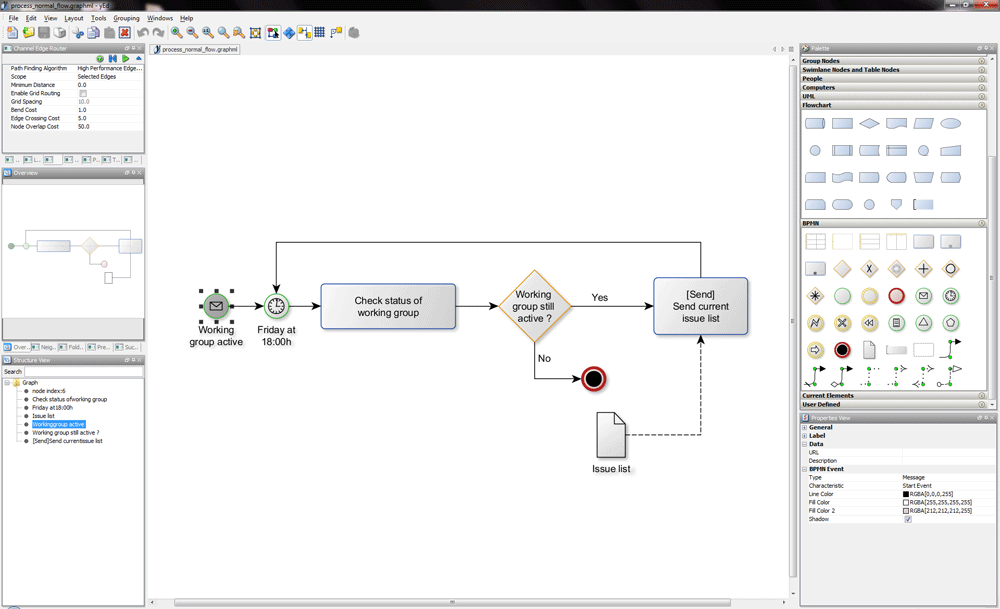
WinQSB supports a variety of decision-making models. These can be grouped into a few main categories:
- Optimization models: These help you find the best possible solution from a set of alternatives, like in Linear Programming.
- Forecasting models: These use statistical techniques to predict future events based on past data.
- Simulation models: These allow you to test how a system might behave under different conditions, such as in queuing analysis.
Let's check your understanding of WinQSB's core concepts.
What is the primary purpose of the WinQSB software package?
The core strength of WinQSB's design is its ______, which breaks the software into specialized components for different types of analysis.
Understanding these basics sets the stage for applying WinQSB to real-world business challenges.