Mastering Ultimate Software Payroll
Introduction to UltiPro Payroll
Getting Started with UltiPro Payroll
UltiPro Payroll is a cloud-based system that helps businesses manage everything related to paying their employees. Think of it as a central hub for payroll information. Instead of juggling spreadsheets and paper files, UltiPro keeps all your payroll data organized and accessible in one secure place online.
It's part of a larger suite of tools called Human Capital Management (HCM), which handles everything from hiring and onboarding to time tracking and benefits. The payroll module is designed to streamline the process of paying your team accurately and on time, while also helping your company stay compliant with tax laws and regulations.
Key Features and Benefits
UltiPro Payroll simplifies complex tasks through a variety of features. Understanding these will help you see why it's a valuable tool for any organization.
- Centralized Data: All employee pay information, from hourly wages and salaries to tax withholdings and deductions, is stored in one place. This reduces errors and makes it easy to find what you need.
- Automated Calculations: The system automatically calculates wages, taxes, and other deductions. This saves a huge amount of time and minimizes the risk of manual calculation errors.
- Compliance: UltiPro stays updated with the latest tax laws and regulations. This helps your company remain compliant without having to manually track every change.
- Employee Self-Service: Employees can access their own pay stubs, tax forms (like W-2s), and direct deposit information online. This empowers them and reduces the number of routine questions sent to the HR department.
By bringing all payroll functions into one system, UltiPro helps ensure everyone gets paid correctly and on time, every time.
Navigating the System
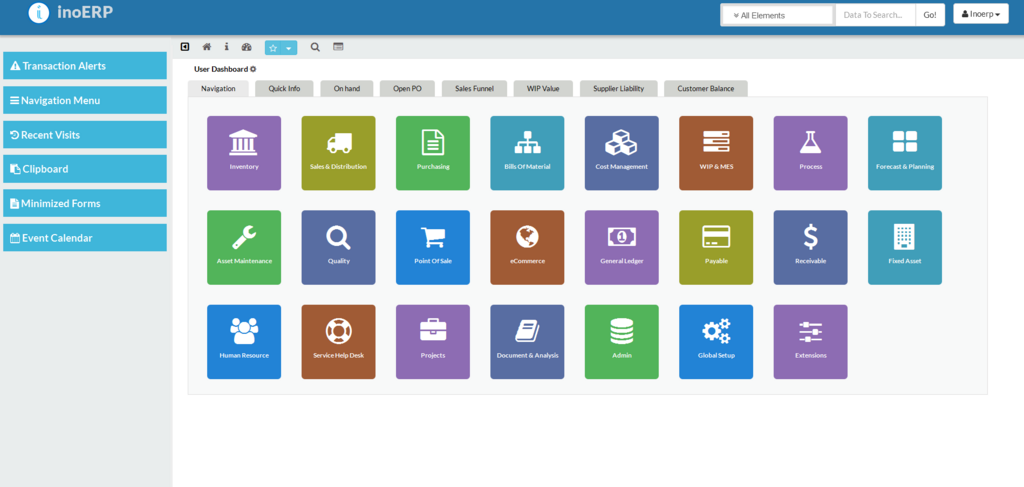
When you first log in to UltiPro, you'll typically land on a central dashboard. This dashboard gives you a quick overview of important information and access to different parts of the system.
Most of your work will start from the main menu, which is usually located on the top or side of the screen. Here, you'll find links to major sections like 'Payroll,' 'People,' and 'Reports.' The layout is designed to be intuitive, with common tasks grouped together logically. For example, everything related to employee records would be under a 'People' or 'HR' menu, while functions for running payroll are found under 'Payroll'.
The main screen often features customizable widgets or dashboards that can display key metrics at a glance, such as upcoming pay dates or pending approvals. Getting familiar with the main menu and dashboard is the first step to using the system efficiently.