Mastering UI Design Terminology
UI Design Basics
What Is a User Interface?
A user interface, or UI, is the point where you interact with a machine. Think of it as the bridge between you and the technology you're using. The dashboard of a car, the remote for your TV, and the screen on your phone are all user interfaces. Their job is to translate your actions into commands the machine can understand and to present information from the machine back to you.
Good UI design isn't about flashy graphics or complex animations. It's about making technology feel effortless and intuitive. When a UI is well-designed, you don't even notice it. You just know what to do. The goal is to make using a product a smooth, simple, and even enjoyable experience.
The Building Blocks of UI
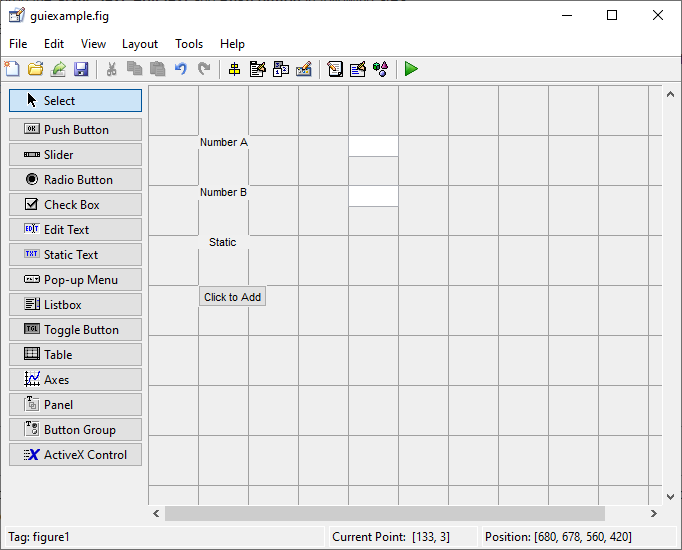
Every interface is built from a set of common components. Understanding these basic building blocks is the first step in learning to describe and create effective UIs.
Button
noun
An interactive element that a user can click or tap to perform a specific action, such as submitting a form or confirming a choice.
Buttons are one of the most fundamental UI elements. They often change appearance when you hover over or click them to give you feedback that the system has registered your action.
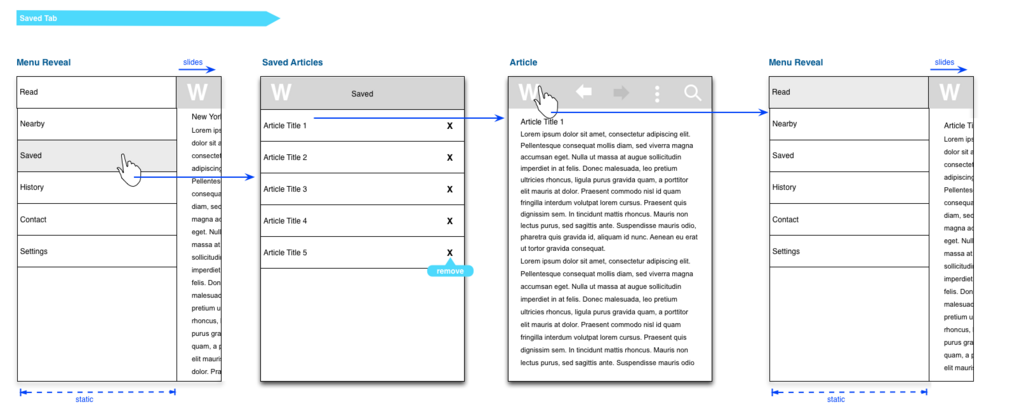
Menus are lists of options or commands. They help organize complex features and keep the interface tidy. You've seen them as navigation bars at the top of websites, dropdown lists in forms, or the 'hamburger' menu (three horizontal lines) common in mobile apps.
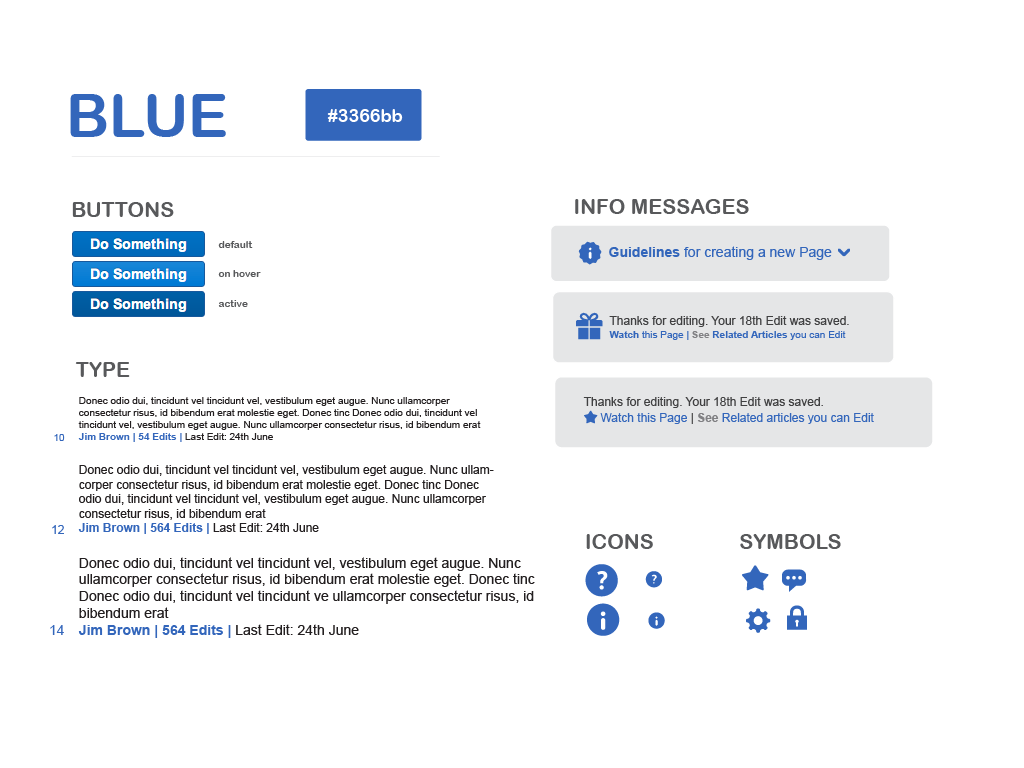
Icons are simple, universal symbols that represent an action or idea. A magnifying glass usually means 'search,' while a trash can means 'delete.' They save space and communicate concepts quickly, often faster than text.
Guiding Principles for Good Design
While UI is made of individual elements, it's the principles that bring them together into a cohesive whole. Three of the most important principles are clarity, consistency, and simplicity.
Clarity is job number one. Users should immediately understand what they are looking at and what will happen when they interact with an element. Ambiguous icons or confusing labels lead to frustration.
Consistency means that similar elements should look and behave in similar ways. A button should look like a button everywhere in the app. This predictability makes the interface easier to learn and use because users can transfer their knowledge from one part of the product to another.
Simplicity is about removing the unnecessary. Every extra element on the screen competes for the user's attention. A simple, clean interface helps users focus on their goals without distraction.
One of the key objectives of a user interface with the aim of providing a good experience is to make the lives of users easy, less frustrating, and simple.
Ready to check your understanding of these core concepts?
What is the primary function of a User Interface (UI)?
True or False: When a UI is well-designed, users immediately notice its complexity and cleverness.
By focusing on these basic elements and principles, you create interfaces that are not only functional but also intuitive and pleasant to use. This foundation is key to communicating effectively about design, whether with a human team or an AI assistant.