Mastering Trend Micro Vision One XDR
Unified Platform Integration
The Single Pane of Glass
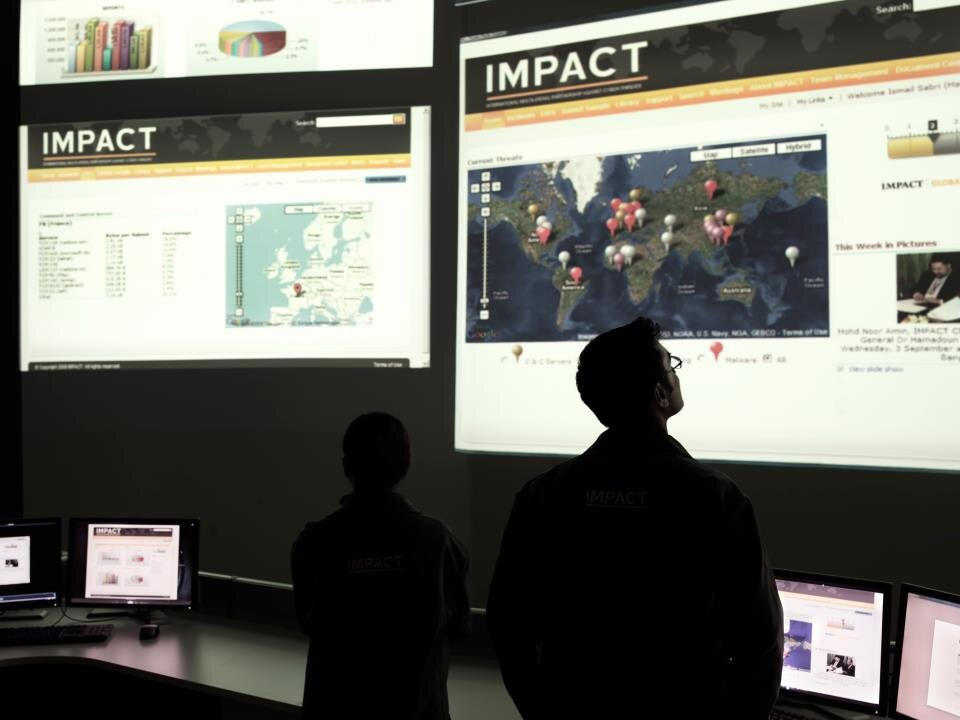
In a complex security landscape, juggling multiple consoles for endpoints, servers, email, and cloud workloads creates blind spots. The core principle of Trend Vision One is to eliminate these silos by creating a unified console. It functions as a central hub, pulling in security data—or telemetry—from every corner of your digital environment. This data is aggregated into a single data lake, providing a comprehensive, correlated view of security events.
Vision One collects and correlates detailed activity data from multiple media including email, endpoints, servers, cloud workloads and networks.
This centralized approach moves security operations from a reactive, tool-centric model to a proactive, data-driven one. Instead of analysts manually piecing together events from different logs, the platform can automatically connect the dots between a suspicious email, a compromised endpoint, and unusual network traffic. The goal is to see the entire attack chain, not just isolated fragments.
Integrating Native Sensors
The foundation of the Vision One data lake is telemetry from Trend Micro's own security products. Native sensors are designed for deep integration, providing rich, high-fidelity data with minimal configuration. For example, Apex One agents on endpoints report process activity, file modifications, and registry changes. Cloud App Security monitors email gateways and SaaS applications for phishing attempts and data exfiltration, while Deep Security provides visibility into server and cloud workload activity.
| Trend Micro Product | Telemetry Source |
|---|---|
| Apex One | Endpoints (laptops, desktops) |
| Cloud App Security | Email, SaaS applications (M365, Google Workspace) |
| Deep Security / Cloud One | Servers (physical, virtual), cloud workloads |
| TippingPoint | Network traffic (IPS/IDS alerts) |
Because these sensors are part of the same ecosystem, they are automatically recognized by the Vision One platform. Deployment involves enabling the XDR sensor in the product's policy settings, which immediately begins forwarding telemetry to the data lake. This seamless connection is crucial for ensuring data quality and timeliness, forming the backbone of the platform's detection and response capabilities.
Connecting Hybrid Environments
Not all infrastructure lives in the cloud. Many organizations run critical systems on-premises. To bridge this gap, Vision One uses the Service Gateway to collect telemetry from internal networks. The gateway is deployed as a virtual appliance within the on-premises environment. It acts as a secure proxy, aggregating logs and security data from internal assets that don't have a direct connection to the internet.
Once configured, the gateway securely forwards this telemetry to the Vision One data lake, ensuring that activity from isolated or legacy systems is included in the overall security picture. This is also how Vision One ingests data from third-party sources that exist on-premises, such as firewalls or Active Directory domain controllers.
Third-Party Integration and Normalization
A comprehensive security view requires data from more than just one vendor. Vision One supports ingestion from third-party tools via a robust set of APIs. This allows you to forward alert data and logs from other security solutions—like firewalls, identity providers, or other EDR tools—into the central data lake. Integration typically involves generating an API key in the Vision One console and using it to authenticate the data source.
# Pseudocode for sending a third-party alert to Vision One
import requests
import json

API_ENDPOINT = "https://api.visionone.trendmicro.com/v3.0/workbench/alerts"
API_KEY = "YOUR_INGESTION_API_KEY_HERE"

headers = {
    "Authorization": "Bearer " + API_KEY,
    "Content-Type": "application/json"
}

alert_data = {
    "source": "ThirdPartyFirewall",
    "timestamp": "2023-10-27T10:00:00Z",
    "device_ip": "192.168.1.100",
    "event_id": "FW-Block-12345",
    "description": "Outbound C2 traffic detected and blocked."
}

response = requests.post(API_ENDPOINT, headers=headers, data=json.dumps(alert_data))

print(f"Status Code: {response.status_code}")
However, raw data from dozens of different sources is inconsistent. A log entry from a firewall looks very different from an alert generated by an endpoint sensor. The final and most critical step is data normalization. As telemetry enters the Vision One data lake, it is parsed, standardized, and enriched into a common schema. An IP address is always labeled as an IP address, a user account is a user account, and a process name is a process name, regardless of the original source. This normalization is what enables the XDR engine to effectively correlate activities across disparate systems and build a single, coherent narrative of a potential attack.
What is the primary problem Trend Vision One is designed to solve by aggregating telemetry into a single data lake?
How does Trend Vision One collect telemetry from on-premises assets that do not have a direct connection to the internet?