Mastering Touch Typing
Introduction to Touch Typing
The Art of Typing Blind
Touch typing is the skill of typing without looking at the keyboard. Instead of hunting for each letter, your fingers learn the layout and move to the correct keys by memory. Think of it like a pianist who knows where every key is without glancing down. Their fingers just know where to go. This allows them to focus on the music, not the instrument.
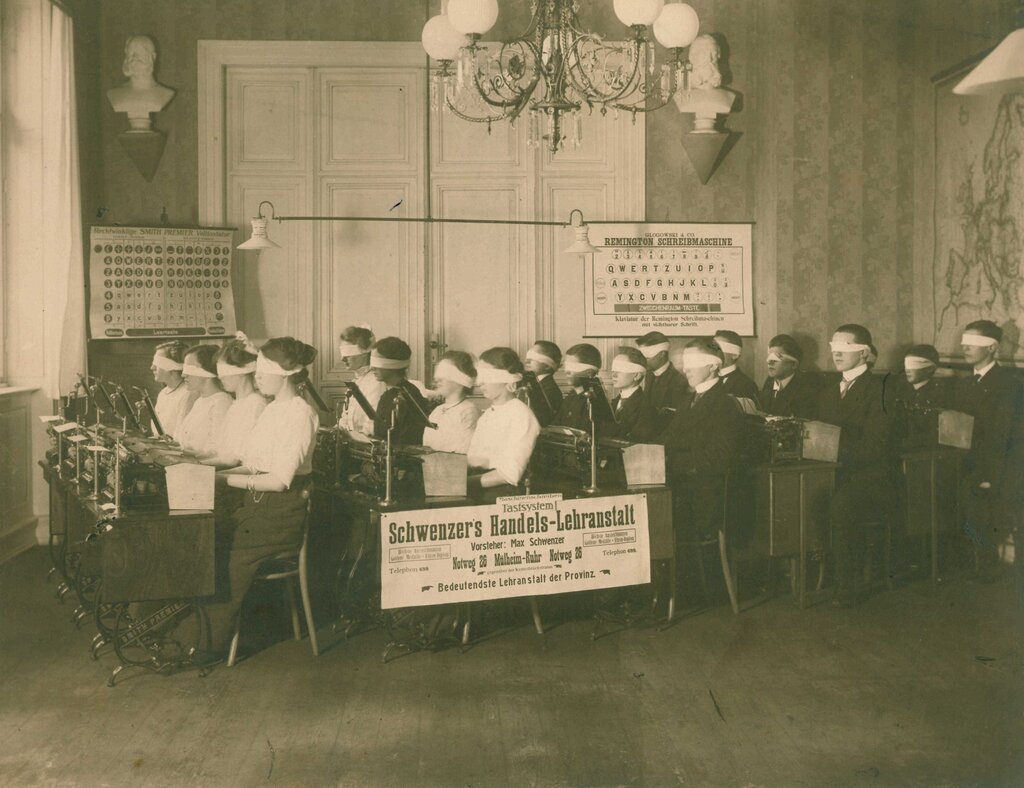
The same principle applies here. When you touch type, you free up your mental energy to focus on what you're writing, not on the mechanics of how you're writing it. The two main benefits are a dramatic increase in both speed and accuracy. You'll produce more work in less time, with fewer errors.
Finding the Home Row
Every journey needs a starting point. For your fingers on a keyboard, that starting point is the home row. This is the central row where your fingers rest, and it's the base from which they'll move to strike other keys.
Your left hand's fingers rest on A, S, D, and F. Your right hand's fingers rest on J, K, L, and the semicolon (;). Your thumbs both hover over the space bar.
Try it now. Notice the small bumps on the 'F' and 'J' keys? These are tactile guides. They help you find the home row by touch alone, without ever needing to look down.

Posture Matters
How you sit is just as important as where your fingers go. Proper posture helps prevent strain and allows you to type comfortably for longer. This practice is part of a field called ergonomics, which is all about designing things to be efficient and safe for people to use.
Sit up straight with your back supported. Keep your feet flat on the floor. Your wrists should be straight, floating slightly above the keyboard, not resting on the desk.
Getting these fundamentals right—finger position and posture—builds a strong foundation. From here, you can develop speed and accuracy without picking up bad habits that are hard to break later on.
Let's check what you've learned about the basics.
What is the core principle of touch typing?
On a standard QWERTY keyboard, which keys make up the home row for your right hand?
With these basics in mind, you're ready to start practicing.