Mastering the Essentials of Active Trading
Professional Environment Setup
Choosing Your Tools
A professional trading environment is built on speed, data, and precision. The standard retail brokerage app on your phone is designed for casual, long-term investing, not active trading. For that, you need a platform that prioritises direct market access, minimal latency, and advanced order control.
When selecting a broker, look beyond the commission fees. The crucial metrics for an active trader are execution speed, the quality of the data feed, and the robustness of the trading software. Platforms like Interactive Brokers (TWS) and TD Ameritrade's Thinkorswim are standards for a reason. They provide the infrastructure needed to act on a strategy without technical limitations.
Your choice depends on your needs. TWS is known for its global market access and rock-bottom commissions, favoured by high-frequency traders. Thinkorswim is often praised for its powerful charting and analysis tools, particularly for options trading. Both offer the direct, low-latency connection required for serious work.
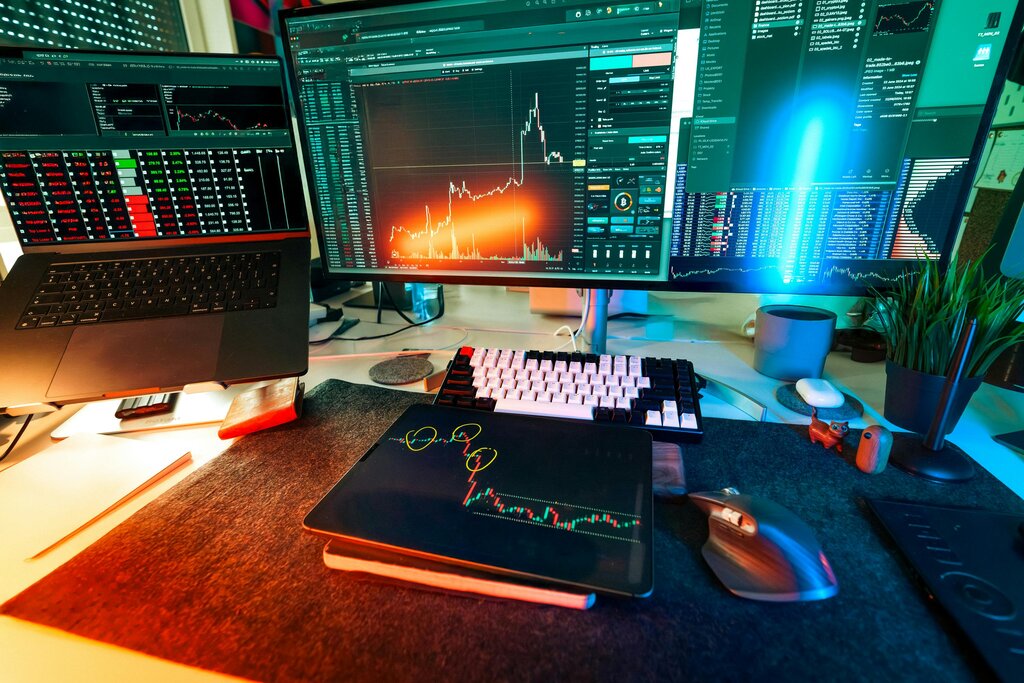
Building Your Command Centre
Once you have your broker, the next step is to configure your interface for efficiency. While platforms like TWS and Thinkorswim have excellent built-in charting, many traders use TradingView as their primary analysis tool due to its clean interface and powerful social features. You can often link your brokerage account directly to TradingView for seamless execution.
The goal is to create a layout that gives you all necessary information at a glance. This means setting up a multi-timeframe analysis view. Seeing the daily, 4-hour, and 15-minute charts for the same asset side-by-side allows you to understand the overall trend, the intermediate structure, and the immediate entry points without constantly switching views.
The final piece of your command centre is the data itself. Professional platforms offer real-time data feeds, but for a true edge, you need (also called 'market depth' or 'the order book'). Instead of just seeing the best bid and ask price, Level II shows you a ranked list of the best bid and ask prices from various market makers, giving you insight into the supply and demand for an asset at different price levels.
Executing with Precision
Your setup is only as good as your ability to execute your plan. This is where advanced order types become essential. Moving beyond simple market orders, which buy or sell at the current best price, allows you to manage entries, exits, and risk systematically.
| Order Type | Purpose | Use Case |
|---|---|---|
| Limit Order | Buy or sell at a specific price or better. | Entering a position at a desired price, not the current market price. |
| Stop Order | Becomes a market order once a specific price is reached. | Exiting a position to limit losses (stop-loss) or to enter a breakout. |
| Bracket Order | A three-part order with an entry, a take-profit, and a stop-loss. | Automating a complete trade plan. If the profit target is hit, the stop-loss is cancelled, and vice-versa. |
| OCO Order | One-Cancels-the-Other. Two orders are placed simultaneously. | Setting both a profit target (limit order) and a stop-loss (stop order) for an existing position. If one executes, the other is automatically cancelled. |
For example, a bracket order allows you to define your entire trade in one go. You place a limit order to buy a stock at $100, a take-profit limit order to sell at $105, and a stop-loss order to sell at $98. Once your entry order is filled, the other two become active. This enforces discipline and removes emotion from the exit decision.
An is similar but is used to manage an existing position. It lets you set your upside and downside exits without having to manually cancel one when the other is triggered. Mastering these tools is the bridge between having a trading idea and implementing it professionally.
Every element of the trading setup—from the color scheme and window layout to the order entry method—should be designed to reduce friction and minimize cognitive load.
With a properly configured environment, your focus shifts from fighting your tools to analysing the market. This setup is your professional foundation.